TTE Combo Communication Module – Installation and Programming Manual
23
4.3 Online Connection with AJAX SP Pro Server
After the successful adding of the new registered module to the User account, the TTE Combo must
be programmed with the service TDF file generated during the registration.
Open ProsTE software and connect your local computer to the TTE Combo using standard USB –
Micro USB data cable. Press Load button on the main ribbon bar and open the downloaded earlier
service TDF file for your registered system. Click on the “+” icon in front of System to expand the
menus of TTE Combo module. You can review the General Settings and Receiver Settings menus.
There will be available the automatically set parameters from the server.
Select in sequence using the right mouse button TTE Combo – Write to upload the settings into the
module. Follow the steps as described in item 3.7 Writing a Configuration
.
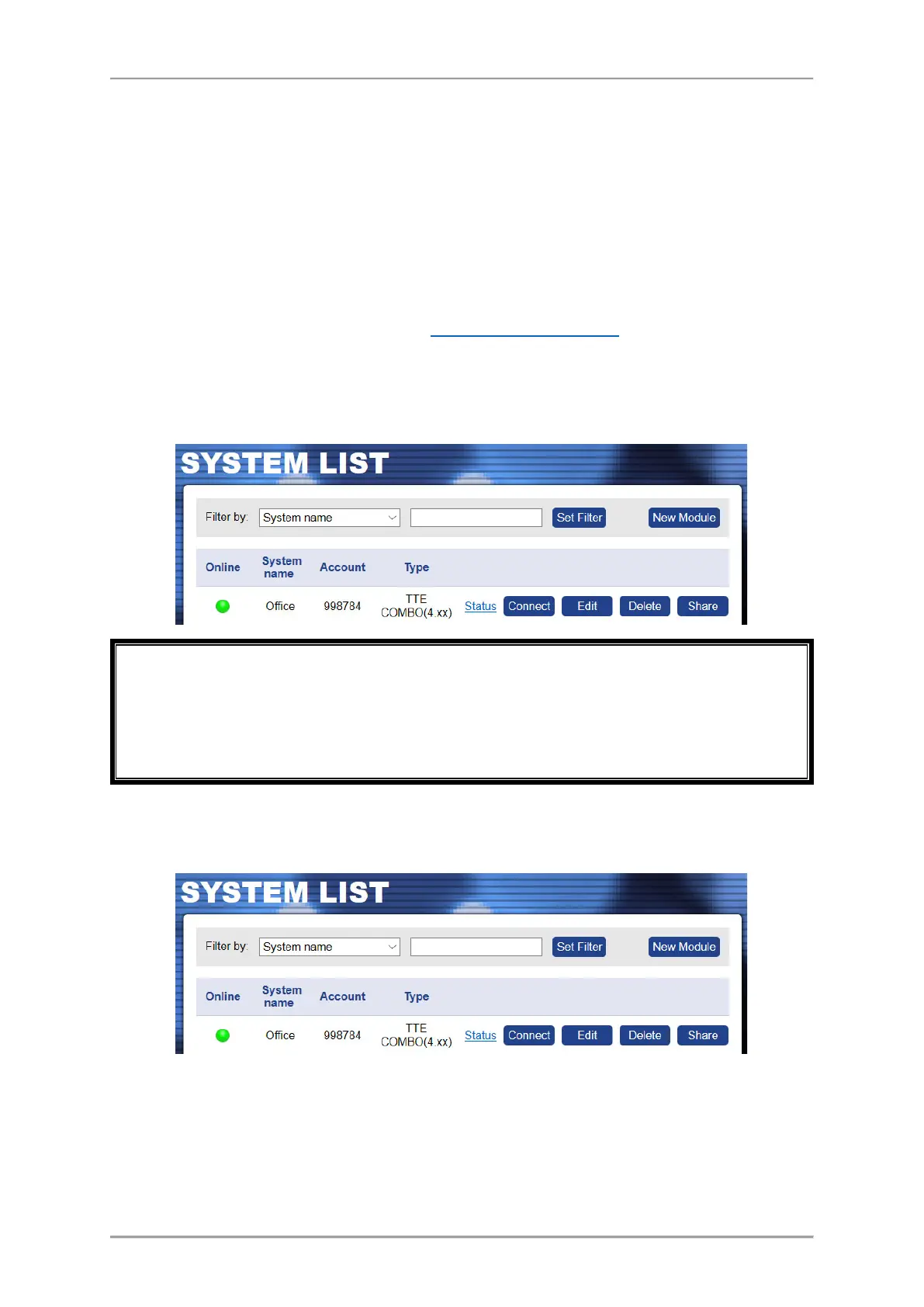
When the uploading is complete, go back to the AJAX WEB and login into your account.
If the online connection is established, the module will be now online, the type and its software
version will be recognized and visible, and the module will be ready for remote control by user.
If a connected system operates for a while, and for some reasons becomes offline, the server will
keep it in the system list up to 30 days after the disconnection. After that period the system will
be deleted automatically.
4.4 Operation with System
The User can perform some operation with the systems added to his account.
• “Search Filter” – On the top of the System List section, the User can search among the
added systems to his account filtering them by: System Name, Status (Online/Offline),
Account number or Type (panel or module). Choose from the drop-down list the option
for filtering and enter into the second field word or value for searching. Press the Set
Filter button to start.



 To Next Page