30
ADHB-4 Driver Installation
Install the ADHB-4 Driver with Windows XP
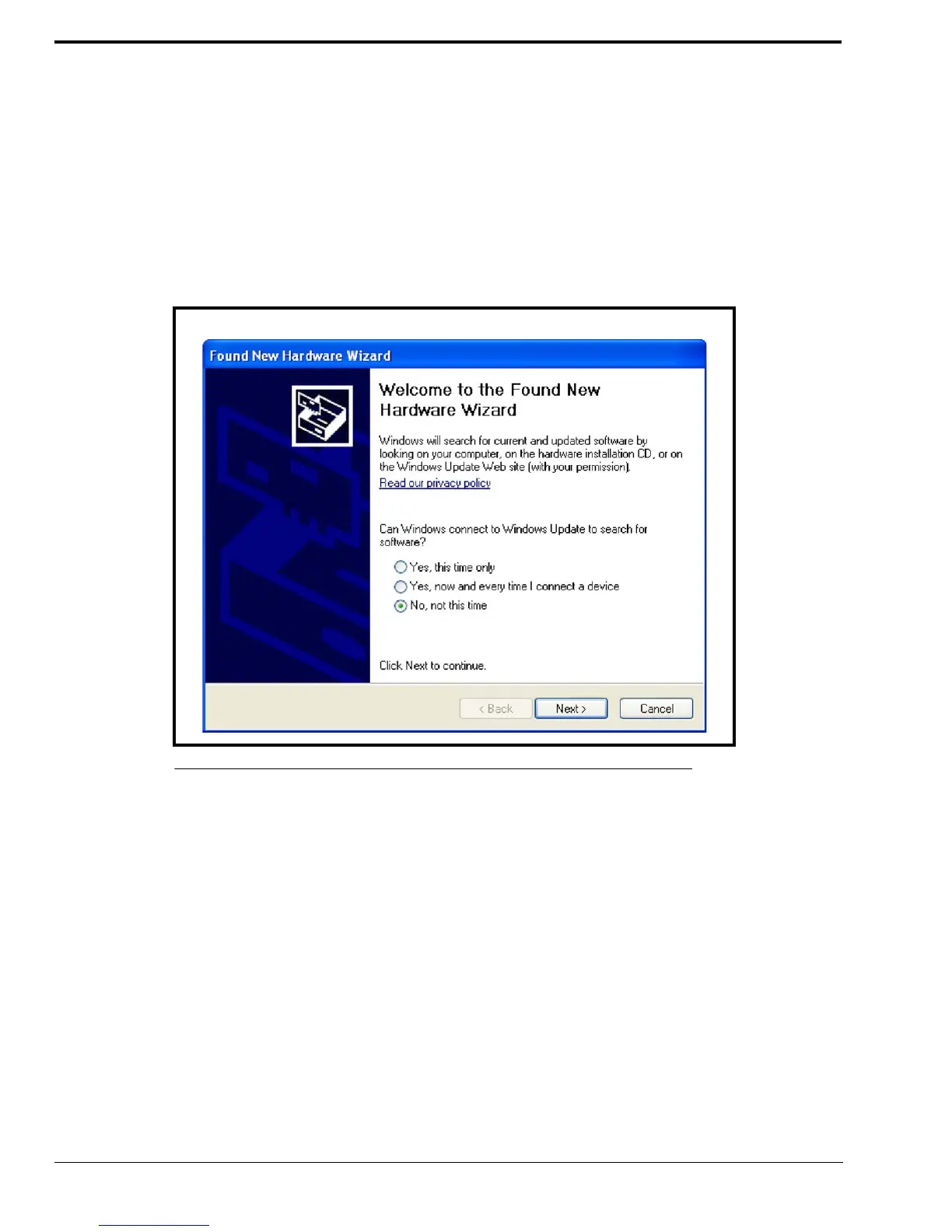
Once the ADHB-4 hardware connections, including the USB connection to the PC, are complete the Found New Hardware
wizard appears.
To install the ADHB-4 Driver with Windows XP, do the following:
NOTE: The wizard appears when a USB connection from the ADHB-4 to the PC is established. If necessary, the
USB connection can be unplugged and replugged to reopen the driver installation wizard.
1. Ensure the current version of C-Soft is installed on the PC.
1. From the wizard’s Welcome window, select the No, not this time radio button
2. Click Next.
FIGURE 13. Found New Hardware Wizard—Welcome



 To Next Page