38
Account Management Window
Confirm Password Field
The Confirm Password field is used to re-enter the new password.
Submit Button
The Submit button is used to submit the new password. Once clicked, the new password is permanently saved.
To change the ADHB-4’s password, do the following:
1. In the Password field, enter the current password.
2. In the New Password field, enter a new password.
3. In the Confirm Password field, re-enter the new password.
4. Click Submit.
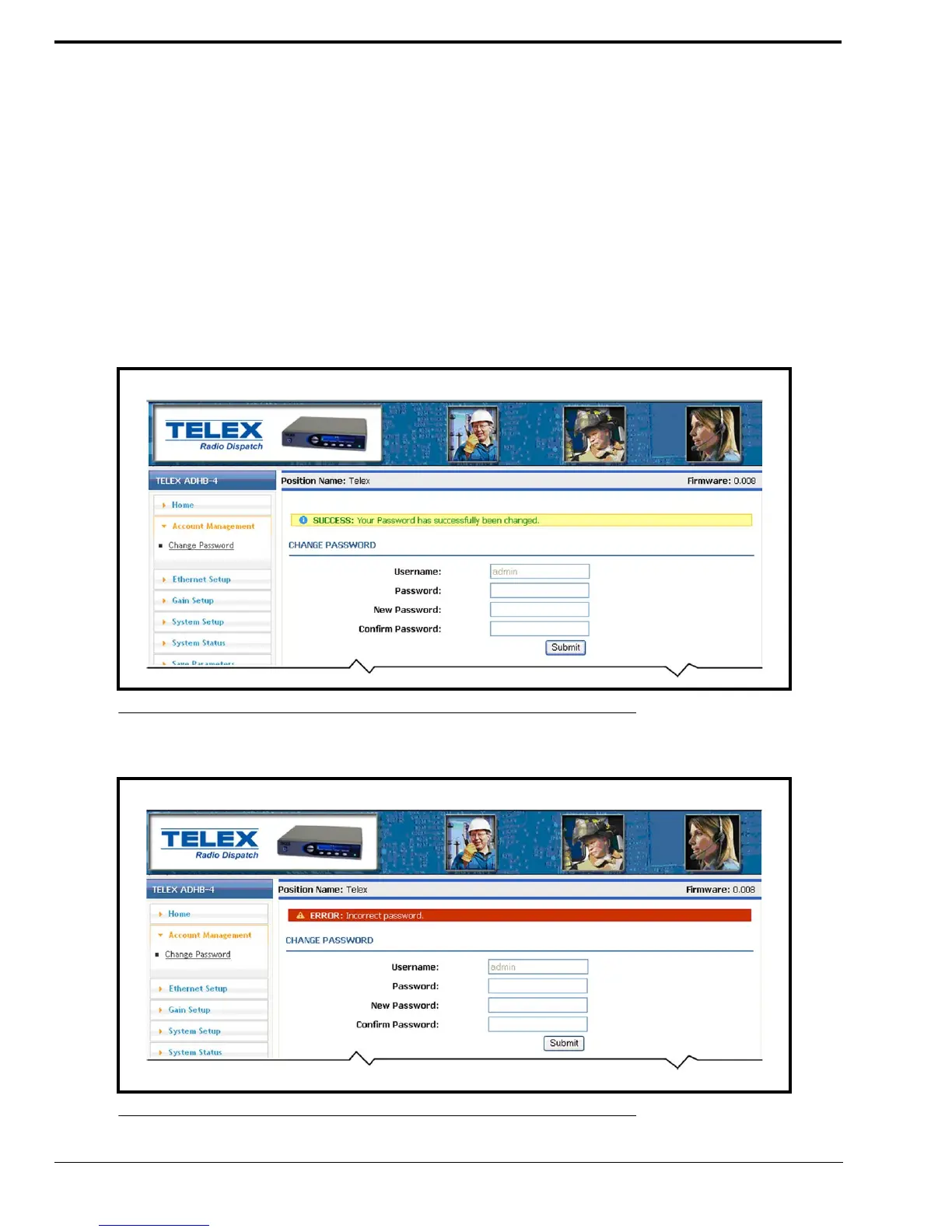
The new password is permanently saved. The message, SUCCESS: Your Password has successfully been changed
appears at the top of the window.
NOTE: If an error is made, the message: ERROR: Incorrect password, shown in Figure 23 appears.
FIGURE 22. Password Change Success Message
FIGURE 23. ERROR: Incorrect Password



 To Next Page