37
Configuration
Account Management Window
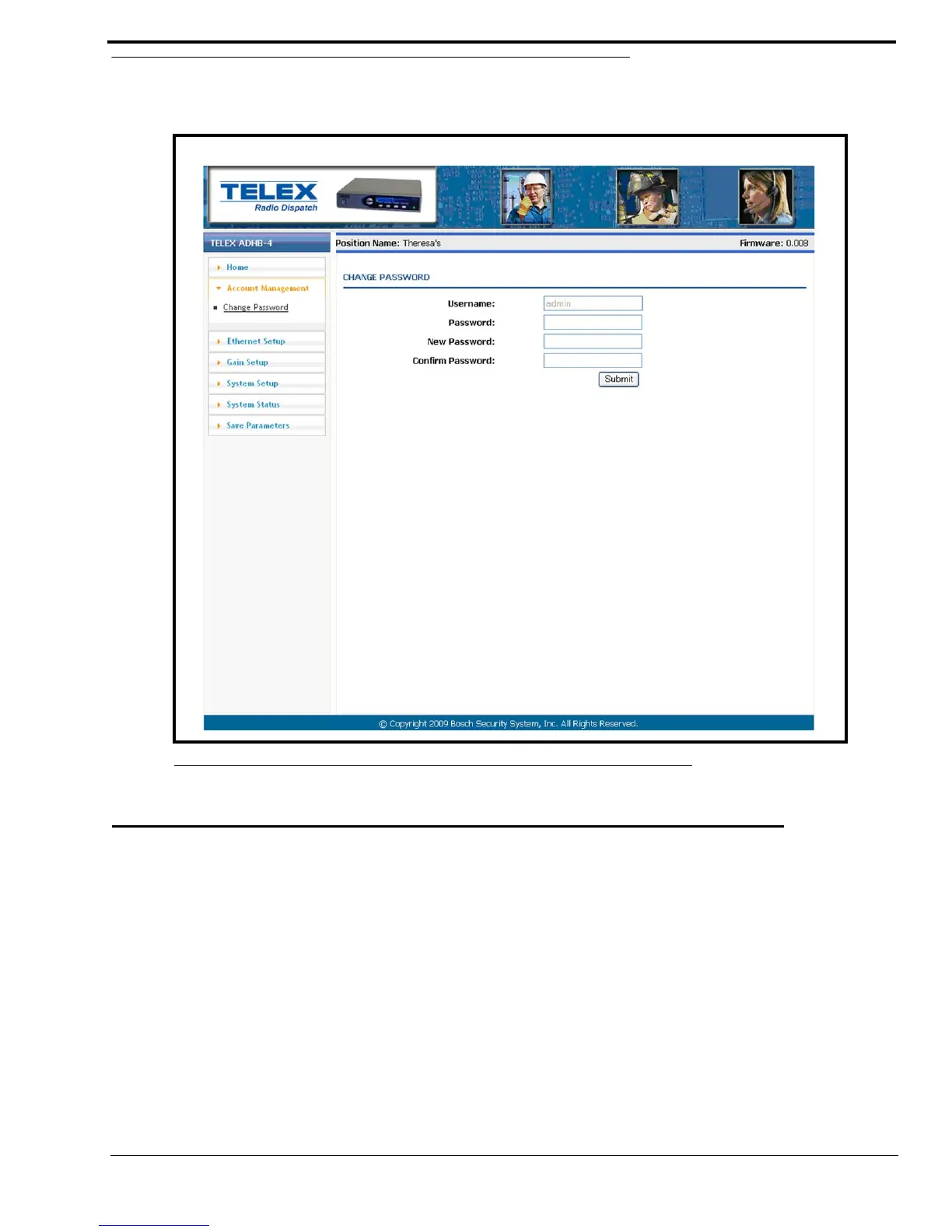
The Account Management window, see Figure 21, is used to change the administrator’s account password.
CHANGE PASSWORD
Username Field
The Username field displays admin, which is the default and only username allowed for the ADHB-4 account. This field is
grayed-out to indicate it cannot be changed.
Password Field
The Password field is used to enter the current admin password.
This field can contain up to 16 characters.
New Password Field
The New Password field is used to enter a new password.
This field can contain up to 16 alphanumeric characters.
FIGURE 21. Account Management Window



 To Next Page