34
ADHB-4 Driver Installation
10.
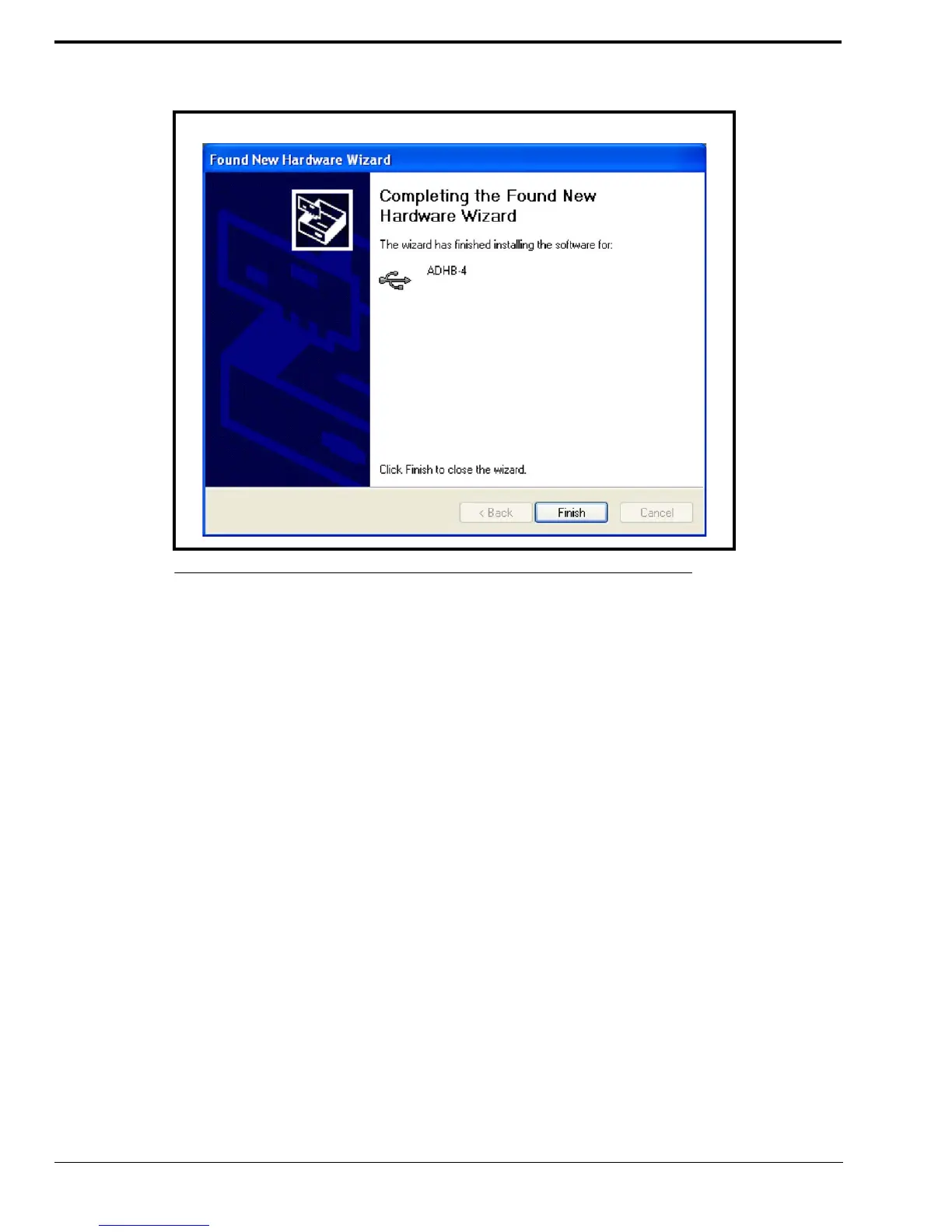
From the Completing the Found New Hardware Wizard, click Finish.
The Wizard closes and the ADHB-4 driver is installed.
Apply Power to the ADHB-4
Power can now be safely applied to the ADHB-4.
To apply power, do the following.
> Connect power to the ADHB-4.
The system information appears momentarily, then normal operation mode appears.
Connect the USB Cable
The ADHB-4 can now be connected to the PC.
To connect the USB cable, do the following:
> Connect one end of the provided USB cable to a PC and the other end to the ADHB-4.
USB displays in the upper right corner to indicate a connection to a PC
FIGURE 18. Completing the Found New Hardware Wizard



 To Next Page