70
Speaker Setup in C-Soft
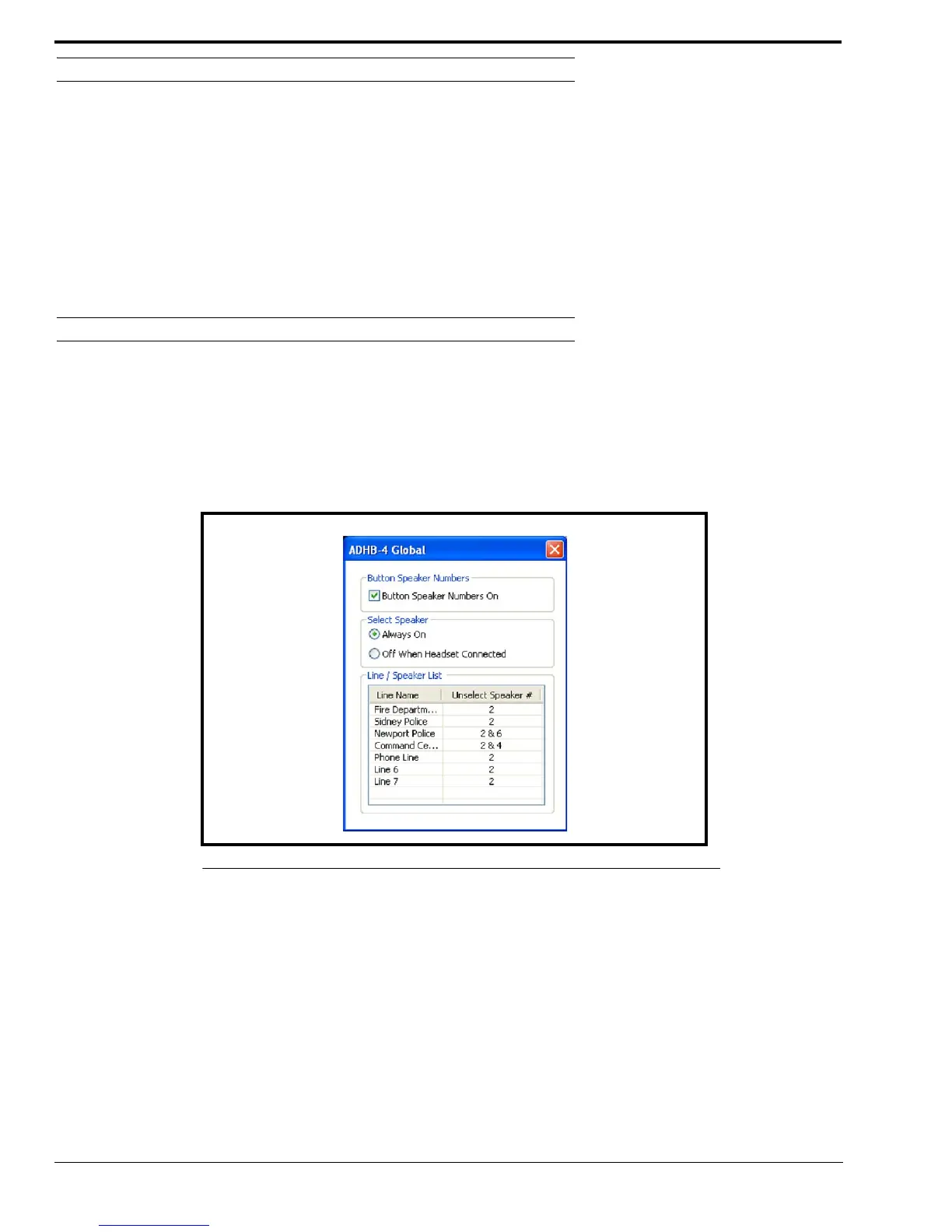
Select Speaker Group Box
Always On Radio Button
The Always On radio button indicates audio always plays from the select speaker whether or not the headset is connected.
Audio is also routed to the earpiece if a headset is connected.
Off When Headset Connected Radio Button
The Off When Headset Connected radio button indicates audio is routed only to the headset when connected. Audio plays
from the Select speaker when the headset is disconnected.
Line/Speaker List Group Box
Line Name Column
The Line Name column indicates the user-assigned name for the line.
Unselect Speaker # Column
The Unselect Speaker # column indicates the speaker number used for unselect audio.
Per Line Unselect
The Per Line Unselect window, Figure 31, appears when a line name or unselect speaker number is double-clicked. For
more information, see the “Per Line Unselect Window” on page 67.
FIGURE 33. Select Button Speaker Number Display



 To Next Page