69
Operation
IRR Speaker Window
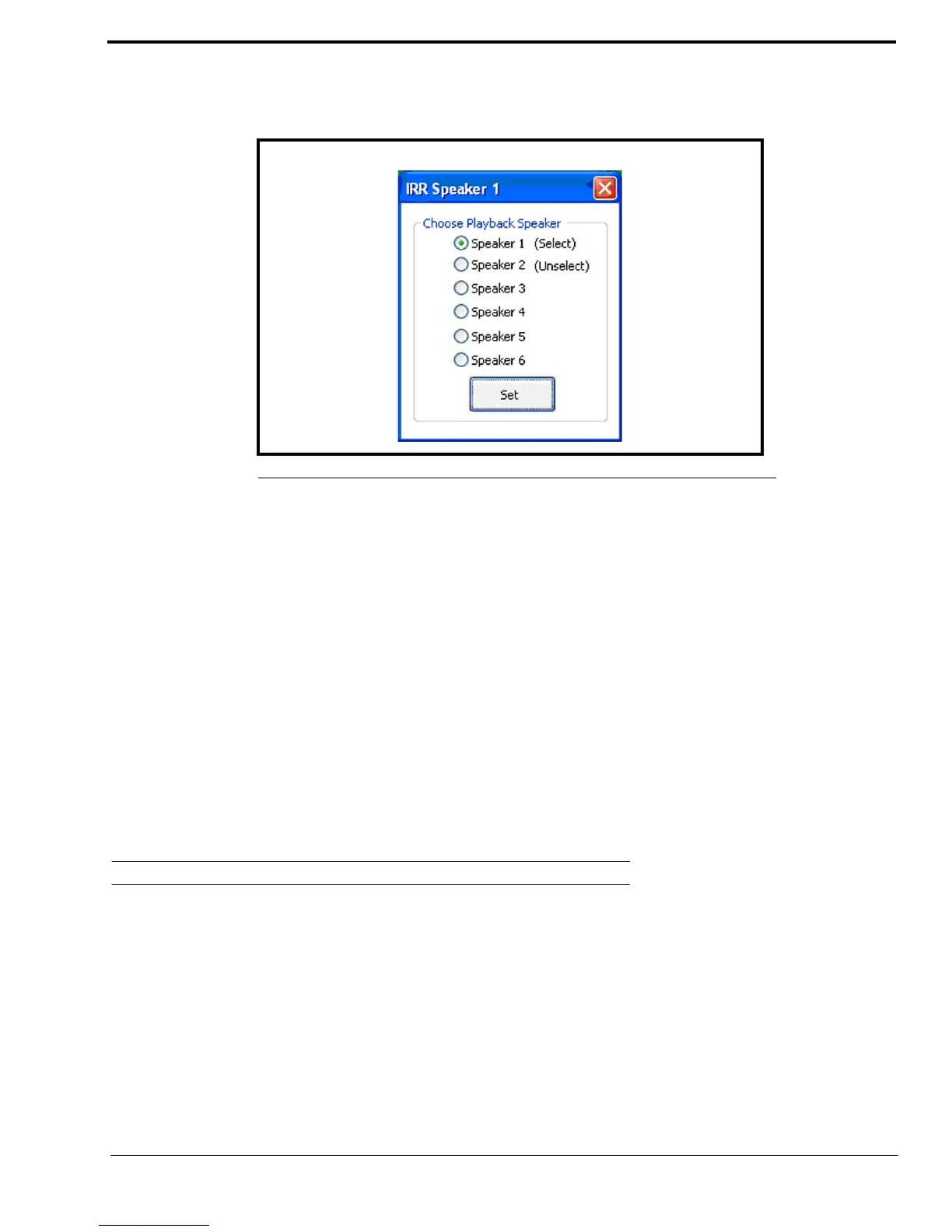
The IRR Speaker window is used to select which speakers to record audio for instant recall. Once an Instant Recall button is
right-clicked in C-Soft, the IRR Speaker window appears. See Figure 32.
To change the IRR playback speaker, do the following:
1. From the console, right-click the Instant Recall button.
The IRR Speaker window appears.
2. Select one (1) Speaker 1–6 radio button.
3. Click Set.
The Instant Recall button is configured to playback recordings from the selected speaker when clicked.
ADHB-4 Global Window
The ADHB-4 Global window is used to set up speaker number display mode, and to choose Select/Unselect speaker
configurations.
To open the ADHB-4 Global window, do the following:
> From the console, right-click the status bar.
The ADHB-4 Global window appears.
Button Speaker Numbers Group Box
Button Speaker Numbers On Check Box
The Button Speaker Numbers On check box is used to configure whether or not the speaker numbers assigned to the line
appear on the select buttons. See Figure 33.
FIGURE 32. IRR Speaker Window



 To Next Page