68
Speaker Setup in C-Soft
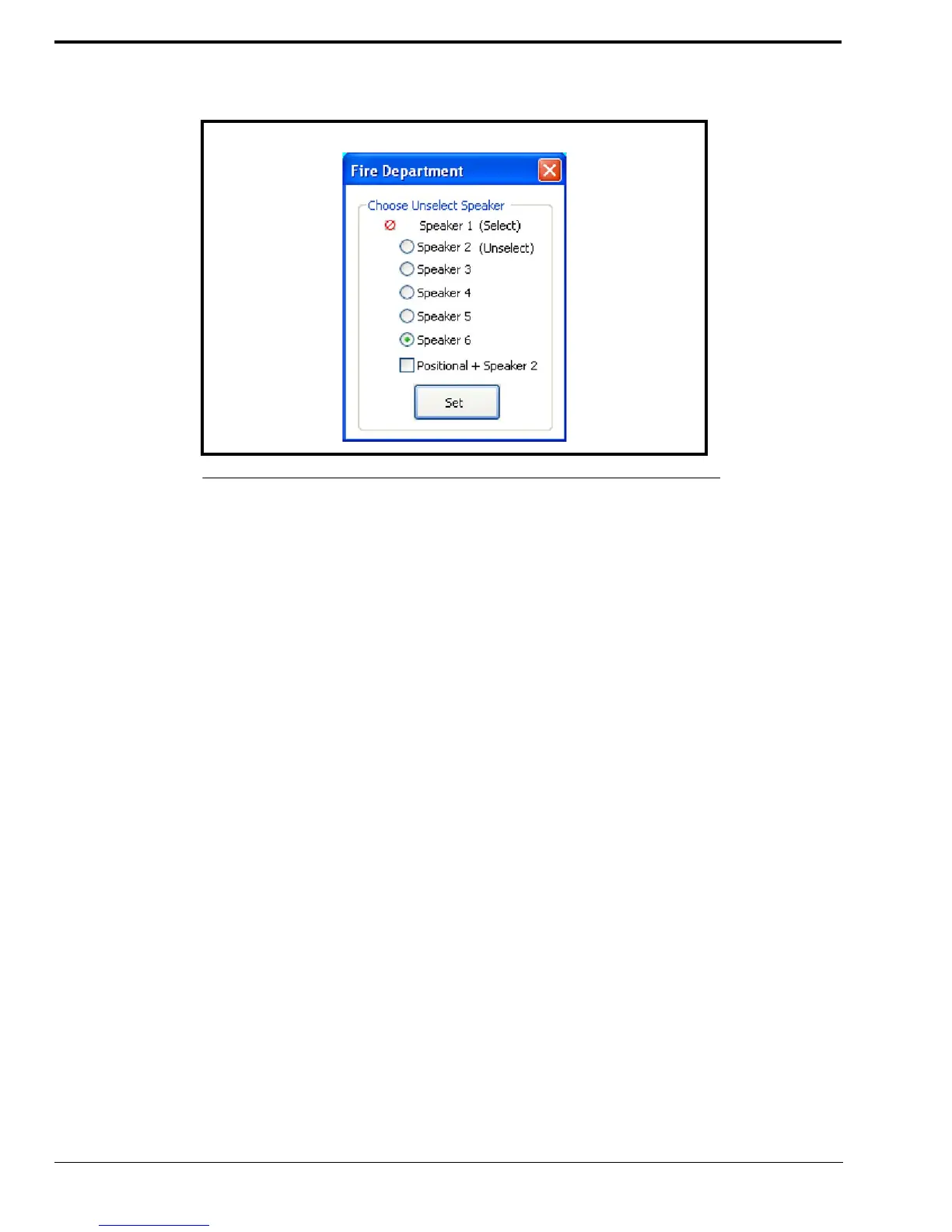
Set Button
The Set button is used to accept changes and close the window.
NOTE: This window is also accessible through the ADHB-4 Global window. See “Per Line Unselect” on page 70.
To change the per line unselect speaker routing, do the following:
1. From the C-Soft console, right-click the line’s select button.
The Per Line Unselect window appears.
2. Select the radio button(s) you want Unselect audio to be routed to.
3. Click Set.
The settings are saved and the window closes
OR
Click the red X in the upper-right corner to discard changes.
The window closes and the settings are not changed.
FIGURE 31. Per Line Unselect Speaker



 To Next Page