57
Configuration
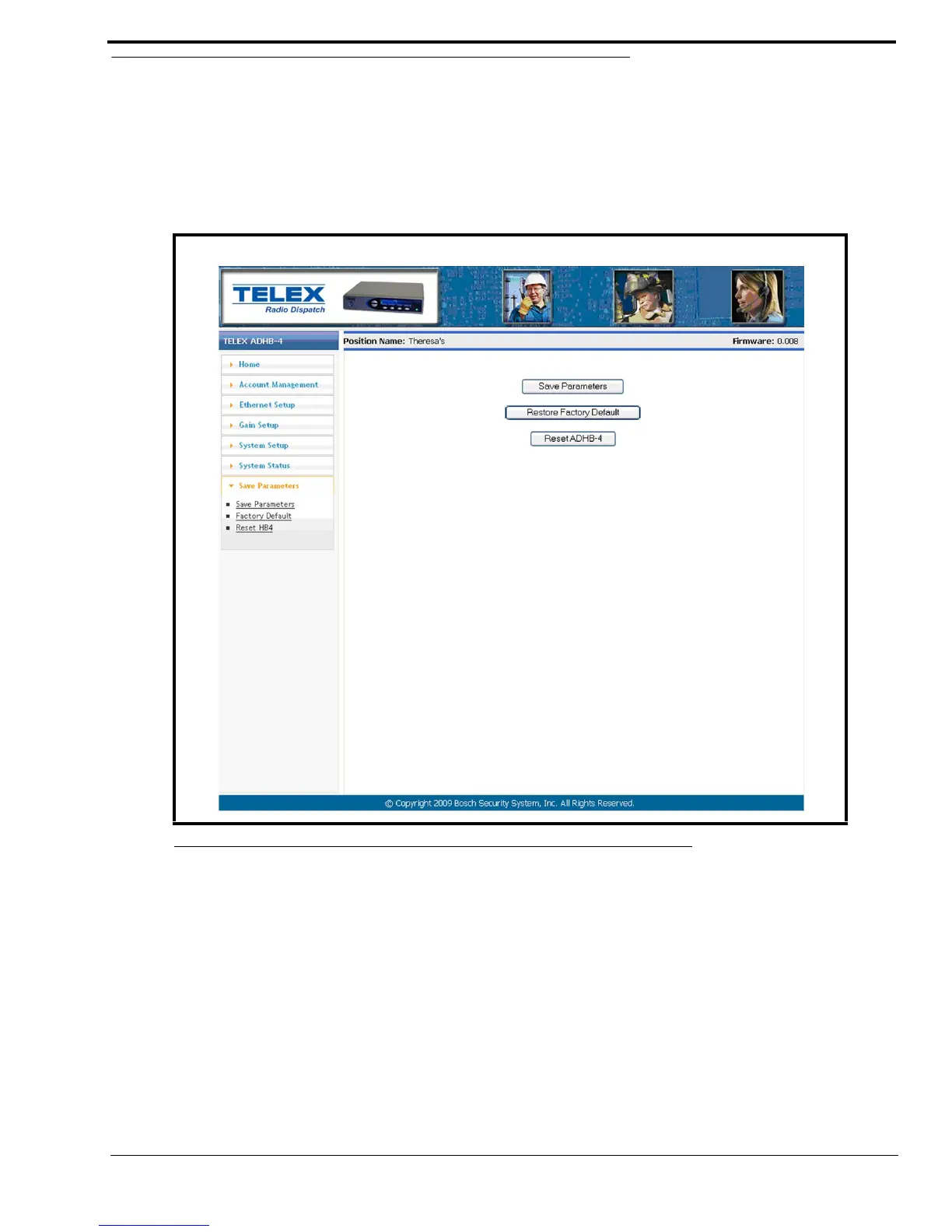
Save Parameters
Save Parameters Button
The Save Parameters buttons is used to store all parameters to the ADHB-4’s memory for permanent storage.
NOTE: If the IP Address is changed on the Ethernet Setup window, the web browser is redirected to the new IP Address
after the parameters are saved.
Restore Factory Default Button
The Restore Factory Default button is used to restore the configuration to the factory default settings.
To restore factory defaults, do the following:
1. Click the Restore Factory Default button.
The parameters are restored to the factory defaults.
2. Click the Save Parameters button.
The factory defaults parameters are permanently saved to the ADHB-4.
NOTE: If the restore Factory Default button is clicked in error, the previous configuration can be retrieved by clicking
the Reset button.
FIGURE 29. Save Parameters Window



 To Next Page