V1.1-OCTOBER 2019
| 9
OMNIA MPX NODE MANUAL
5 The Front Panel
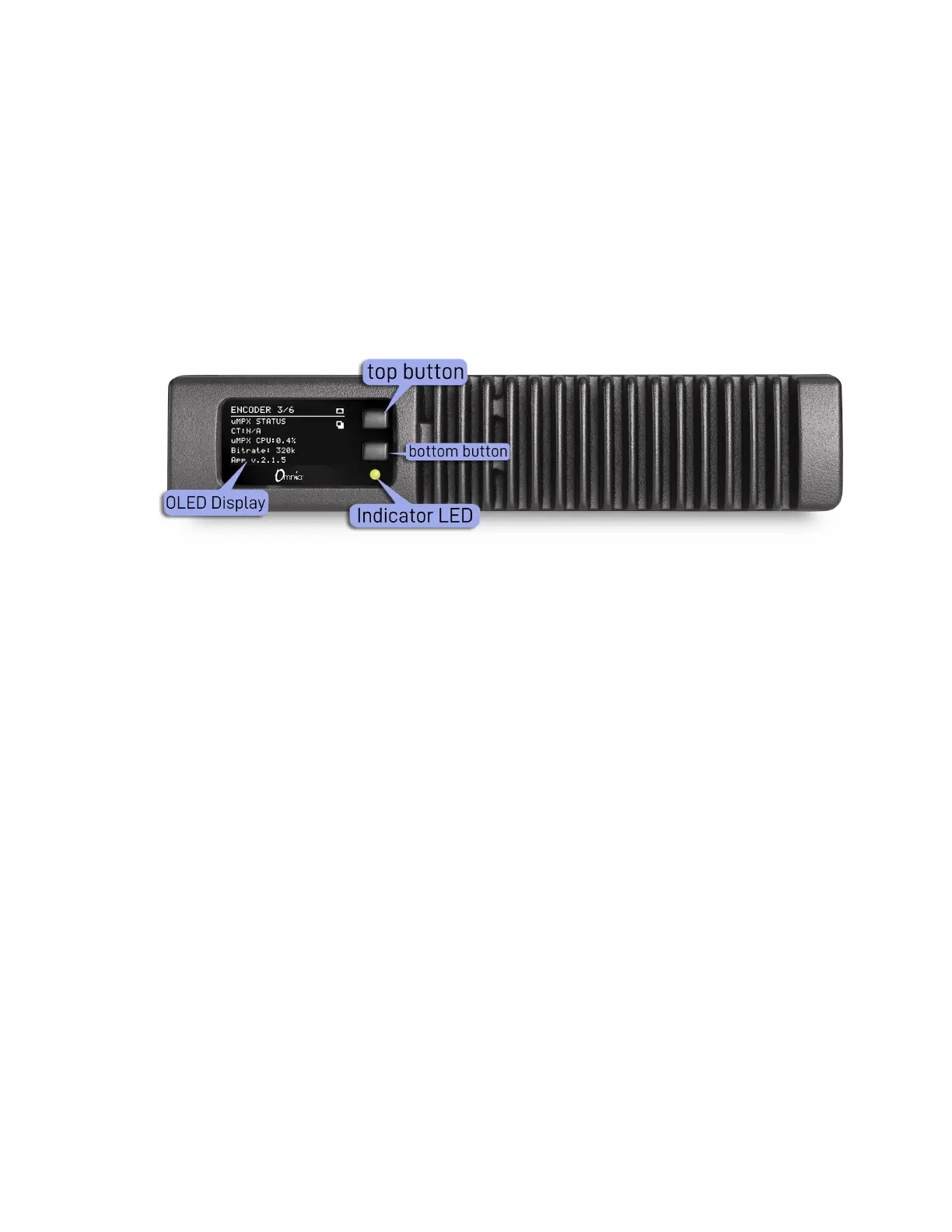
The MPX Node front panel consists of two buttons, an LED and a long-life OLED display,
housed in a fanless, rugged cast aluminum body with integrated heat exchanger. The
front panel provides fast access to system status information. Front panel data input is
limited to IP address setup and password reset so you can get at the GUI , the real control
point for all system operation.
Front Panel buttons
Use the top control button to scroll through the display pages. Page 4 (the NET1 page)
may be edited, by pressing and holding the bottom button for 10 seconds until the IP
address edit page appears. Once you are in this screen, the top button changes values
while the bottom will advance you to the next field.


 To Next Page