V1.1-OCTOBER 2019
| 32
OMNIA MPX NODE MANUAL
Encoder Dashboard
The Dashboard page provides a comprehensive information overview of Encoder
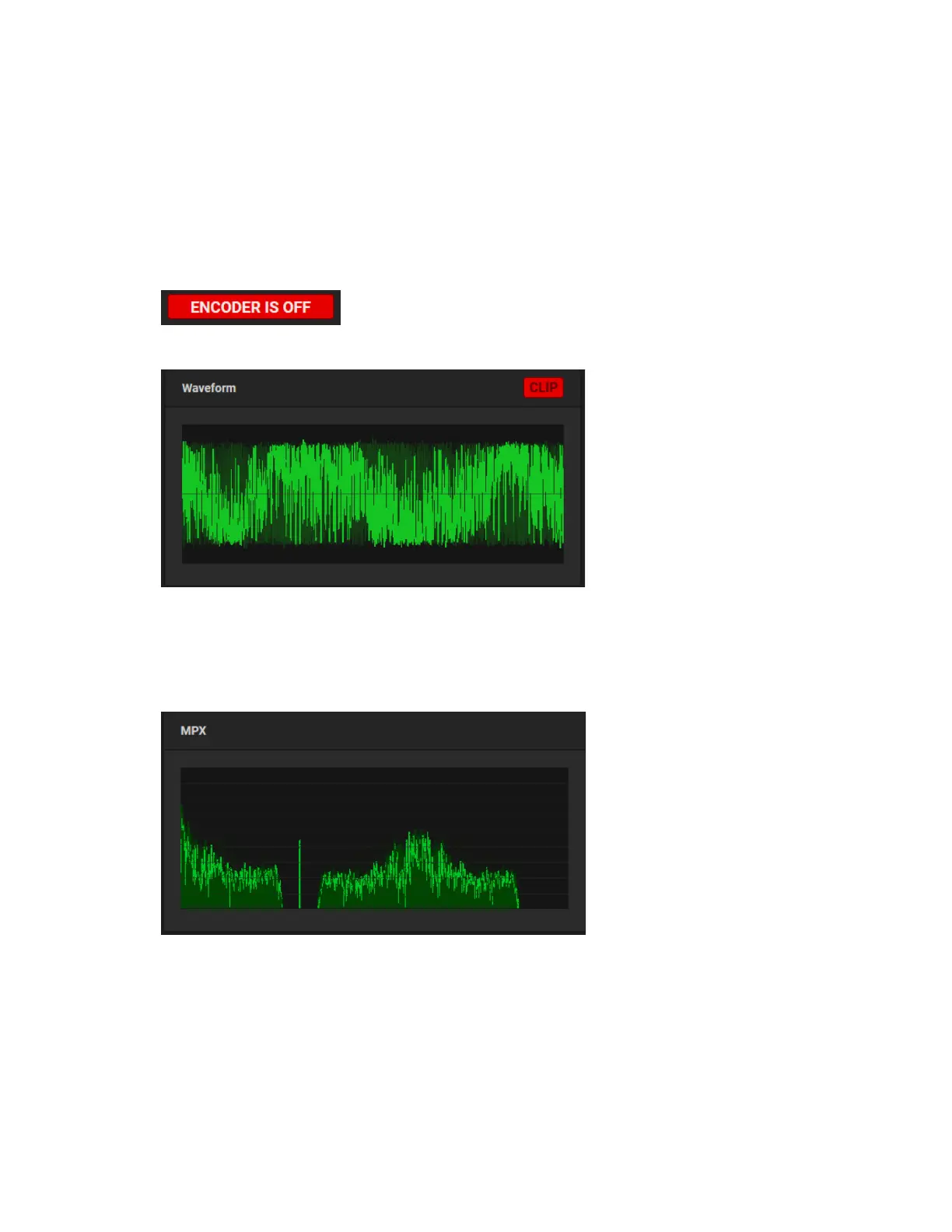
system activity and status. If the Encoder is off, this display will appear to be frozen,
and an “Encoder is off” message will appear:
To turn the Encoder on, go to the μMPX Setup page.
The Waveform display gives you a quick view of your audio levels, including a clip
indicator that flashes when triggered by high levels. Input levels may be adjusted in the
setup screen.
The MPX display provides a view of the FM signal, including L+R, 19kHz stereo pilot L-R,
and RDS signals.


 To Next Page