V1.1-OCTOBER 2019
| 26
OMNIA MPX NODE MANUAL
9 Encoder Setup
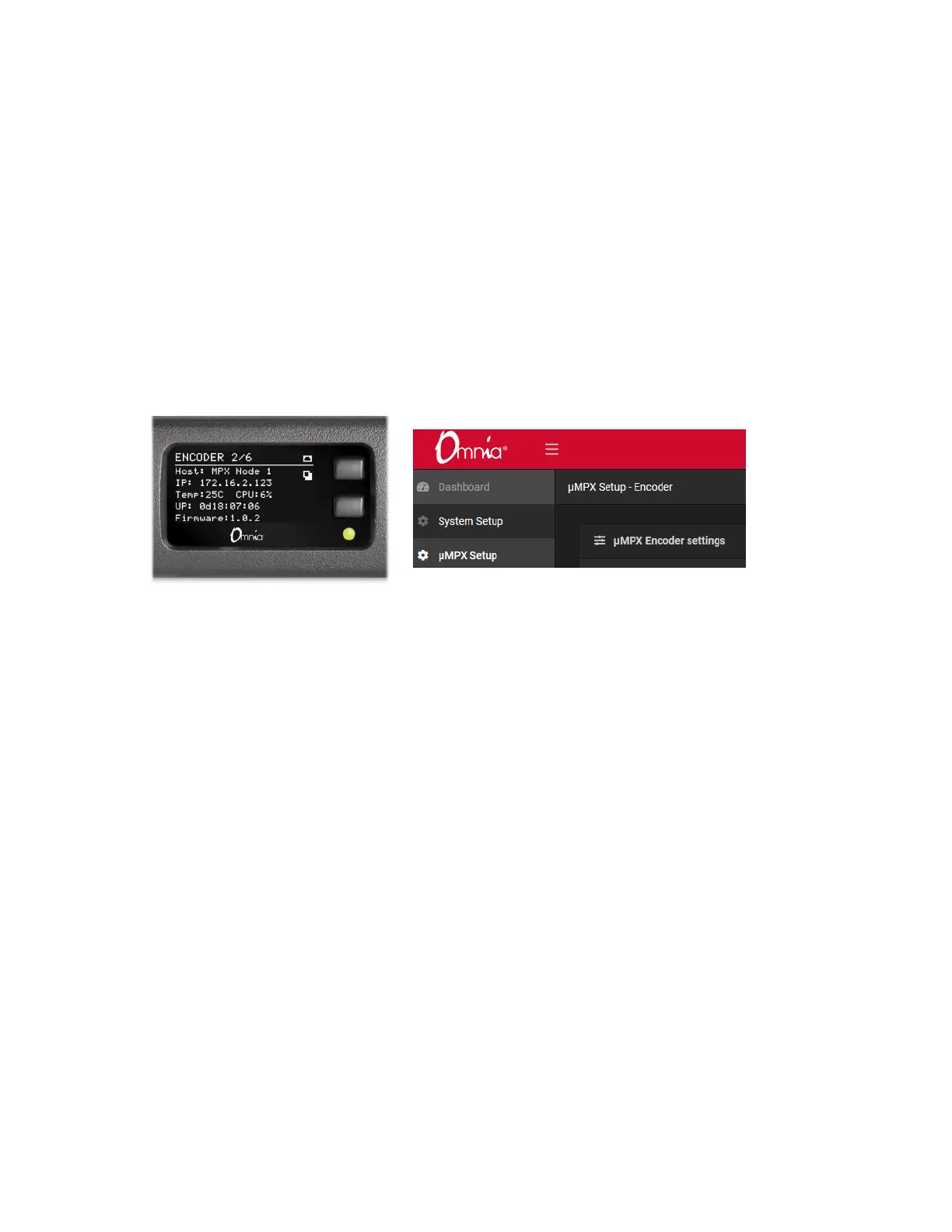
Verify that your unit is running as an Encoder by viewing the top line of front panel
display, or checking the upper left page title from the GUI. The word “ENCODER” will be
prominent.
(If you are setting up a Decoder, proceed to the Decoder Setup section later in this manual)
Internal switches are configured at the factory to set your MPX Node to Encoder or
Decoder mode. Switch settings are detected on power up, and the Encoder or Decoder
interface is displayed accordingly. In Encoder mode, the BNC connector on the rear panel
acts as an FM composite Input. To encode a signal, feed it an analog composite signal
just as you would feed an FM transmitter and verify you have incoming levels from the
Dashboard menu page. MPX Node operates at standard levels: 3.5V peak-to-peak, low
source impedance.
To configure Encoding, go to the µMPX Setup page:


 To Next Page