V1.1-OCTOBER 2019
| 4
OMNIA MPX NODE MANUAL
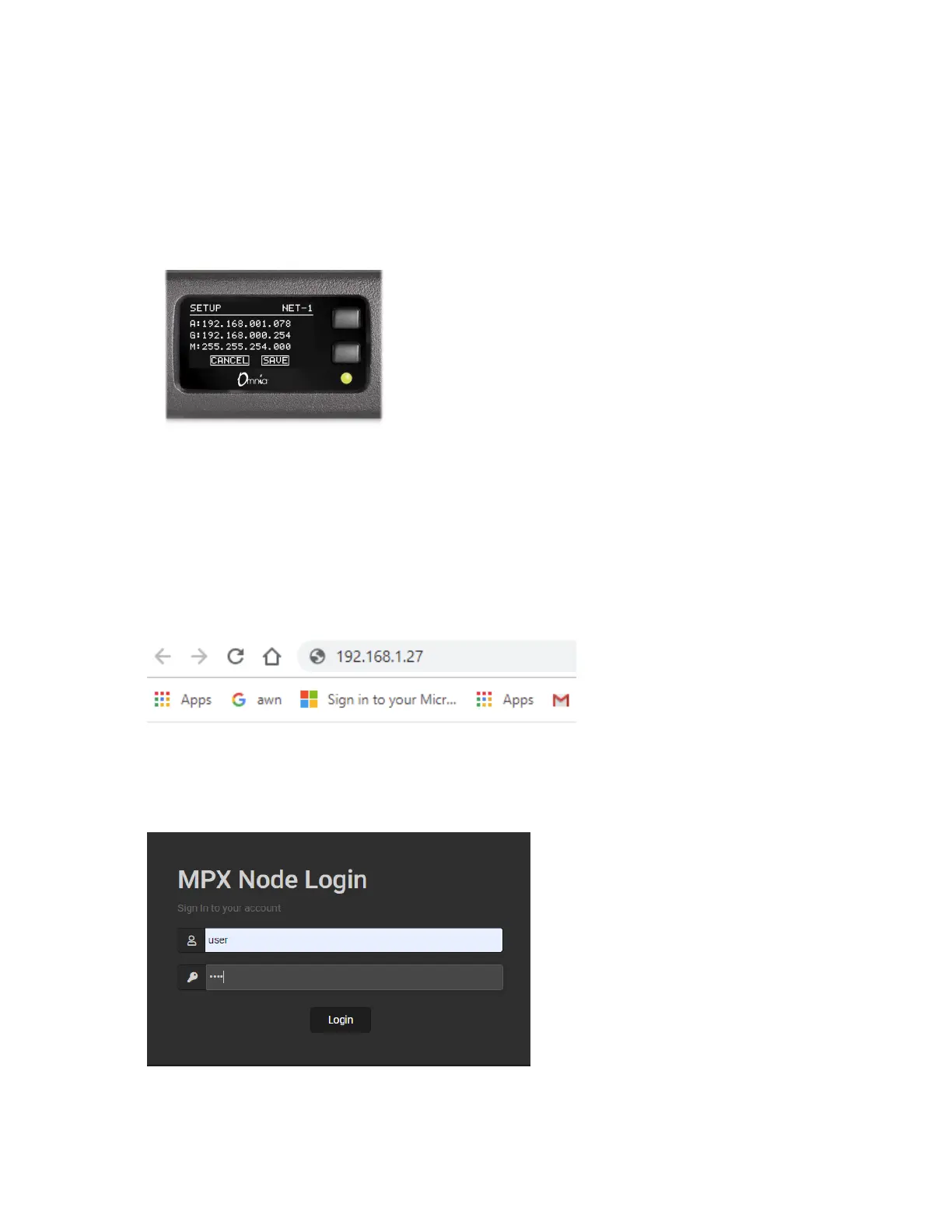
4. If you don’t have a DHCP server on your network, you can enter a static IP address from
the front panel. Press and hold the bottom front panel button for 10 seconds until you
see the Setup page.
5. Use the upper front panel button to change values, and the lower button to advance to
the next field. To save changes, advance to the SAVE field and press the upper button.
6. Once your MPX Node has a valid IP address, use a connected web browser to log in by
entering it in the address bar:
Logging In
Once you enter the IP address of your unit in a connected browser, you will see the follow-
ing login page:


 To Next Page