15
3.4 Hide the WiFi network of the extender
The extender supports to hide its WiFi network so that wireless devices cannot scan it, thus
improving the security of the WiFi network of the extender.
Step 1 Connect your smart phone to the of the WiFi network of the extender.
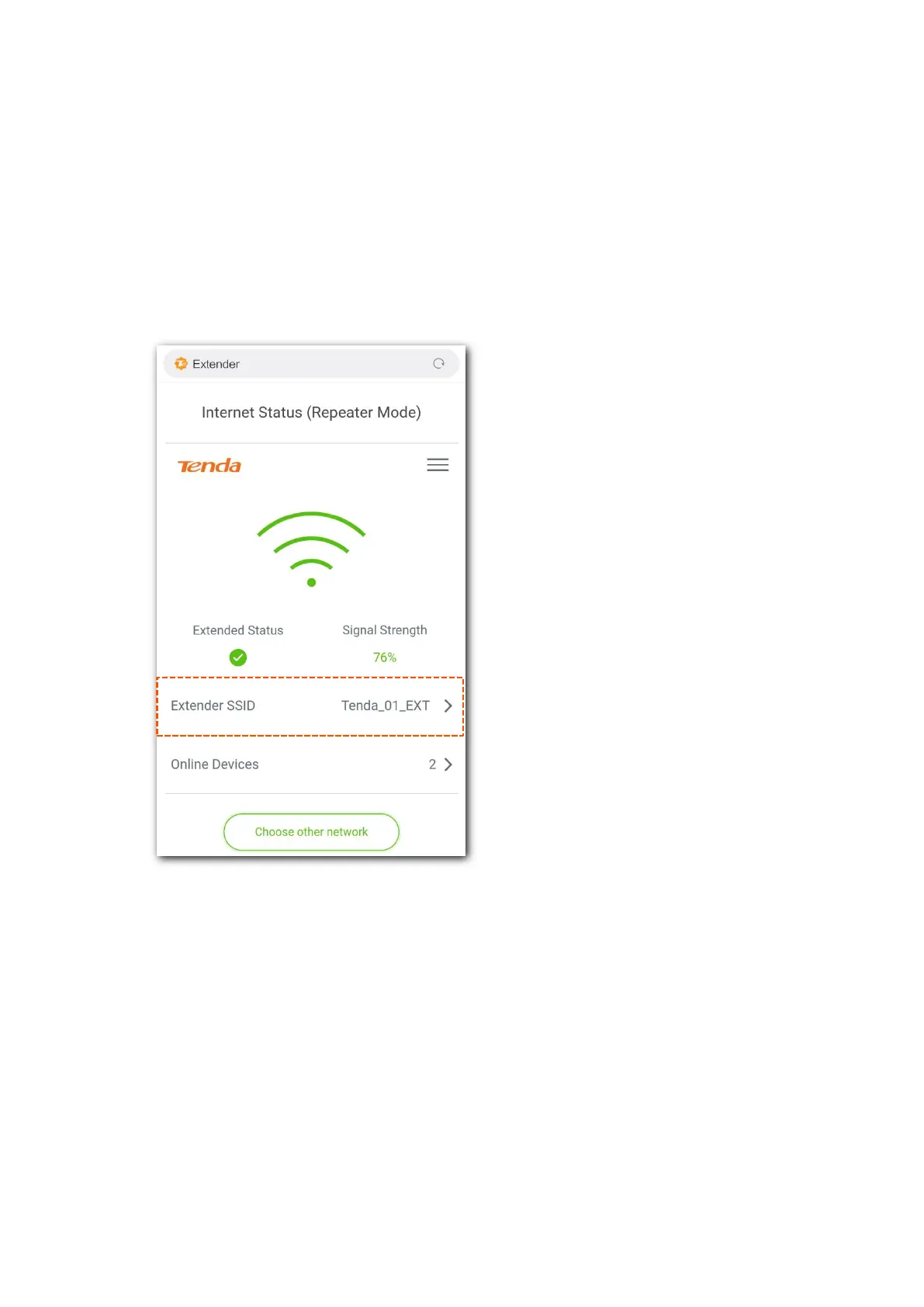
Step 2 Open a web browser on your smart phone, and access re.tenda.cn. The homepage of the
extender pops up.
Step 3 Tap the Extender SSID field. The WiFi Settings page pops up.


 To Next Page
 Loading...