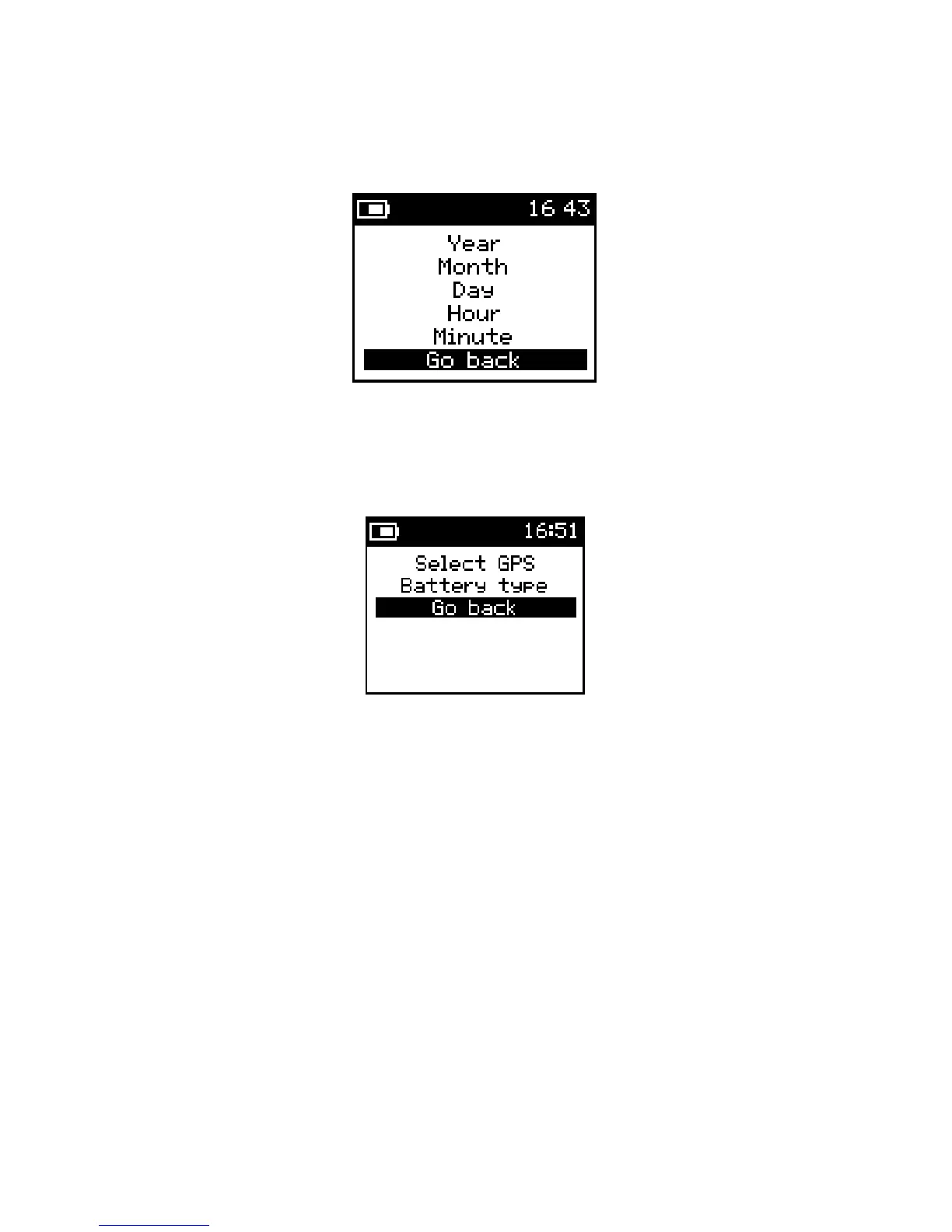
Date/Time:
To set date and time on the KT-10 v2, in a 24 hour format.
Figure 17: Date/Time
Accessories
Allows for configuration of the GPS and Battery type.
Figure 18: Accessories
Select GPS:
Entering this option will start a search for Bluetooth capable GPS units. A search
screen will be presented and when all the Bluetooth enabled devices have been detected, a list of
all named Bluetooth devices will be displayed. Please consult the GPS user’s manual for detailed
information on settings for the Bluetooth GPS and any name it may use for its discovery.
Please note: Some Bluetooth GPS units require a “PIN” for secure pairing. To facilitate this, the
KT-10 v2 allows entry of a “PIN” via GeoView software.
Battery Type: there are t
wo choices for battery type selection, rechargeable and non-
rechargeable.
23


 To Next Page