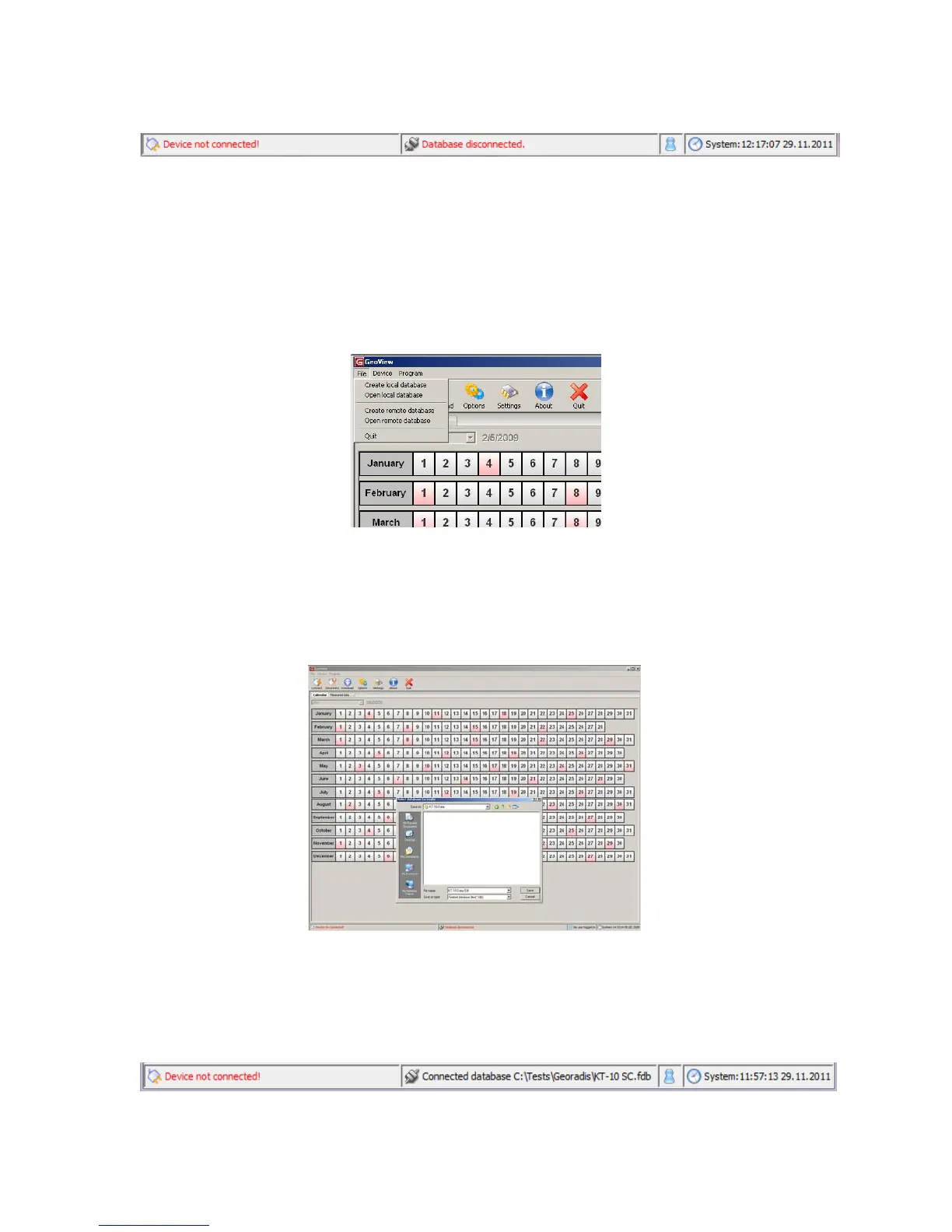
Figure 61: Connections Status
To start adding data to the Geoview software, a database must be created for the storage
of the KT-10 v2 data. This is accomplished by navigating to the file menu seen in Figure
62 and then selecting either Create local database or Create remote database. (Most
users will want to use the local database option)
Figure 62: File Menu
A Windows file browser window will open, seen in Figure 63. Select the location and
file name for the database file. Select Save when finished.
Figure 63: Database Creation Dialogue
You will notice at the bottom of the main window that a database connection is now
shown.
Figure 64: Database Connection Updated
65



 To Next Page