Device Settings Icon
Under the Program menu you will find Options and About, details for each selection can
be found below.
Options: - This selection allows for additional fields to be added to the database. These
new fields will be stored along with your KT-10 v2 readings. More details on this option
are further explained starting on page 71. There is an icon on the main window for quick
access to this function and it can be seen below.
Program Options Icon
About: - This shows program version, database version and is the location for performing
a GeoView software upgrade. There is also a quick link icon to this feature and it can be
seen below.
About Geoview Icon
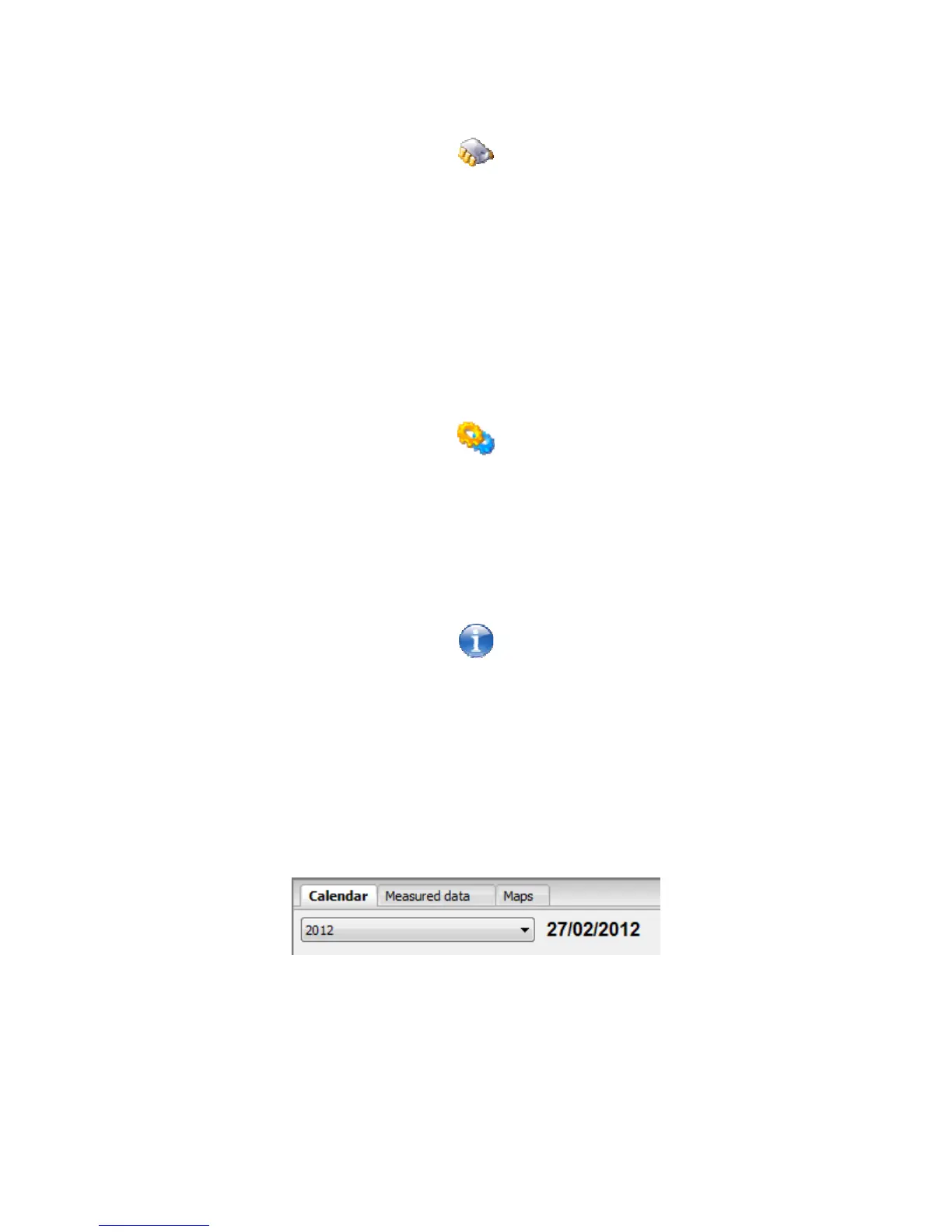
Directly below the quick link icons you will see a pull down menu with a date beside it.
This can be seen below in Figure 60. This allows you to switch between different years
in the database. You will also notice two tabs, one labelled Calendar and the other
labelled Measured data which are directly above the year. This will change the interface
between the calendar view and the data view.
Figure 60: View Selection
Down at the bottom of the window you will also notice additional information being
presented. This shows details on device and database connections along with system or
device date and time and user credentials for database login. Figure 61 shows an
example of this portion of the screen.
64



 To Next Page