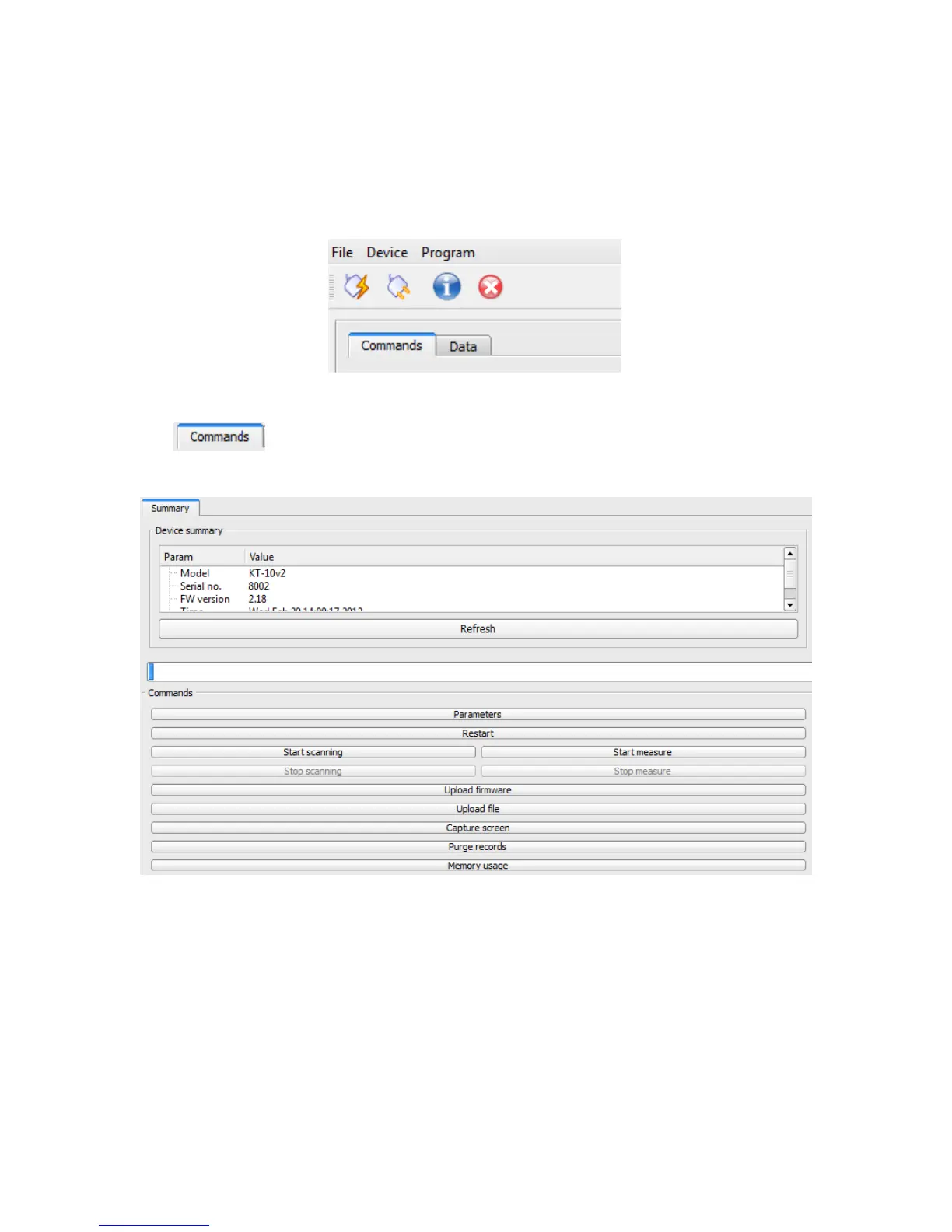
Once the meter is connected, then the user can select between Commands or Data tab, as
shown in figure below.
Figure 104: Geomon tab
The tab offers the following:
Device Summary: lists information such as serial number, firmware version and model
type of the meter that is connected.
Refresh: updates the summary window
Parameters: allows user to set device parameters, enter calibration value and so on…
Restart: re-starts the meter
Start scanning: starts scanner measurement
85



 To Next Page