The main menu lists 3 selections and they are:
Initiates real time scanner profile measurement on the KT-10 v2 if the
meter is paired with GeoVision.
Allows an operator to review data stored in the KT-10 v2’s memory.
Operator can then view any records or attach text note using the keypad of
the mobile phone.
Connects GeoVision to the KT-10 v2 via Bluetooth.
5.2.2.1 Connect / Disconnect
To connect GeoVision to the KT-10 v2:
1. Tap on the
button.
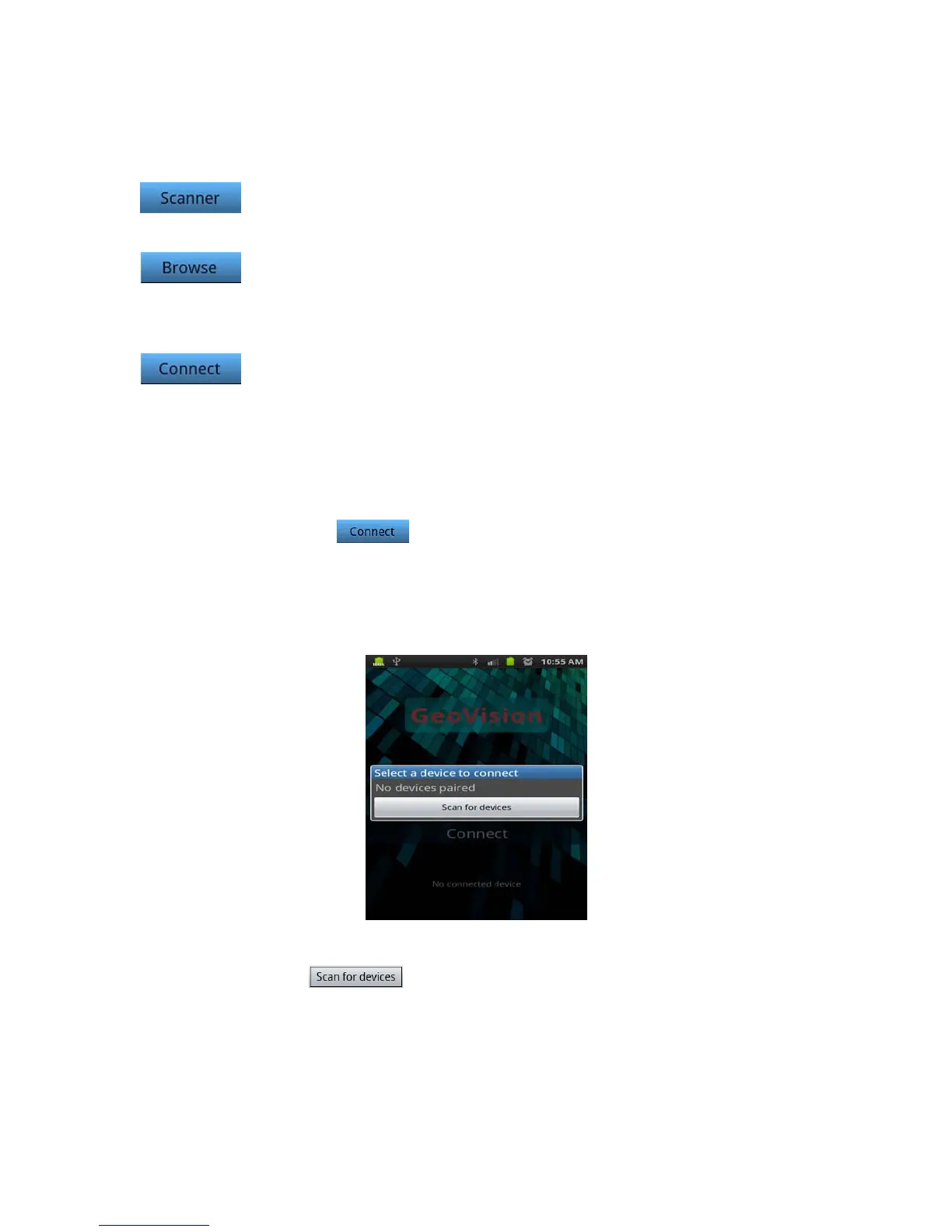
2. If your phone is not currently paired with any Bluetooth device, you will
be provided with selection to Scan for Bluetooth device as seen in the
figure below.
Figure 115: Scan for device
3. Tap on button.
4. When the scan is completed, a list of Bluetooth device will be populated
as seen in Figure 116.
94


 To Next Page
 Loading...