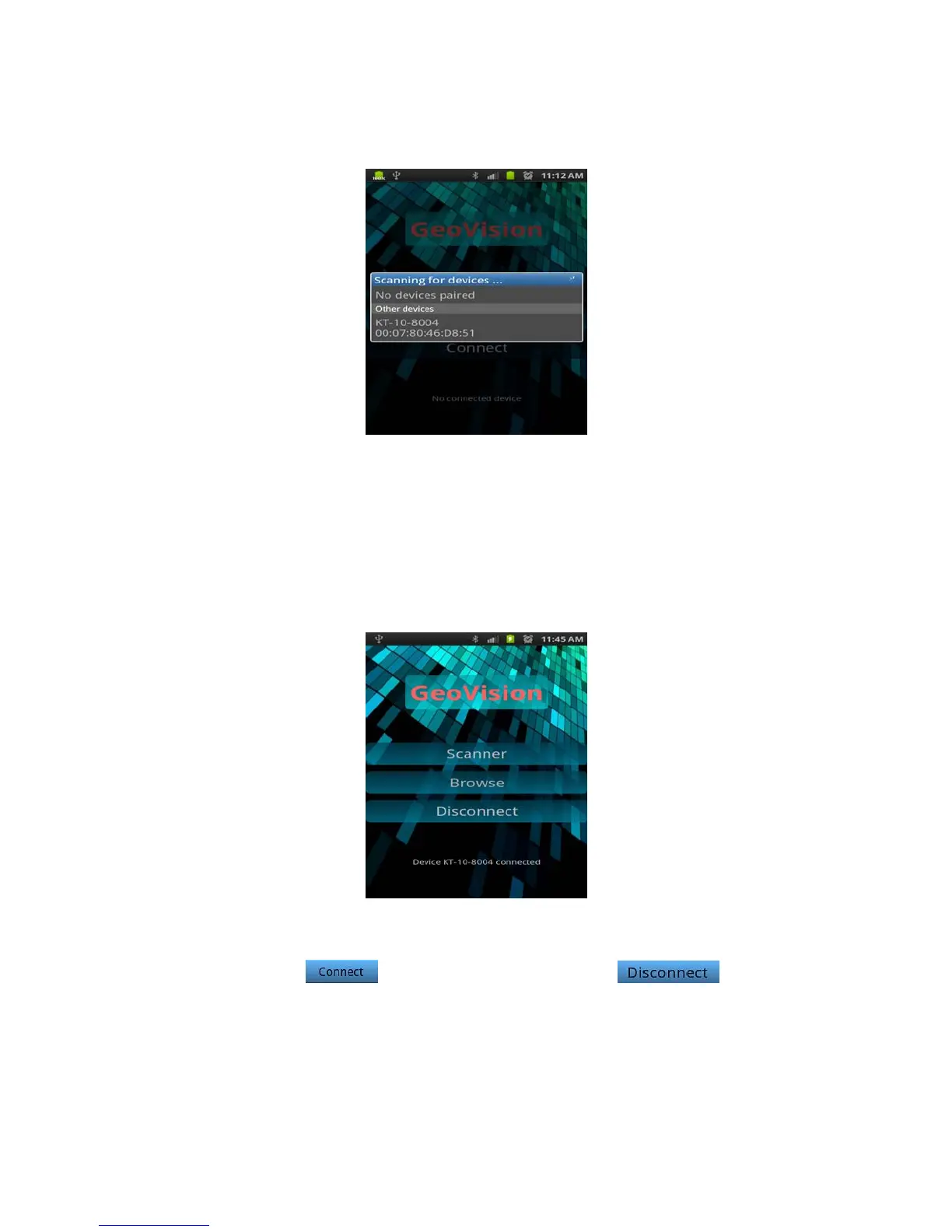
Figure 116: Device selection
5. Find and select your KT-10 v2 from the list by taping on the device’s name.
6. When the GeoView is successfully connected to your KT-10 v2, the
following screen can be seen momentarily – indicating that the device is
connected.
Figure 117: Device connected
Please note that the button is now replaced with . Also, the
Scanner button is now active.
95


 To Next Page
 Loading...