To disconnect your KT-10 v2 from the GeoVision / mobile device;
Simply tap on the
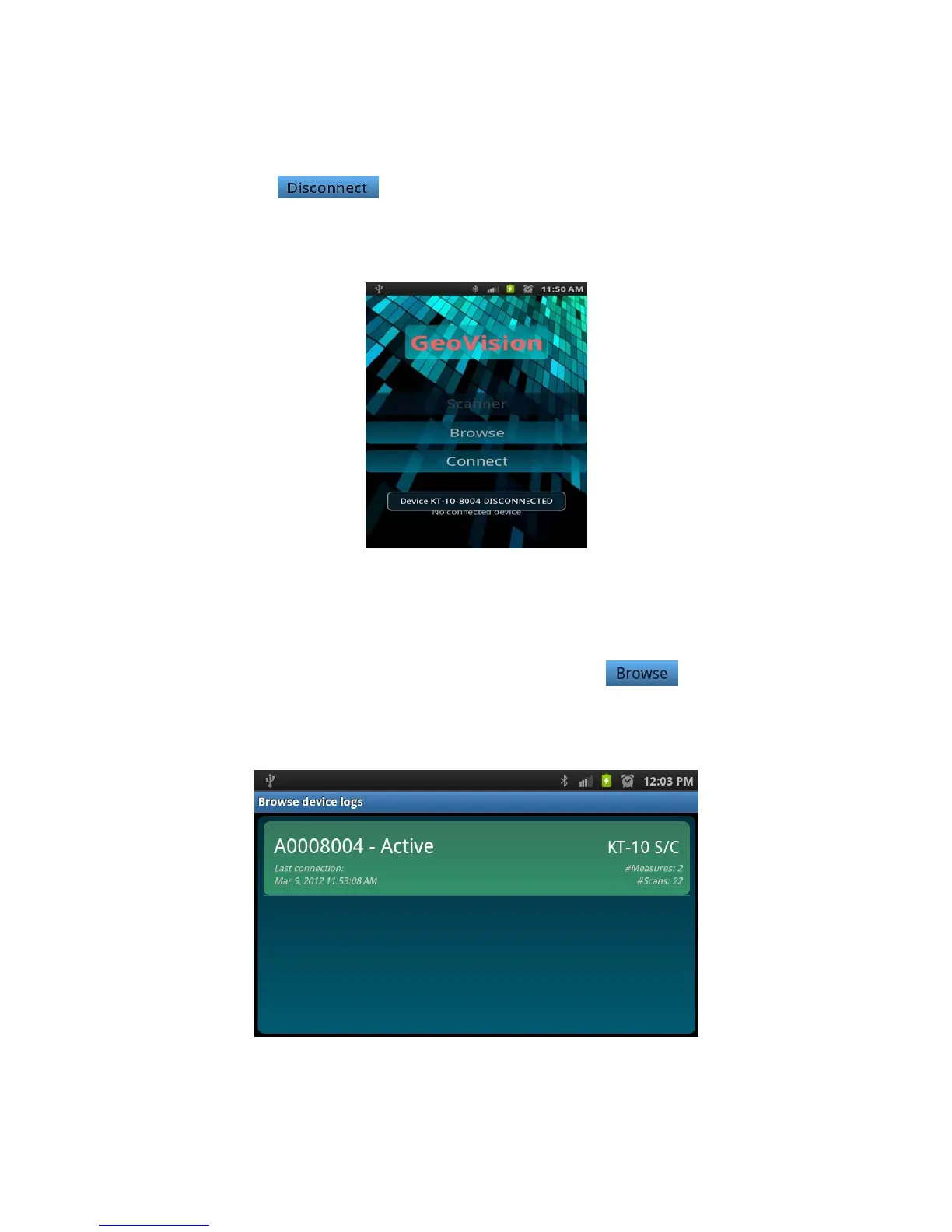
button. When disconnected, the following screen will be
displayed momentarily and the Disconnect button will be then replaced with Connect.
Figure 118: Device disconnected
5.2.2.2 Browse
To browse previously stored data on the KT-10 v2, tap on the button. It takes a
few seconds for the GeoVision to read all of the data from the KT-10 v2. When the
reading of data is completed, a device log will be populated as seen in the figure below.
Figure 119: Device Log
Note: Phone
96


 To Next Page
 Loading...