In the figure 119, the serial number of the paired KT-10 v2 as well the number of stored
records for Measure and Scanner is displayed.
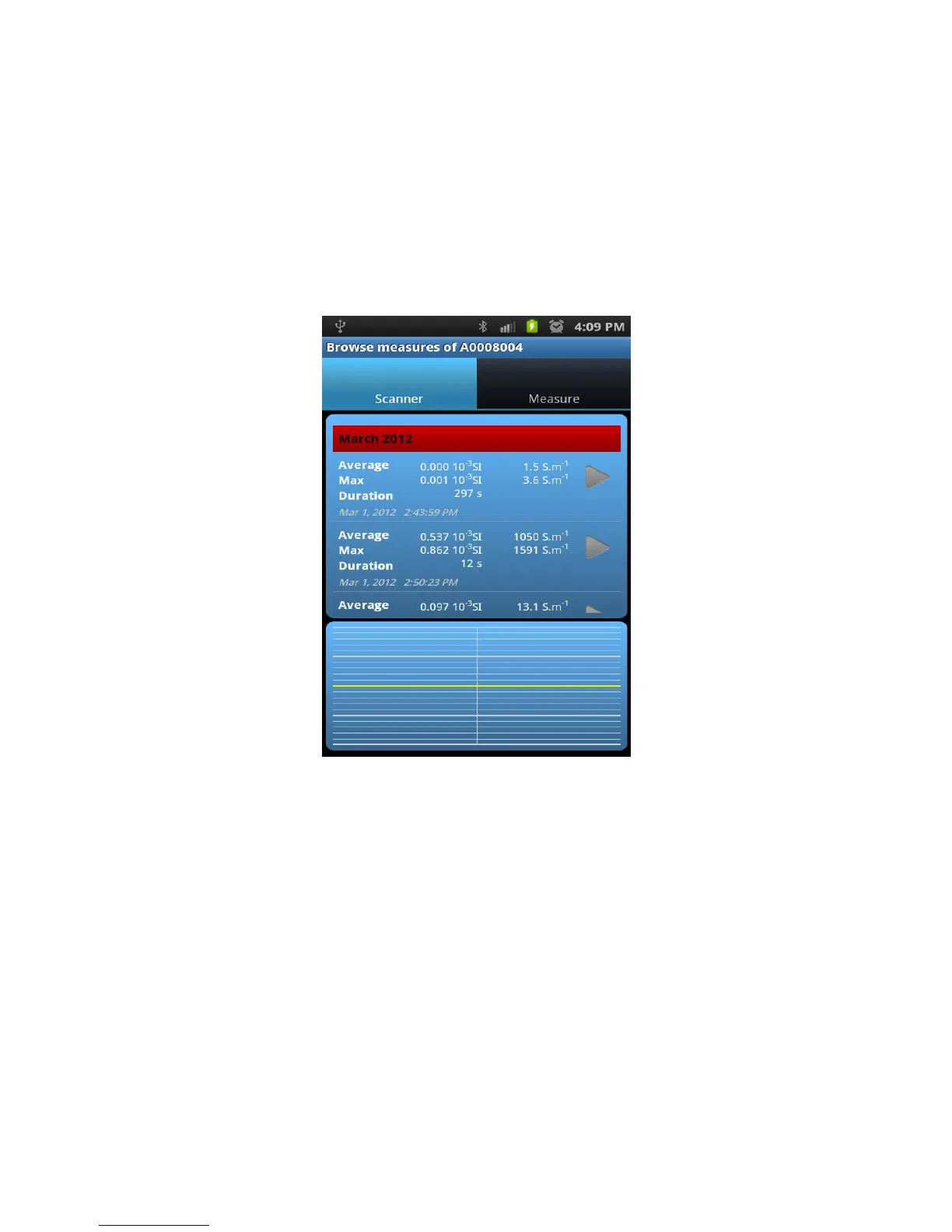
To browse stored data, tap on the serial number of the KT-10 v2. A new screen, as seen
in Figure 120, will be displayed listing records under Scanner and Measure tab.
Figure 120: Data preview
To view Scanner records, select Scanner in the main header and then scroll up or down to
browse different scanner record.
97


 To Next Page
 Loading...