NOTE: Because Model Y uses regenerative braking, the brake
pads are typically used less frequently than those in
traditional braking systems. Although Brake Disc Wiping (see
Brake Disc Wiping on page 81) regularly applies an
imperceptible amount of brake force to remove water from
the surface of the brake discs, an accumulation of rust and
corrosion still may occur (especially in regions where the
roads are salted during winter). You can avoid such buildup
by using the brake pedal regularly, or by burnishing the
brakes as necessary (see "Burnishing the Brakes" in the Do It
Yourself Guide).
WARNING:
In snowy or icy conditions, Model Y may
experience loss of traction during regenerative
braking, particularly when in the Standard setting
and/or not using winter tires. Tesla recommends using
the Low setting in snowy or icy conditions to help
maintain vehicle stability.
To Set the Regenerative Braking Level
You can use the touchscreen to change the level of
regenerative braking:
1. Touch Controls > Dynamics > Deceleration Mode.
2.
Choose from two levels:
◦ Reduced: Limits regenerative braking. When you
release the accelerator, Model Y takes longer to slow
down and coasts farther than if set to "Standard".
◦
Standard: Provides the maximum amount of
regenerative braking. When you release the
accelerator, Model Y slows down, reducing the need to
use the brakes.
Parking Brake
To engage the parking brake, touch Controls > Safety, press
the brake pedal and then touch Park Brake.
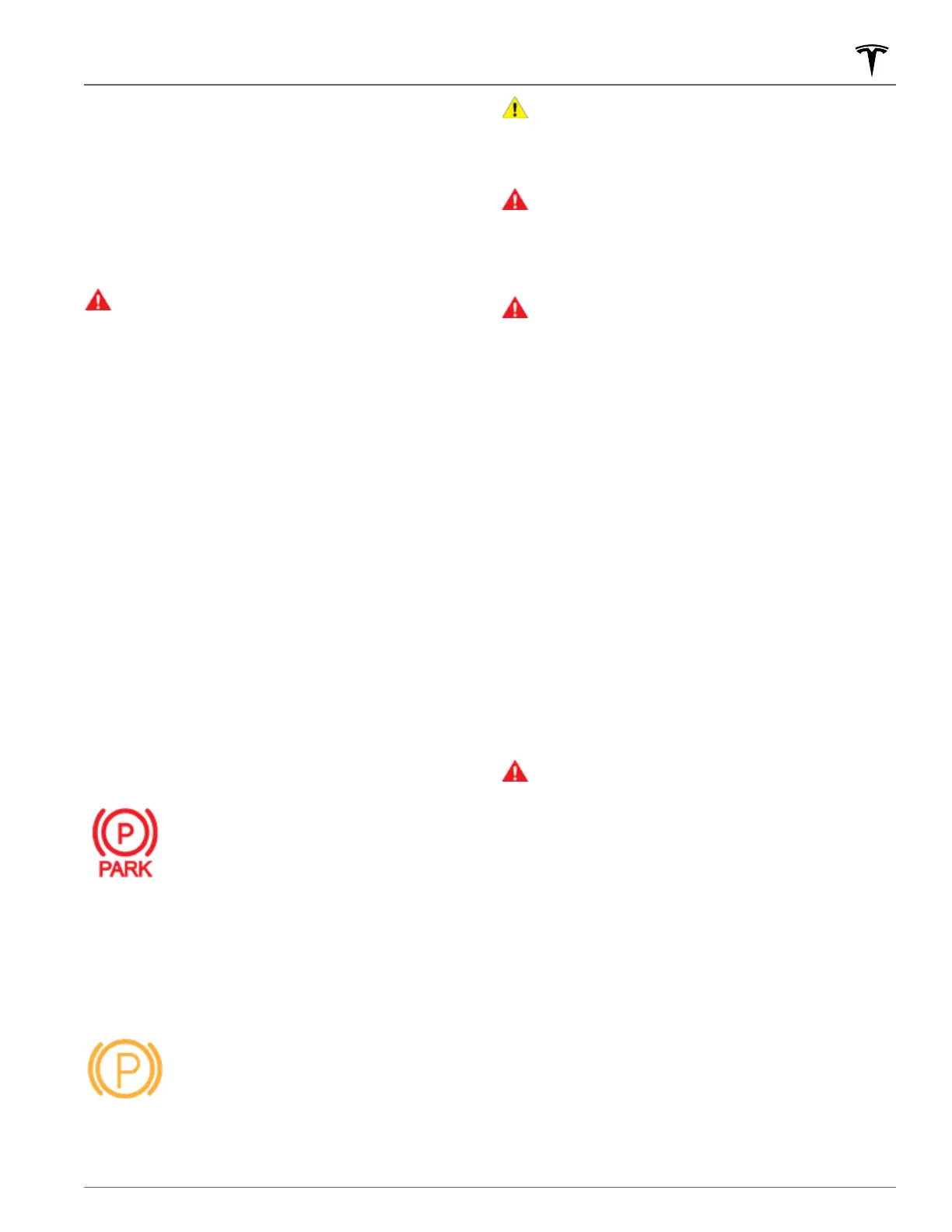
A red parking brake indicator lights up on the
touchscreen when the parking brake is
engaged.
The parking brake is released when the vehicle is shifted into
another gear.
You can also engage the parking brake by touching and
holding the Park button on the touchscreen's drive mode
strip.
If the parking brake experiences an electrical
issue, the amber parking brake indicator lights
up and a fault message displays on the
touchscreen.
NOTE: The parking brake operates on the rear wheels only,
and is independent of the pedal-operated brake system.
CAUTION:
In the unlikely event that Model Y loses
electrical power, you cannot access the touchscreen
and are therefore unable to release the parking brake
without first jump starting (see Jump Starting on page
214).
WARNING:
In snowy or icy conditions the rear wheels
may not have sufficient traction to prevent Model Y
from sliding down a slope, particularly if not using
winter tires. Avoid parking on hills in snowy or icy
conditions. You are always responsible for parking
safely.
WARNING:
Your Model Y may display an alert if the
road is too steep to safely park on, or if the parking
brakes are not properly engaged. These alerts are for
guidance purposes only and are not a substitute for the
driver’s judgment of safe parking conditions, including
specific road or weather conditions. Do not depend on
these alerts to determine whether or not it is safe to
park at any location. You are always responsible for
parking safely.
Brake Wear
Model Y brake pads are equipped with wear indicators. A
wear indicator is a thin metal strip attached to the brake pad
that squeals as it rubs against the rotor when the pad wears
down. This squealing sound indicates that the brake pads
have reached the end of their service life and require
replacement. To replace the brake pads, contact Tesla
Service.
Brakes must be periodically inspected visually by removing
the tire and wheel. For detailed specifications and service
limits for rotors and brake pads, see
Subsystems on page
197. Additionally, Tesla recommends cleaning and lubricating
the brake calipers every year or 20,000 km if in an area
where roads are salted during winter months.
WARNING: Neglecting to replace worn brake pads
damages the braking system and can result in a braking
hazard.
Braking and Stopping
83Driving















 To Next Page