4 Operation
24
4.2.1 Configuration via the Setup assistant
The Setup assistant in the web interface of the Testo Cloud is provided to
assist you when you take your first steps with commissioning the testo 160. It
can help you with logging in WiFi data loggers.
To be able to carry out the configuration, you need to be logged into
the web interface at https://www.museum.saveris.net.
- Click on the symbol above the menu bar.
The Setup assistant launches and assists you with the configuration.
Follow the instructions there.
4.2.2 Configuration via the web interface (WPA2
Personal)
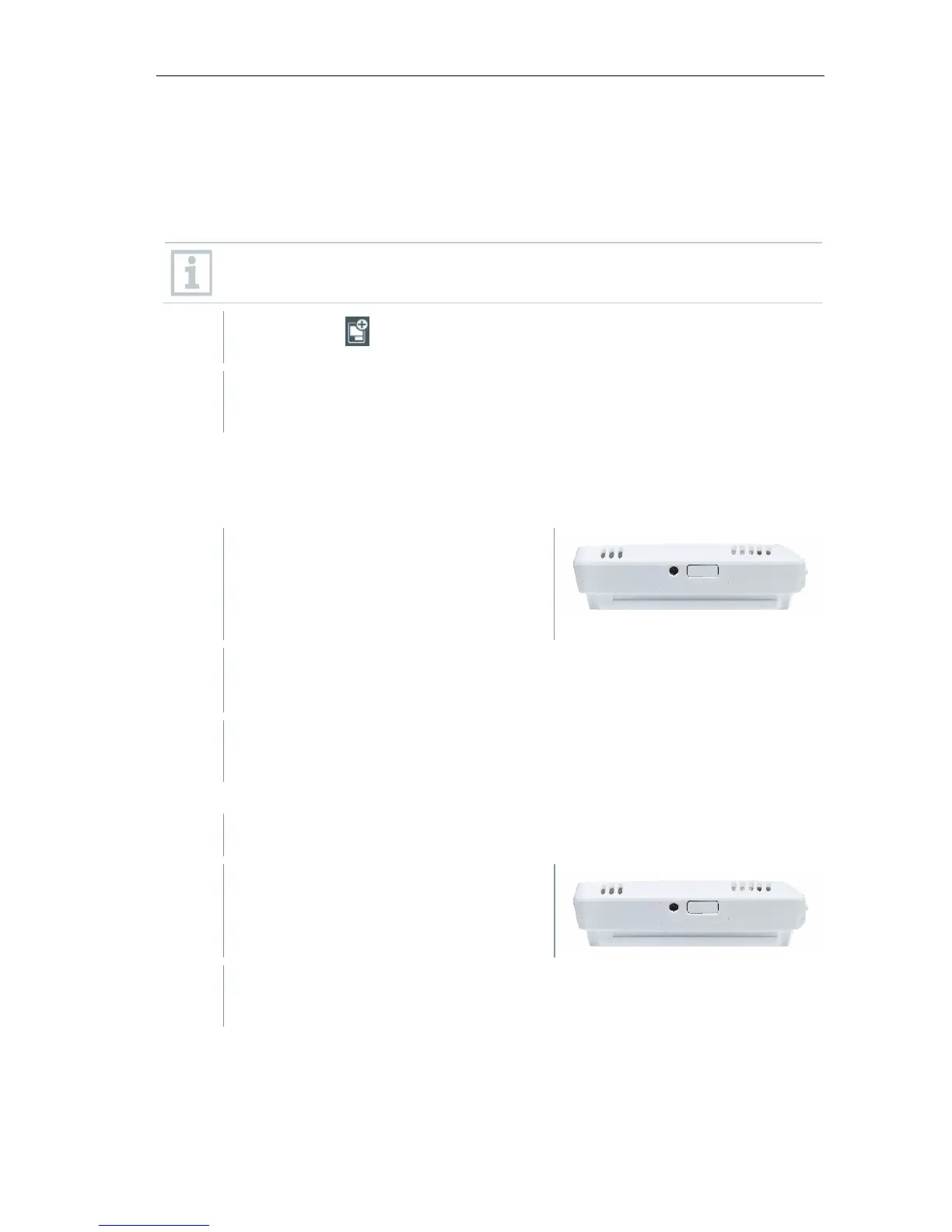
- Data logger has not been configured
yet, the LED on the side of the data
logger flashes once after the
batteries are inserted.
- Briefly press the button on the side of the data logger. (On the
testo 160 IAQ, the button is on the front.)
Data logger switches into configuration mode (LED flashes at one-
second intervals).
or
- Data logger has already been configured (logger is in sleep mode)
- Press and hold down the button on
the side of the data logger for more
than 3 s.
Data logger switches into configuration mode (LED flashes at one-
second intervals)
The WiFi data loggers can also be set up for the WPA2 Enterprise security
standard via the web-based configuration. In this mode, the WiFi data logger
functions as a web server on which you can log in via WLAN with the IP
address 192.168.1.1 via smartphone, tablet or PC.



 To Next Page