4 Operation
26
4.2.3 Configuration via the testo Saveris 2 App
Once you have downloaded the testo Saveris 2 App, you need to first
log in with your access data.
Any number of WiFi data loggers can be commissioned at the same
time.
Saveris 2
App has already been configured via the Setup assistant, see
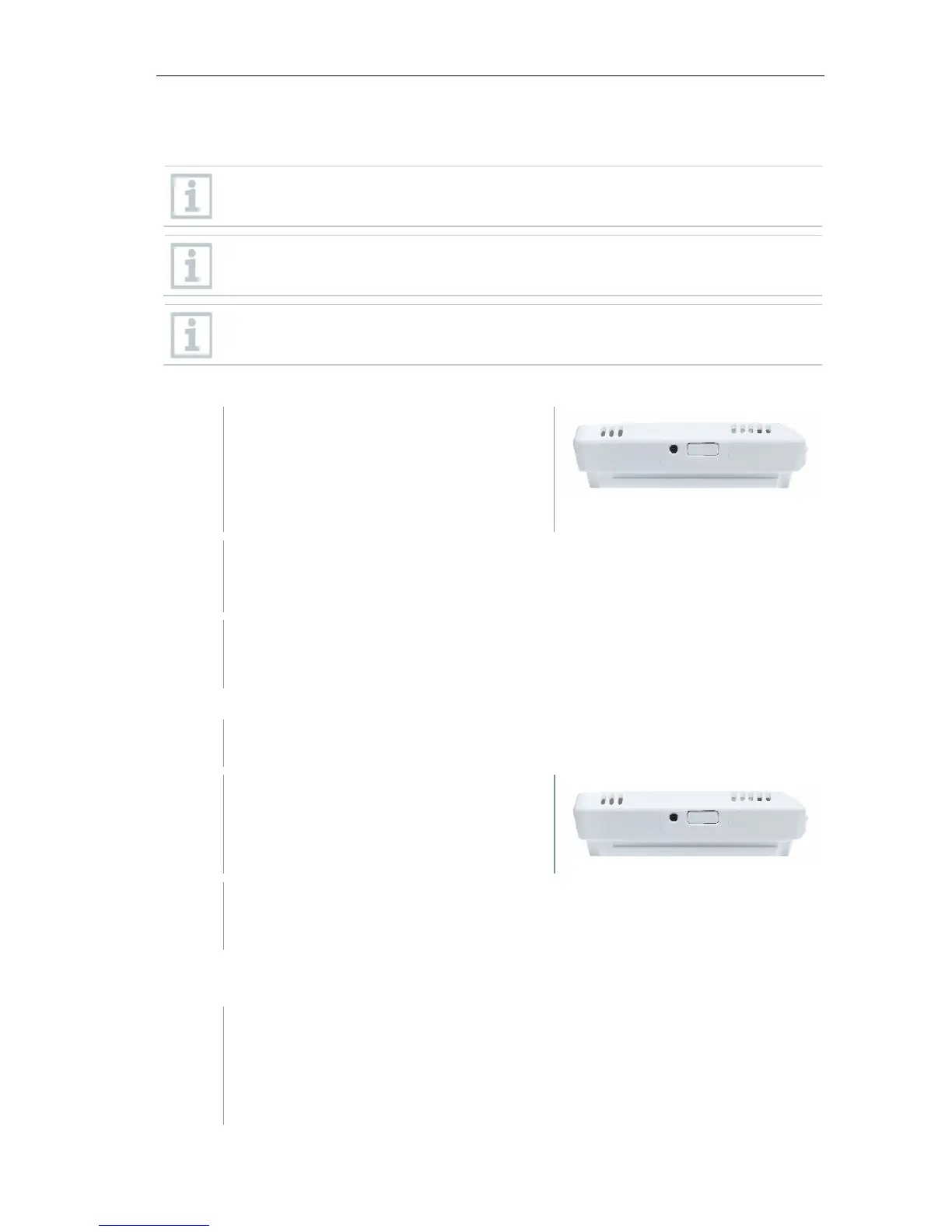
- Data logger has not been configured
yet, the LED on the side of the data
logger flashes once after the
batteries are inserted.
- Briefly press the button on the side of the data logger. (On the
testo 160 IAQ, the button is on the front.)
Data logger switches into configuration mode (LED flashes at one-
second intervals).
or
- Data logger has already been configured (logger is in sleep mode)
- Press and hold down the button on
the side of the data logger for more
than 3 s.
Data logger switches into configuration mode (LED flashes at one-
second intervals)
Configuration
- The WiFi data logger is in configuration mode and flashes at one-
second intervals.
- Press the button again to switch the WiFi data logger to App-config
mode. (The LED flashes every 200 ms for 10 seconds)



 To Next Page