Data/Matrix Editor 512
Changing the Cell Width
The cell width affects how many characters are displayed in any cell. To change the cell
width in the Data/Matrix Editor:
1. To display the
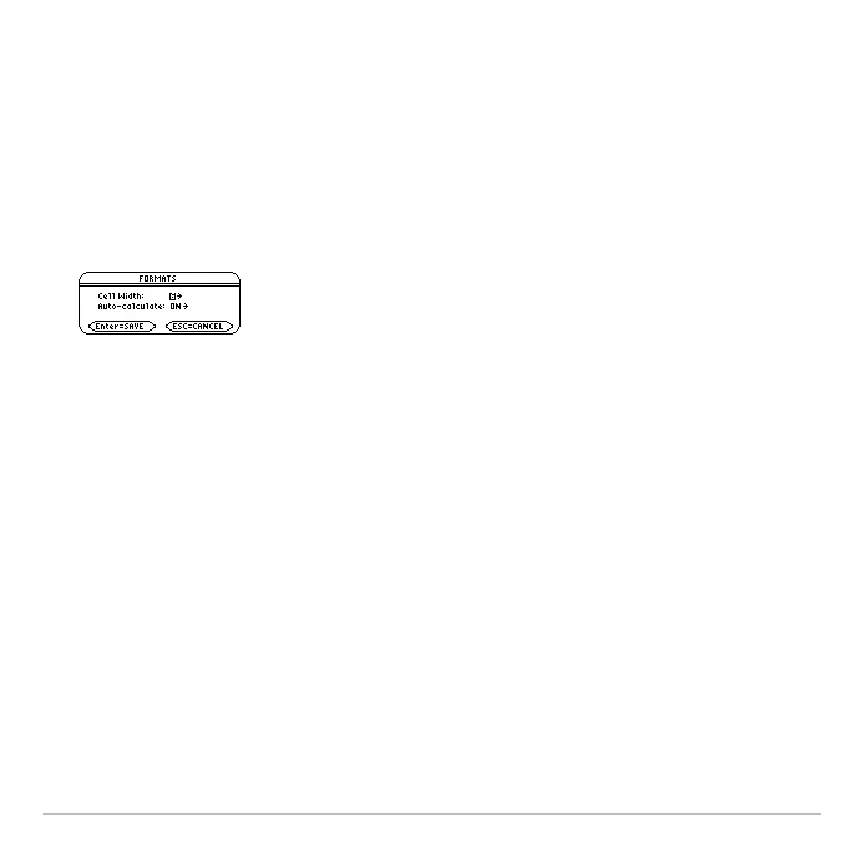
FORMATS dialog box, press:
ƒ
9
– or –
8 Í
Note: Remember, to see a number in full precision, you can always highlight the cell
and look at the entry line.
2. With the current
Cell Width setting highlighted, press B or A to display a menu of
digits (
3 through 12).
3. Move the cursor to highlight a number and press ¸. (For single-digit numbers,
you can type the number and press ¸.)
4. Press ¸ to close the dialog box.
Cell width is the maximum number of
characters that can be displayed in a cell.
All cells have the same cell width.














 To Next Page