Data/Matrix Editor 517
Note: If you have a CBL 2™ or CBR™, use these techniques for your collected lists. Use
2° to see existing list variables.
To Fill a Matrix with a List
You cannot use the Data/Matrix Editor to fill a matrix with a list. However, you can use
the
list8mat command from the Home screen or a program. For information, refer to the
Technical Reference module.
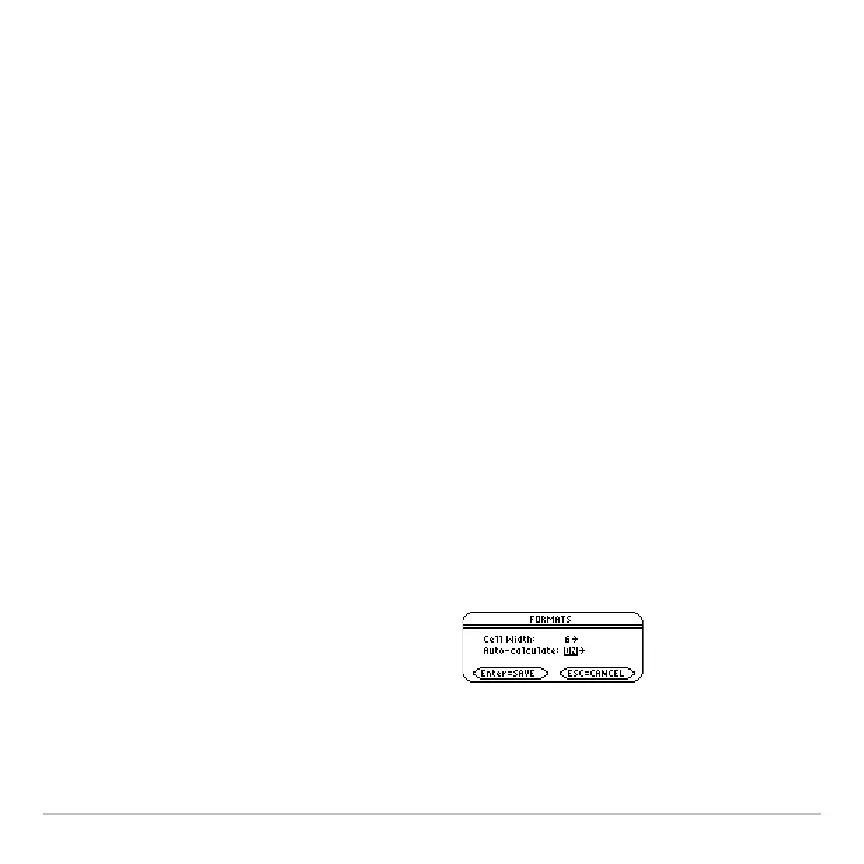
The Auto-calculate Feature
For list and data variables, the Data/Matrix Editor has an Auto-calculate feature. By
default, Auto-calculate = ON. Therefore, if you make a change that affects a header
definition (or any column referenced in a header definition), all header definitions are
recalculated automatically. For example:
• If you change a header definition, the new definition is applied automatically.
• If column 2’s header is defined as c2=2ùc1, any change you make in column 1 is
automatically reflected in column 2.
To turn Auto-calculate off and on from the Data/Matrix Editor:
1. Press:
ƒ
9
– or –
2. 8 Í Change
Auto-Calculate to OFF or
ON.
3. Press ¸ to close the dialog box.














 To Next Page