Chapter 18: TI FLASH Studio
213
TI
-
89 / TI
-
92 Plus Developer Guide
Not for Distribution
Beta Version January 26, 2001
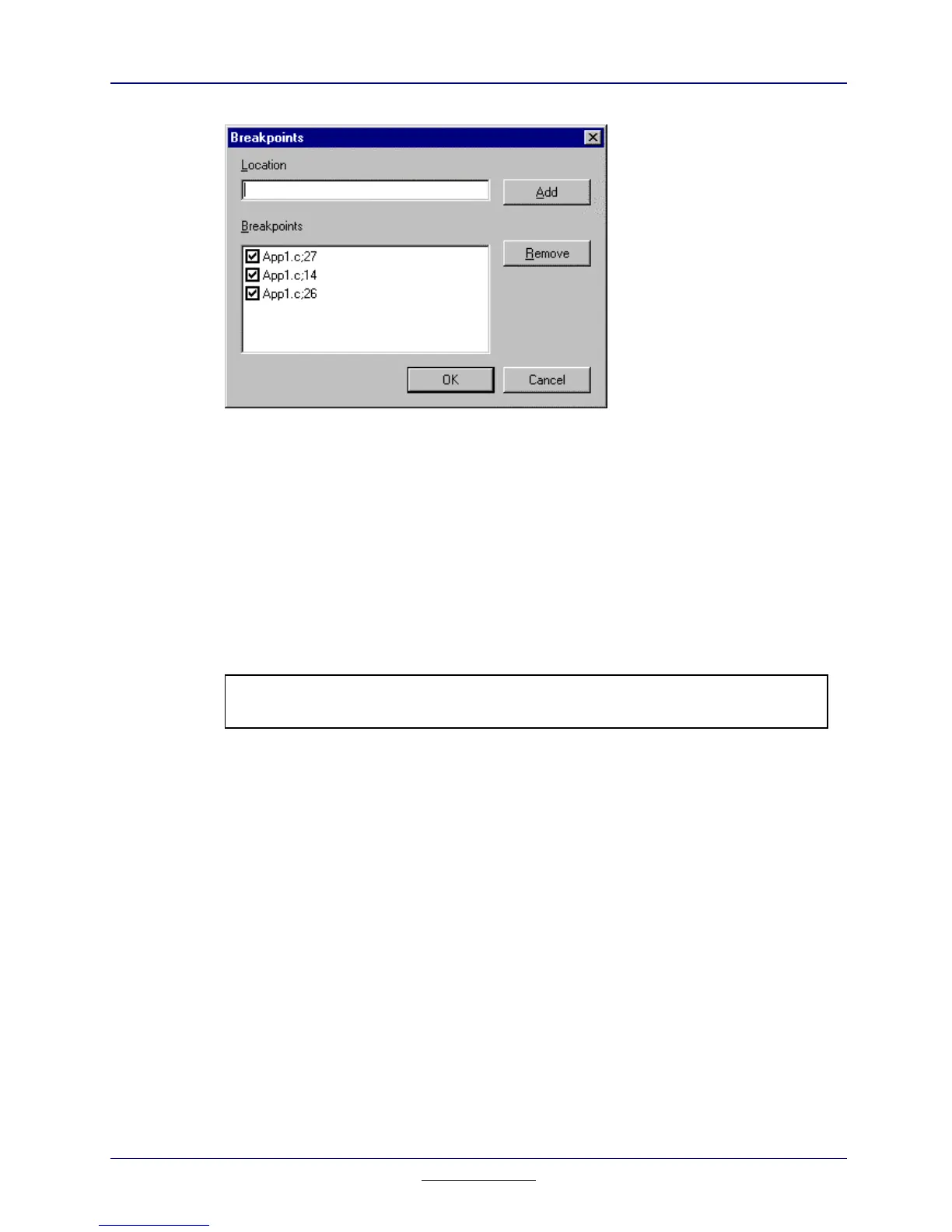
Figure 18.12: Breakpoints Submenu
Option Function
Location Specify the address location where you would like to
add the breakpoint.
Breakpoint List all the breakpoints.
Add Adds a breakpoint at that specified memory location.
Remove Removes the highlighted breakpoint.
Note:
To remove the breakpoint, highlight the breakpoint (not just select it) and press the
Remove button.



 To Next Page
 Loading...













