15
3.7 Additional Setup Menus Within the PIPE Submenu
*Not included in the Quick Setup configuration
Following are setup menus not included in the Quick Setup configuration detailed in Section 3.5 (page 11).
Setup menus are used primarily to enter configuration data or to view the flowmeter’s current
configuration settings.
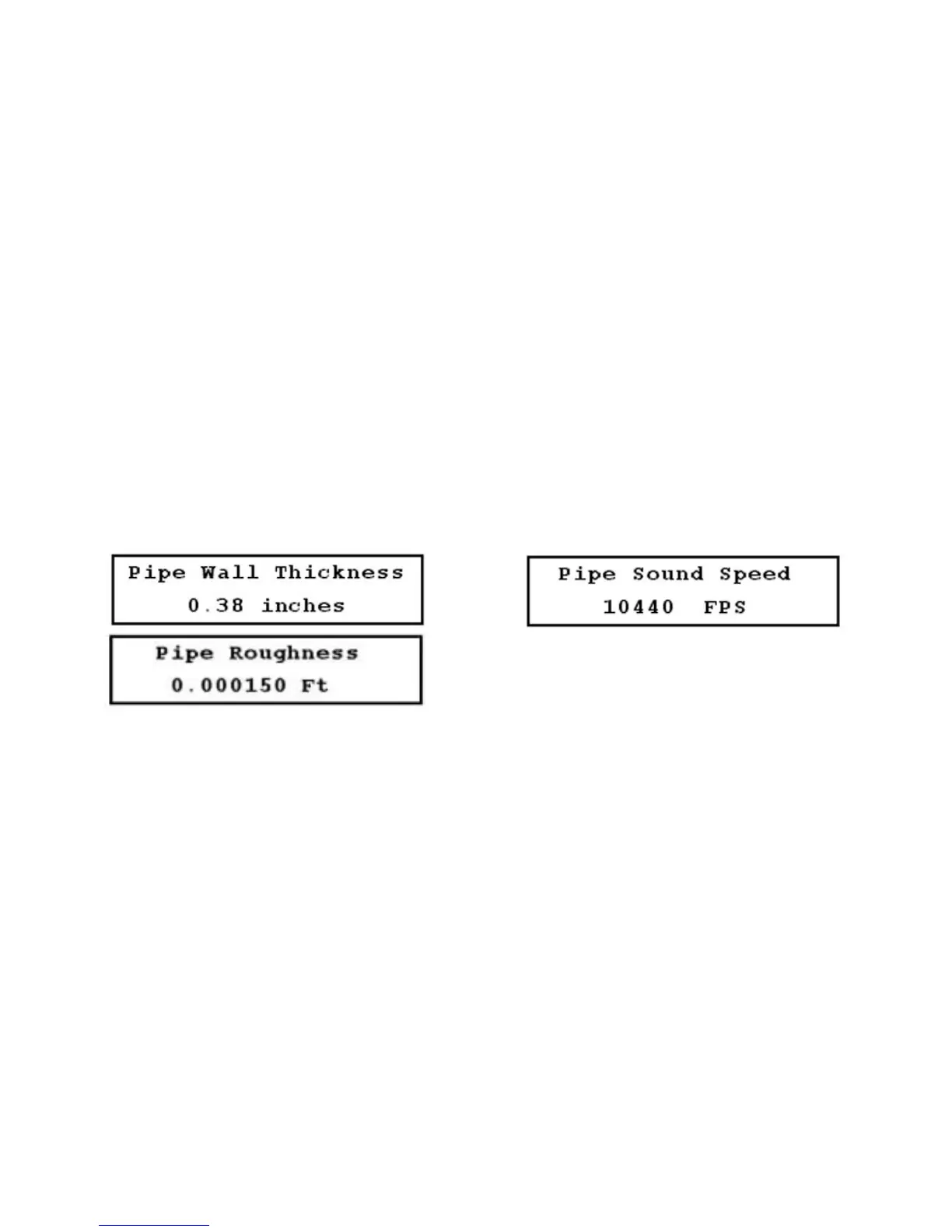
1. Pipe Wall Thickness setup menu (11) (Figure 3.7-A, below)
2. Pipe Sound Speed setup menu (14): This menu can only be configured if you selected OTHER as the
pipe material in Menu 13. Enter the pipe sound speed. If you did not select OTHER as the pipe
material, this menu is available by the direct access method only and functions as a view-only display
to indicate the pipe sound speed as programmed in the flowmeter’s database (Figure 3.7-B, below).
3. Pipe Inside Roughness setup menu (15): This menu can only be configured if you selected OTHER
as the pipe material in Menu 13. Data on this parameter are available from the Cameron Hydraulic
Data Book published by Ingersoll-Rand. Enter the inside roughness of the pipe. If you did not select
OTHER as the pipe material, this menu is available by the direct access method only and functions as
a view-only display to indicate the pipe inside roughness as programmed in the flowmeter’s database
(Figure 3.7-C, below).
FIGURES 3.7-A THROUGH 3.7-C (LEFT TO RIGHT, TOP TO BOTTOM)
3.8 Additional Setup Menus Within the LINER Submenu
*Not included in the Quick Setup configuration
1. Liner Sound Speed setup menu (18): This menu can only be configured if you selected OTHER as the
liner material in Menu 16. Enter the liner sound speed. If you did not select OTHER as the liner
material, this menu is available by the direct access method only and functions as a view-only display
to indicate the liner’s sound speed as programmed in the flowmeter’s database (Figure 3.8-A,
page 16).
2. Liner Inside Roughness setup menu (19): This menu can only be configured if you selected OTHER
as the liner material in Menu 16. Enter the liner inside roughness. If you did not select OTHER as the
liner material, this menu is available by the direct access method only and functions as a view-only
display to indicate the inside roughness of the liner as programmed in the flowmeter’s database.
(Figure 3.8-B, page 16).











 To Next Page