22
.....Additional setup menus within the OPTIONS submenu
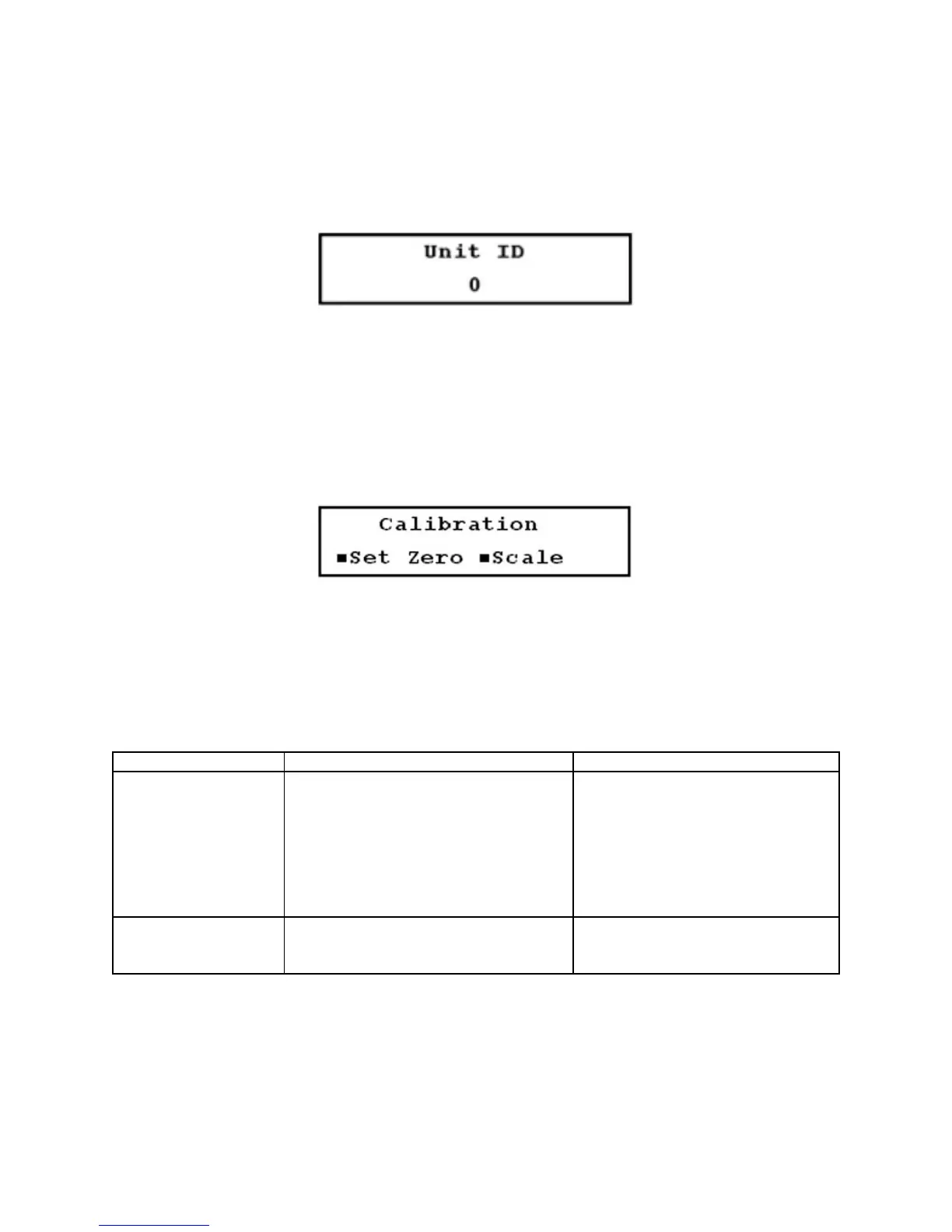
6. Unit ID (identification) Number setup menu (49): This number is determined by the operator to identify
the specific instrument or site. Any whole number between 1 and 60,000 may be entered
(Figure 3.12-N, below).
FIGURE 3.12-N
3.13 Additional Setup Menus Within the CALIBR Submenu
*Not included in the Quick Setup configuration
Within the CALIBR submenu is the Calibration Group menu (50) (Figure 3.13-A, below), which contains 4
setup menus: Zero Set, Scale, SS Comp, Date (Menus 51 through 54).
FIGURE 3.13-A
3.13.1 Zero Set Calibration
An important step in assuring accurate flow measurement is the proper calibration of the instrument and
proper installation. The calibration methods must be performed for the particular pipe that is to be metered.
Table 3 (below) provides guidelines for selecting a calibration method.
Calibration Method Function Application
Zero set calibration
Zero flow set Zeroes the instrument for an actual no Installations where flow can be
flow condition stopped
Manual zero set Applies a manually entered offset to Where an offset is required
all flow readings
Scale factor Compensates for manufacturing Set by the factory to the value
variations in the transducers imprinted on the transducers
TABLE 3
After installing the meter, you may find that a small adjustment to the zero point (zero set calibration) is
required. Zero set calibration allows the meter to read very close to zero under zero flow conditions. There
are two zero set calibration methods in Menu 51: the zero flow set method and the manual zero set
method. View the zero point used by the flowmeter in either of these methods by selecting Manual in Menu
51.











 To Next Page