70
C.3 Monitoring Data Logs
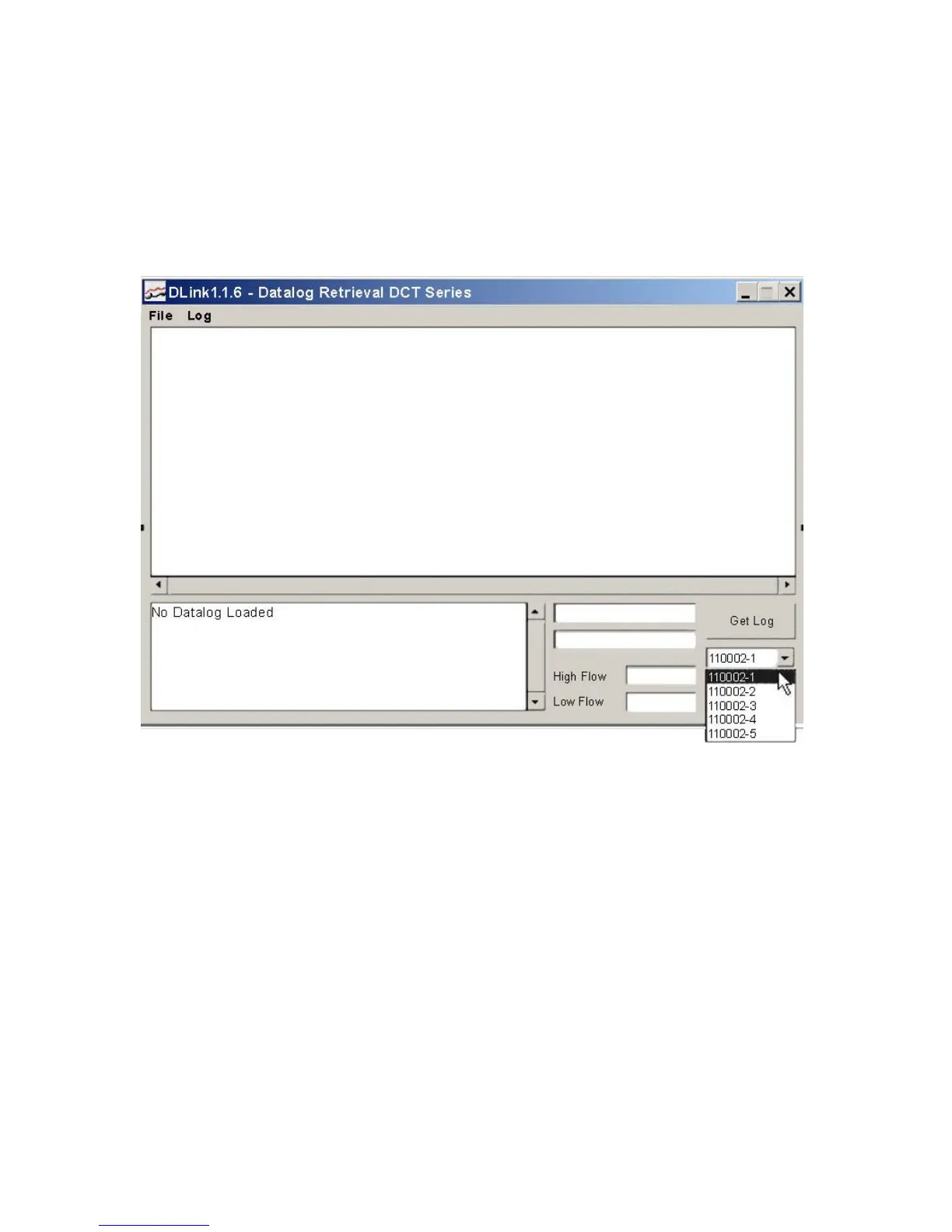
Once communications between the PC and the meter establish, the program opens as shown in
Figure C.3-A (below). Click the arrow below Get Log, and select the log file you want to check. Click Get
Log. The log information downloads and displays as seen in Figure C.3-B (page 71). Log information can
be downloaded from the meter when the log is still running, so you can monitor the flow data without
stopping the log. Refer to Section 3.16 (page 28) for instructions on setting up the data logger.
FIGURE C.3-A: SELECTING A LOG TO DOWNLOAD











 To Next Page