21
.....Additional setup menus within the OPTIONS submenu
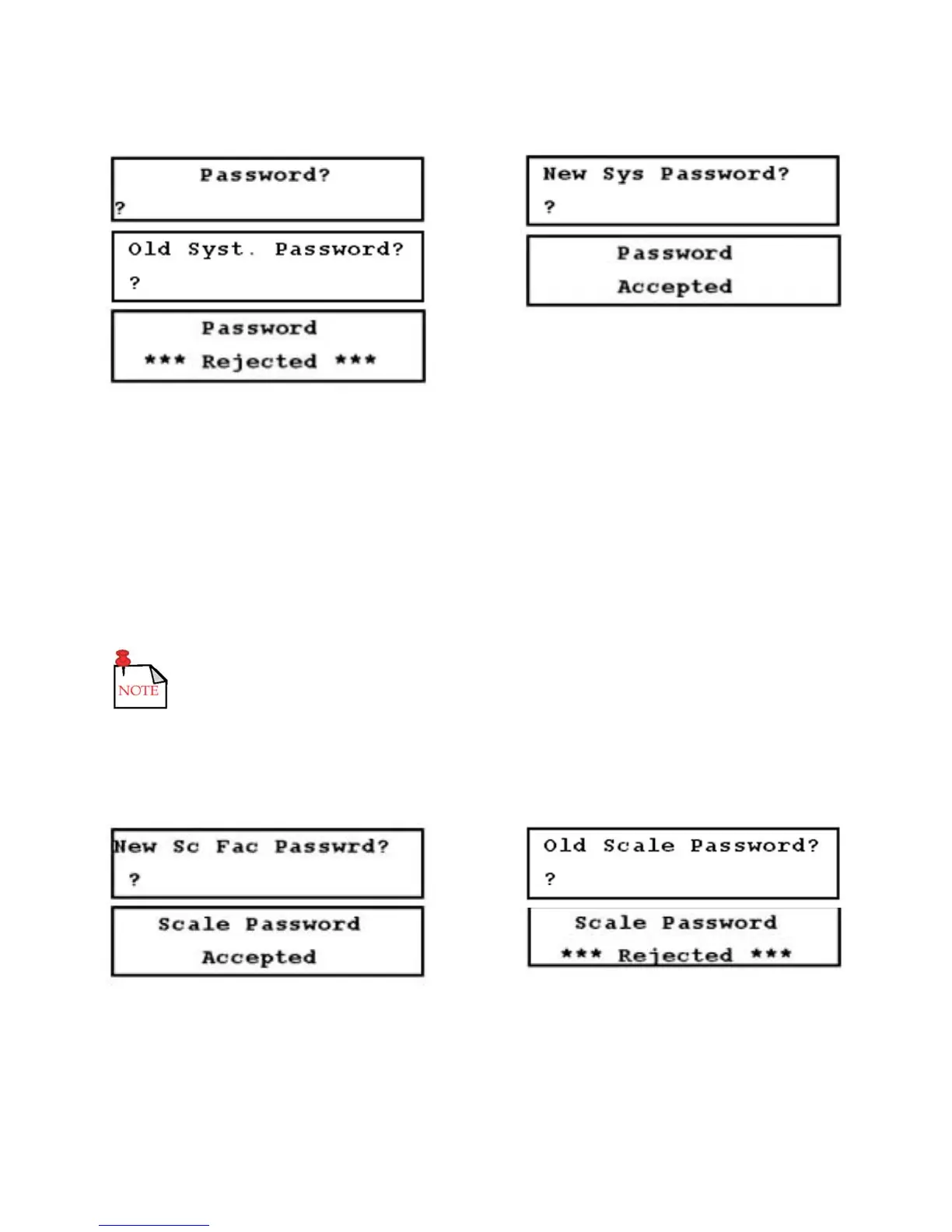
FIGURES 3.12-E THROUGH 3.12-I (LEFT TO RIGHT, TOP TO BOTTOM)
5. Change Scale Factor Password setup menu (48): Use this menu to change the scale factor password
which is designed to protect the scale factor from unauthorized or accidental changes. The flowmeter
ships from the factory with the scale factor password disabled. If the scale factor password is enabled,
the flowmeter requests the password whenever a user attempts to change the scale factor.
To change or disable the scale factor password:
a. Access Menu 48 (Figure 3.12-J, below).
b. Enter the new scale factor password and press ENTER (Figure 3.12-K, below).
The system password function must be disabled to allow the scale factor to be
changed without entering a password.
c. Enter the old scale factor password and press ENTER. If entered correctly, Figure 3.12-L (below)
is displayed. If entered incorrectly, Figure 3.12-M (below) is displayed.
d. Access Menu 00.
FIGURES 3.12-J THROUGH 3.12-M (LEFT TO RIGHT, TOP TO BOTTOM)











 To Next Page