usetheWindows7ProfessionaloperatingsysteminplaceoftheWindows8ProorWindows8.1Pro
operatingsystemifyouprefer.LenovocomputersthatarelicensedforusewithaWindows8orWindows
8.1operatingsystemareshippedwiththecorrespondinglicensekeydigitallyencodedintothecomputer
hardware.Dependingonthecomputermodel,theGenuineMicrosoftlabelcanbeonthecomputercover,
underthebattery,oronthepoweradapter.
FormoreinformationabouttheGenuineMicrosoftlabel,goto:
http://www.microsoft.com/en-us/howtotell/Hardware.aspx
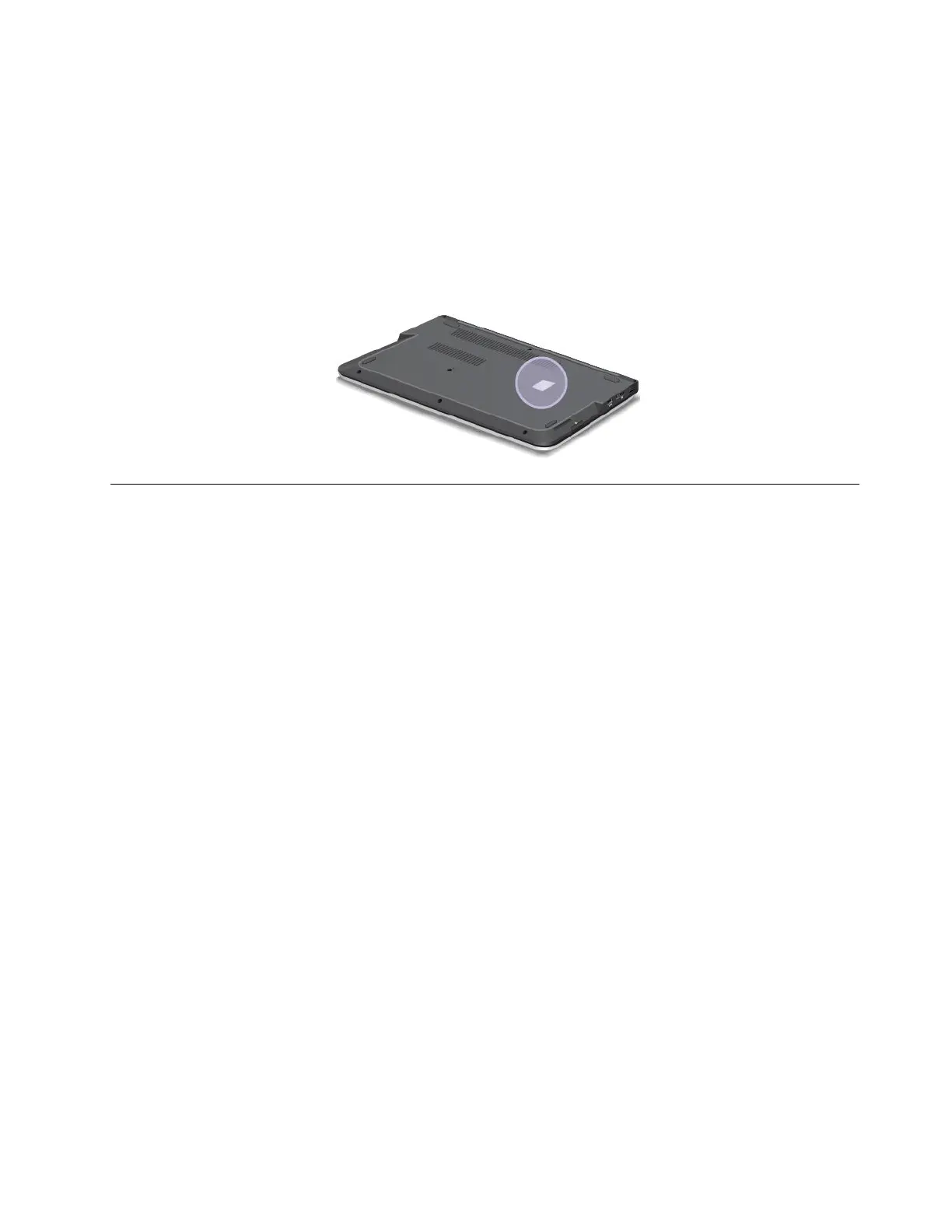
ThefollowingfigureshowsthelocationoftheGenuineMicrosoftlabelonthecomputercover:
Features
Thistopicliststhefeaturesofyourcomputer.
Processor
Toviewthesystempropertiesofyourcomputer,dothefollowing:
•ForWindows7:ClickStart,right-clickComputer.ThenclickProperties.
•ForWindows8andWindows8.1:Gotothedesktop.Movethepointertothetop-rightorbottom-right
cornerofthescreentobringupthecharms.ThenclickSettings➙PCinfo.
Memory
Doubledatarate3lowvoltagesynchronousdynamicrandomaccessmemorymodules(DDR3LVSDRAM)
Storagedevice
•2.5-inchformfactor,7-mmheightharddiskdrive(onsomemodels)
•2.5-inchformfactor,9.5-mmheightharddiskdrive(onsomemodels)
•2.5-inchformfactor,7-mmheightsolid-statedrive(onsomemodels)
•2.5-inchformfactor,7-mmheighthybriddrive(onsomemodels)
•M.2solid-statedriveforcacheonly(onsomemodels)
Display
ThecolordisplayusestheThinFilmTransistor(TFT)technology.
•Size:396.2mm(15.6inches)
•Resolution:
–LCD:1366x768or1920x1080,dependingonthemodel
–Externalmonitor:upto1920x1080,dependingonthemonitormodel
•Brightnesscontrol
Chapter1.Productoverview11



 To Next Page