3Memory-upgradeslots
Dependingonthemodel,yourcomputermighthaveoneortwomemory-upgradeslots.Youcanincrease
theamountofmemoryinyourcomputerbyinstallingamemorymoduleintoamemory-upgradeslot.
MemorymodulesareavailableasoptionsfromLenovo.Formoreinformation,see“Replacingamemory
module”onpage72
.
4Integratedbattery
Useyourcomputerwiththebatterypowerwheneveracpowerisunavailable.
5Harddiskdrive,solid-statedrive,orhybriddrive
Dependingonthemodel,yourcomputermighthavealarge-capacity,customer-upgradableharddisk
drivethatcanmeetavarietyofstoragedemands.
Somemodelsareequippedwithasolid-statedrivefordatastorage,makingyourcomputerlighter,smaller,
andfaster.
Note:Thehiddenservicepartitionisthereasonwhythereislessfreespacethanexpectedonyourhard
diskdriveorsolid-statedrive.Thisreductionismorenoticeableonthesolid-statedrivebecauseofits
smallercapacity.
Somemodelsareequippedwithahybriddrive,whichisastoragedevicethatcombinesNANDflash
solid-statememorywithharddiskdrivetechnology.
6WirelessLANcardslot
Yourcomputermighthaveawirelesslocalareanetwork(LAN)cardforyoutoestablishwirelessLAN
connections.
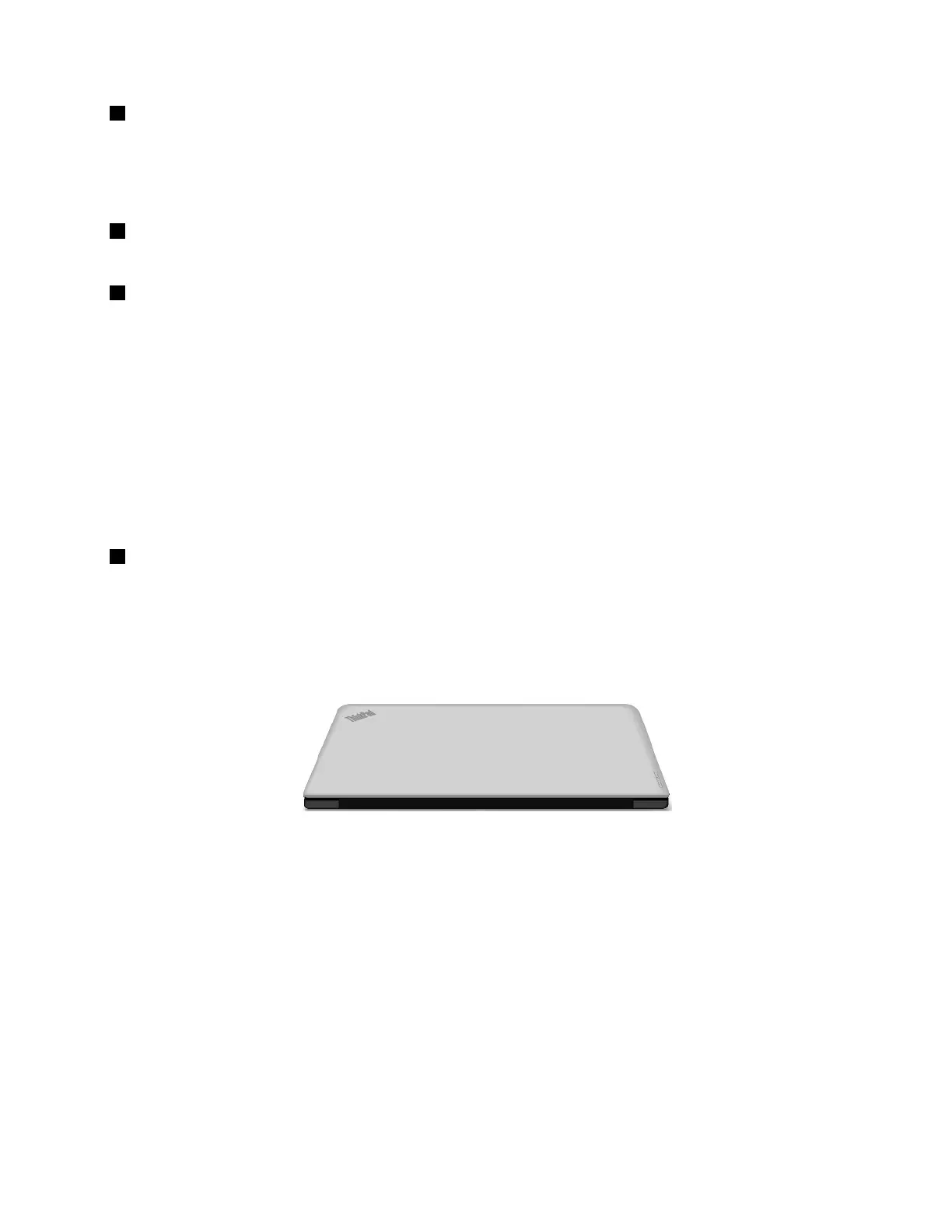
Rearview
Figure5.Rearview
Statusindicators
Yourcomputerhasseveralstatusindicatorsthatshowthestatusofyourcomputer.
Chapter1.Productoverview7



 To Next Page