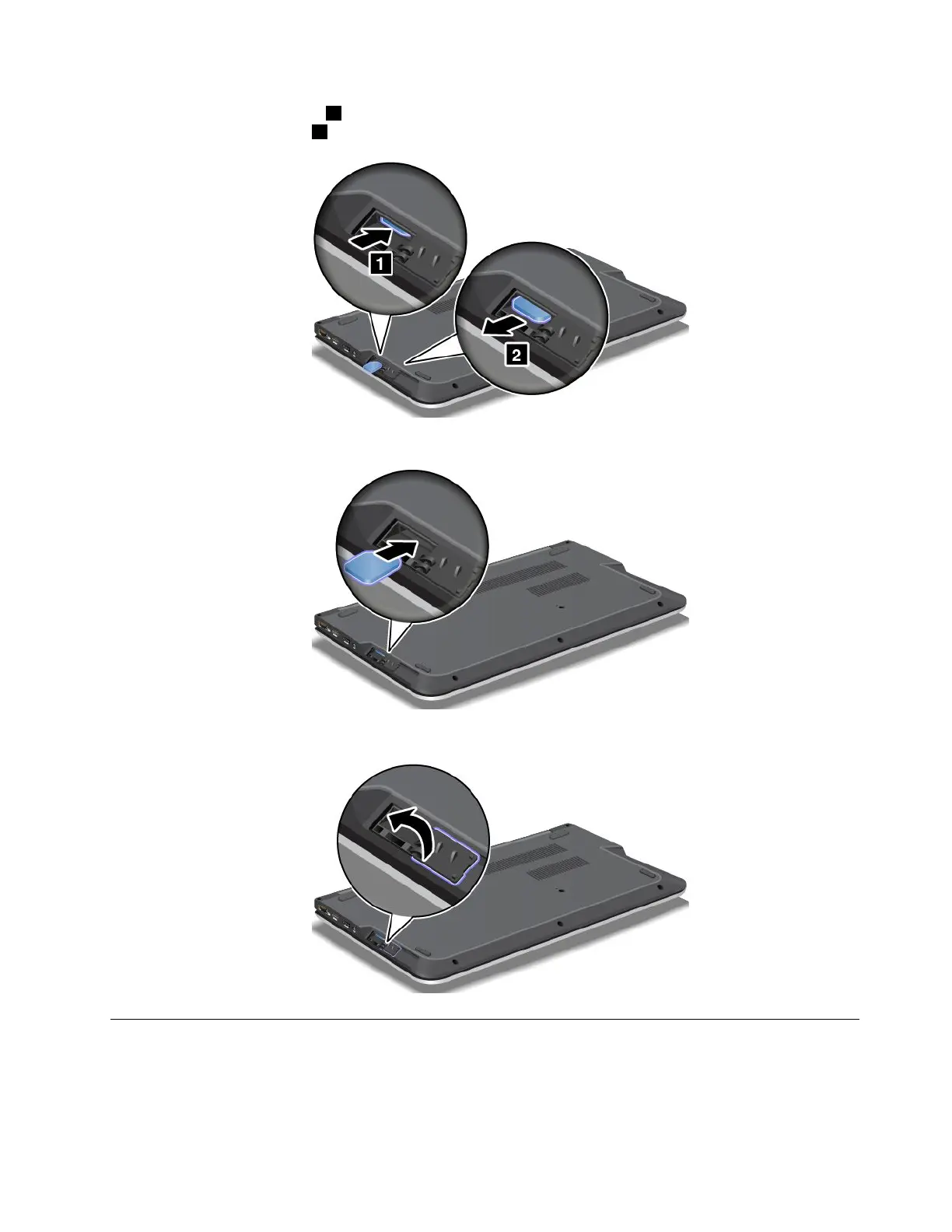
4.PushtheSIMcardinward1,andthenreleaseit.TheSIMcardejects.GentlyslidetheSIMcard
outoftheSIMcardslot
2.
5.InsertthenewSIMcardfirmlyintotheSIMcardslot.
6.ClosetheSIMcarddooruntilitsnapsintoposition.
Replacingthebasecoverassembly
Beforeyoustart,printtheseinstructions.
Toreplacethebasecoverassembly,dothefollowing:
Chapter6.Replacingdevices69



 To Next Page