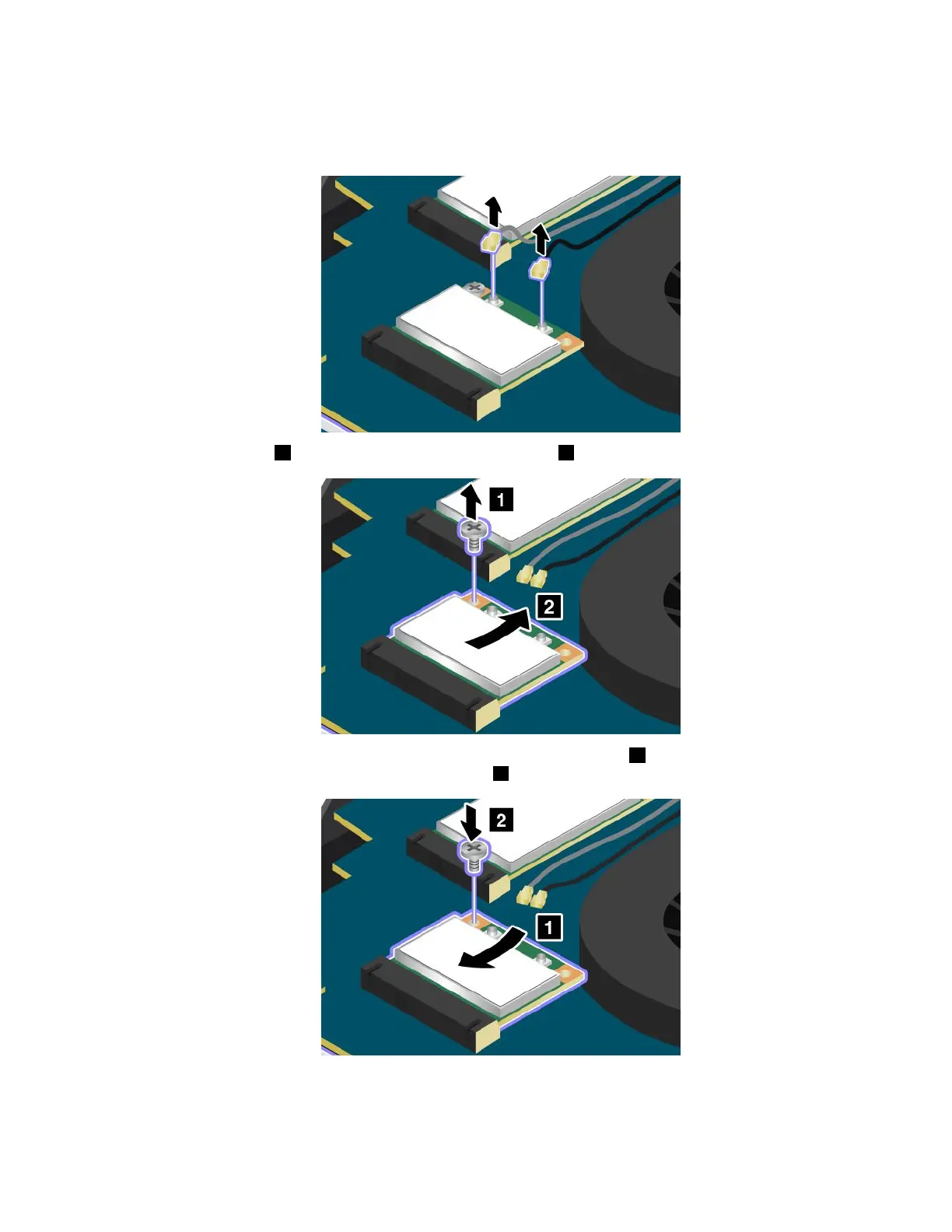
4.Ifatoolforremovingconnectorsisincludedinthepackagewiththenewcard,usethetooltodisconnect
thecablesfromthecard.Ifnosuchtoolisincluded,disconnectthecablesbypickinguptheconnectors
withyourfingersandgentlyunpluggingthem.
5.Removethescrew1.Thecardpopsup.Removethecard2.
6.Alignthecontactedgeofthenewcardwiththecorrespondingsocket1.Pivotthecarduntilyoucan
snapitintoplace.Securethecardwiththescrew2.
Chapter6.Replacingdevices75



 To Next Page