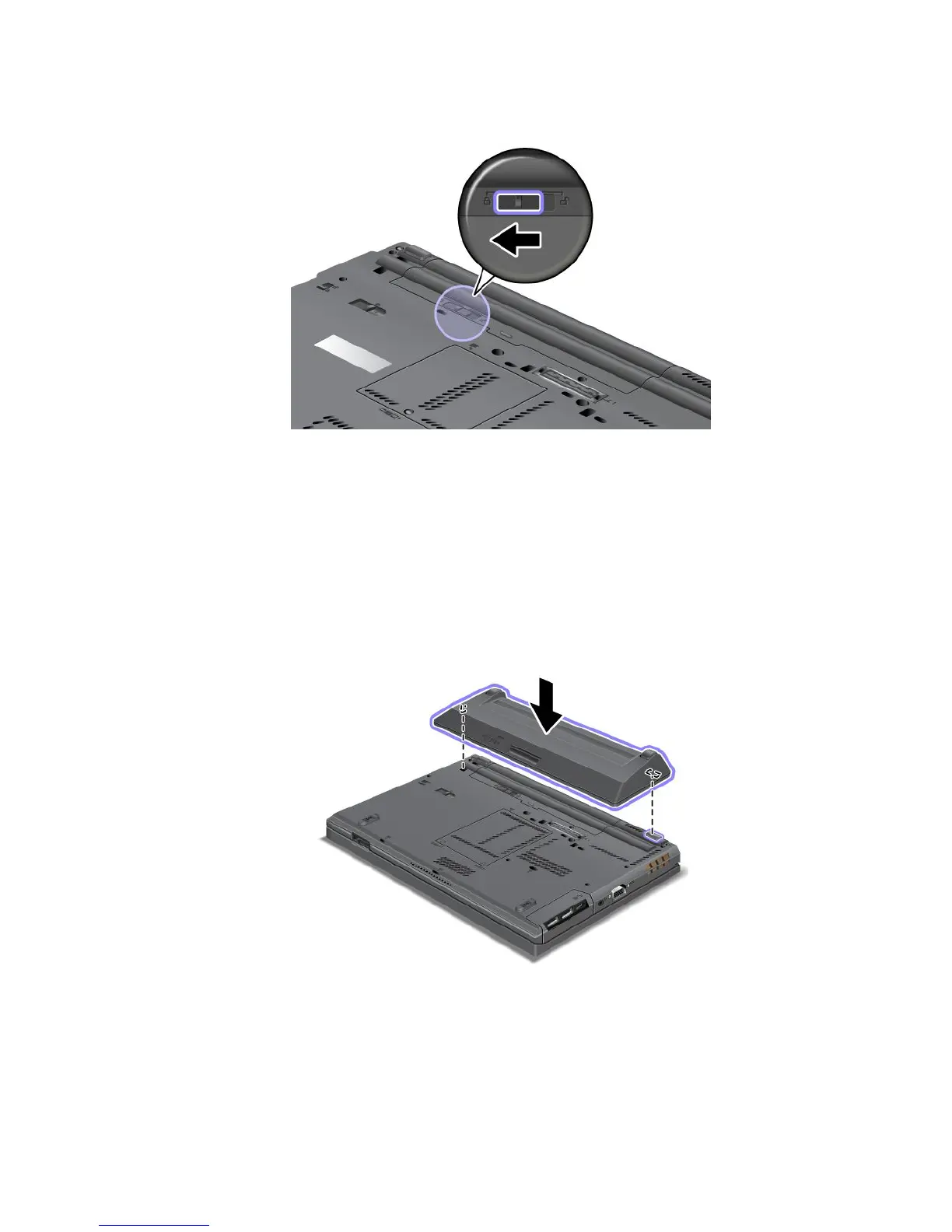
5.Slidethebatterylatchtothelockedposition.
6.Turnthecomputeroveragain.Reconnecttheacpoweradapterandallcables.
Usingtheextendedlifebattery
Forlongerbatterylife,anextendedlifebatteryisavailableasanoption.Youcanattachittothedocking
stationconnectorofyourcomputerbydoingthefollowing:
1.Turnoffthecomputer,orenterhibernationmode.Thendisconnecttheacpoweradapterandallcables
fromthecomputer.
2.Closethecomputerdisplay,andturnthecomputerover.
3.Aligntheextendedlifebatterywiththebottomsideofthecomputerasshownandrmlyattachthe
battery.
Chapter6.Replacingdevices71



 To Next Page