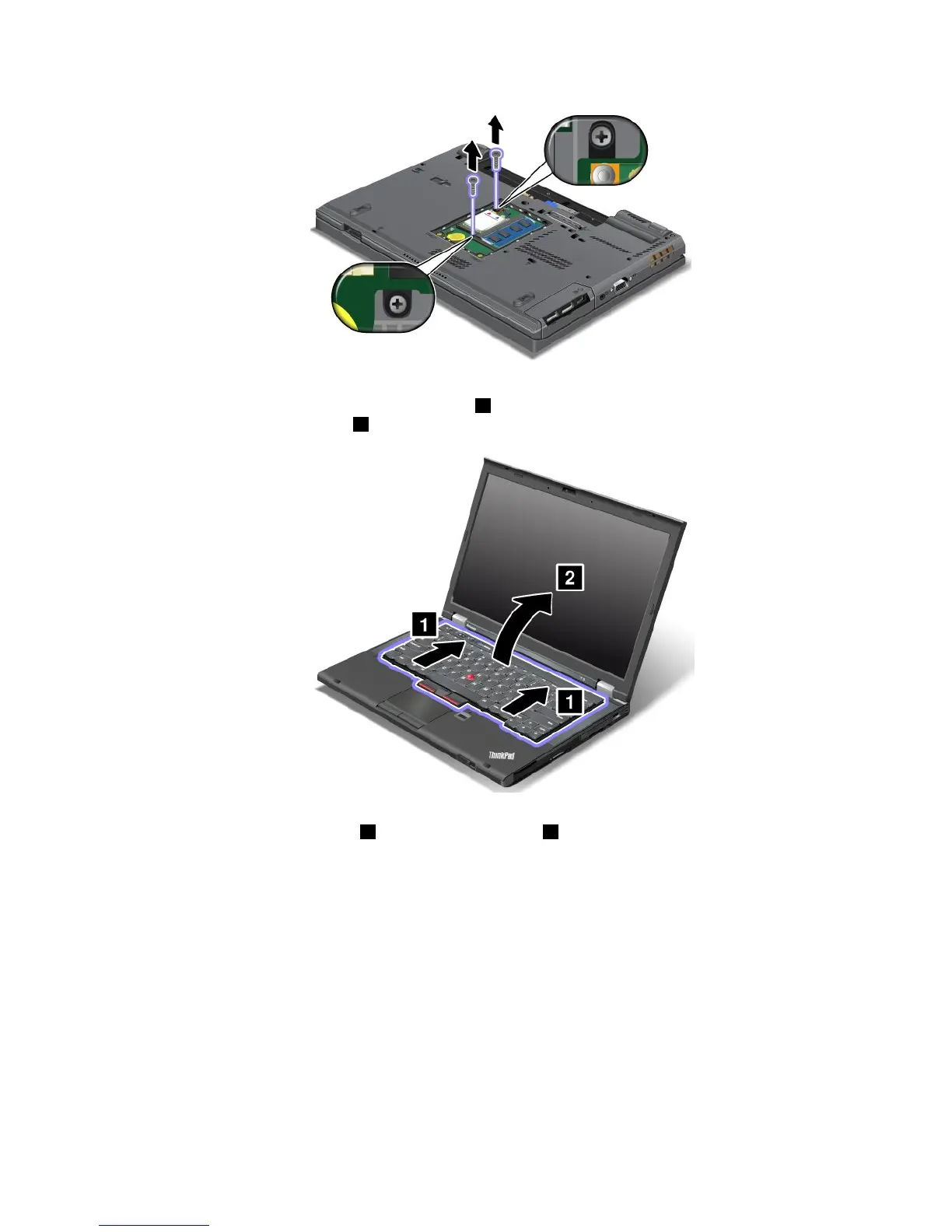
6.Turnthecomputeroverandopenthedisplay.
7.Pushhardinthedirectionshownbythearrows1tounlatchthefrontsideofthekeyboard.The
keyboardwillopenupslightly2.
8.Carefullyliftthekeyboarduntilyoucanseehowitisconnected.Holdthekeyboardabovethecomputer,
andthendetachtheconnector
1.Removethekeyboard2.
Chapter6.Replacingdevices77



 To Next Page