01
02
03
04
19
02 Getting started
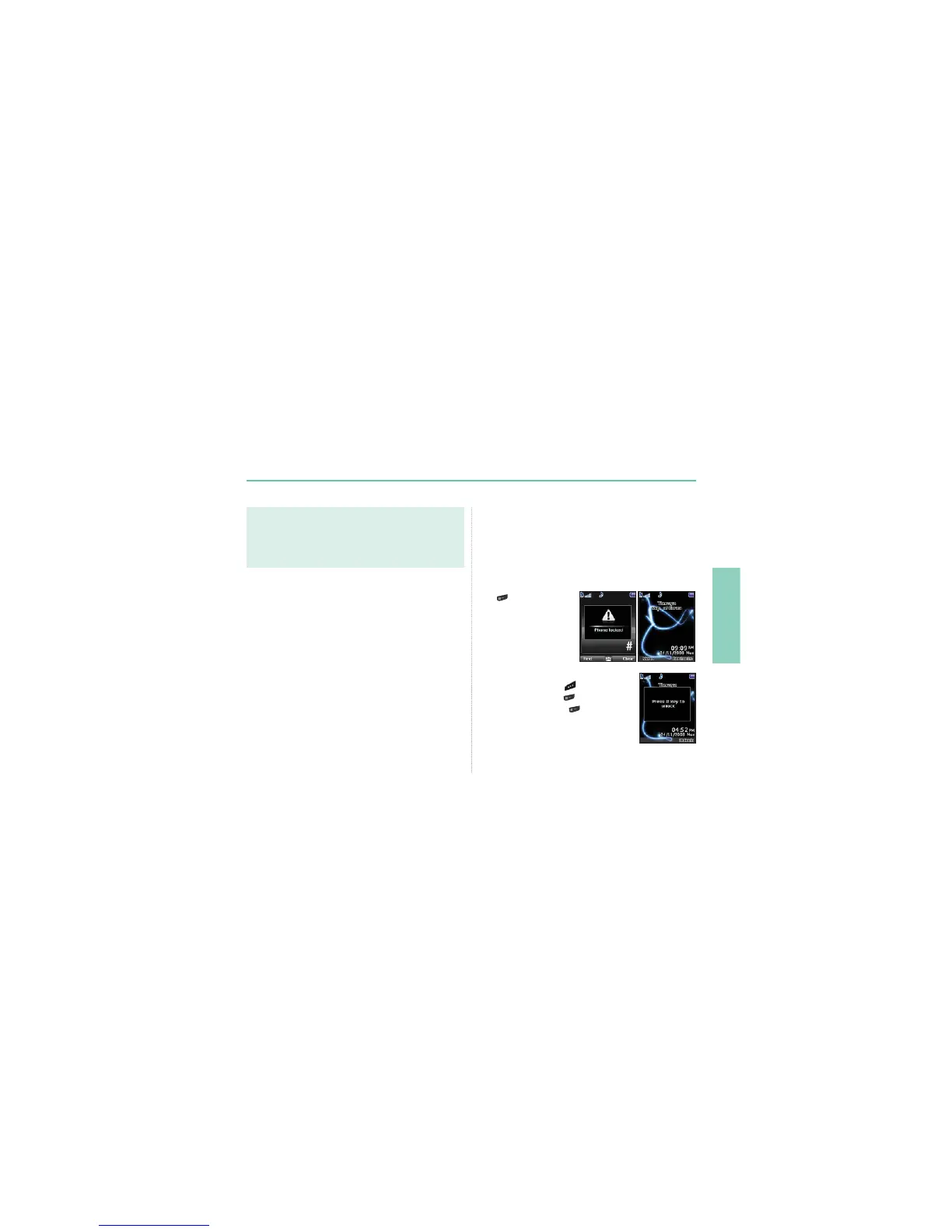
Lock/Unlock the keypad
The keypad may be locked so that a number cannot be
accidentally dialed.
Calls can be received while the phone is locked.
To lock the keypad
/RQJSUHVVWKHKDVK
key
.
To unlock the keypad
1. Press the right soft key
.
3UHVVWKHKDVKNH\
within 3 seconds.
,ISUHVVWKHKDVKNH\
is not pressed
ZLWKLQVHFRQGVWKHNH\SDGZLOOUHPDLQ
locked.
Note
Ɣ
Emergency calls may not be possible on all cellular telephone
networks or when certain network services are in use.
Ɣ
,QXQHYHQWHUUDLQRUFORVHWRODUJHEXLOGLQJVWKHRSHUDWLQJUDQJH
FDQEHOLPLWHGDIIHFWLQJWKHFRQQHFWLRQ
Emergency numbersQRUPDOO\DUH
Check with your network service provider for local emergency
numbers in your area.
Setup wizard
Use the Setup wizard to set the basic details of the phone when you
initially switch on your Thuraya XT phone.
If you decide to skip the Setup wizard you can access it later in
the Settings menu.
)RUPRUHGHWDLOVUHIHUWR6HWXSZL]DUGPHQXLQ6HWWLQJV
(see page 65)



 To Next Page