01
02
03
04
29
02 Getting started
Change language
Your Thuraya XT supports 12 system and input languages.
Supported languages are:
1. English
)UHQFK *HUPDQ
4. Italian 5. Spanish 6. Portuguese
7. Turkish 8. Russian )DUVL
$UDELF 11. Hindi 12. Urdu
Ɣ
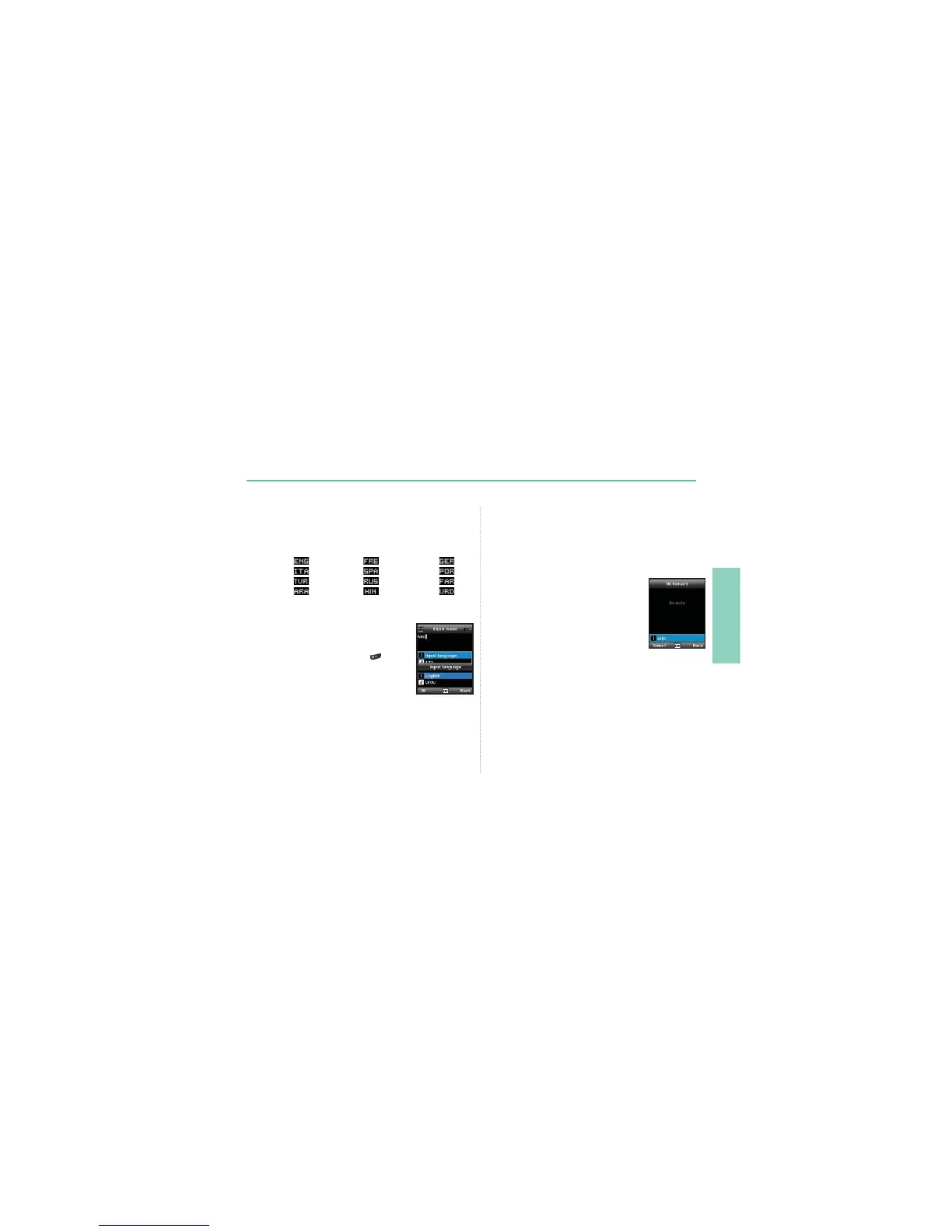
7RFKDQJHWKHLQSXWODQJXDJHSUHVV2SWLRQ
and select Input Language.
The input language can be switched to another
language by pressing and holding
.
However switching between English and
another language is possible only when a
ODQJXDJHRWKHUWKDQ(QJOLVKLVFRQ¿JXUHGDVDQ
input language from Settings > Language >
Input language.
Dictionary
<RXFDQDGGXSWRQHZZRUGVLQWRWKHH=L7H[WHQJLQHDQGWKH
added words will become part of the vocabulary of eZiText to be
searched and suggested.
<RXFDQ¿QGDictionary in the OptionRIWKHIROORZLQJPHQXVAdd
contact New message Add calendar.
To register a new word
Ɣ
Option > Add$GGDZRUGWRWKHGLFWLRQDU\
by using traditional text input. You can enter
up to 30 characters.



 To Next Page