55
03 Using the menu
01
02
03
04
Deletes all the messages in a selected folder. All messages can
be easily deleted by pressing the center key
.
Menu > 5. Messaging > 7. Settings > 10. Delete messages
5.10 Delete messages
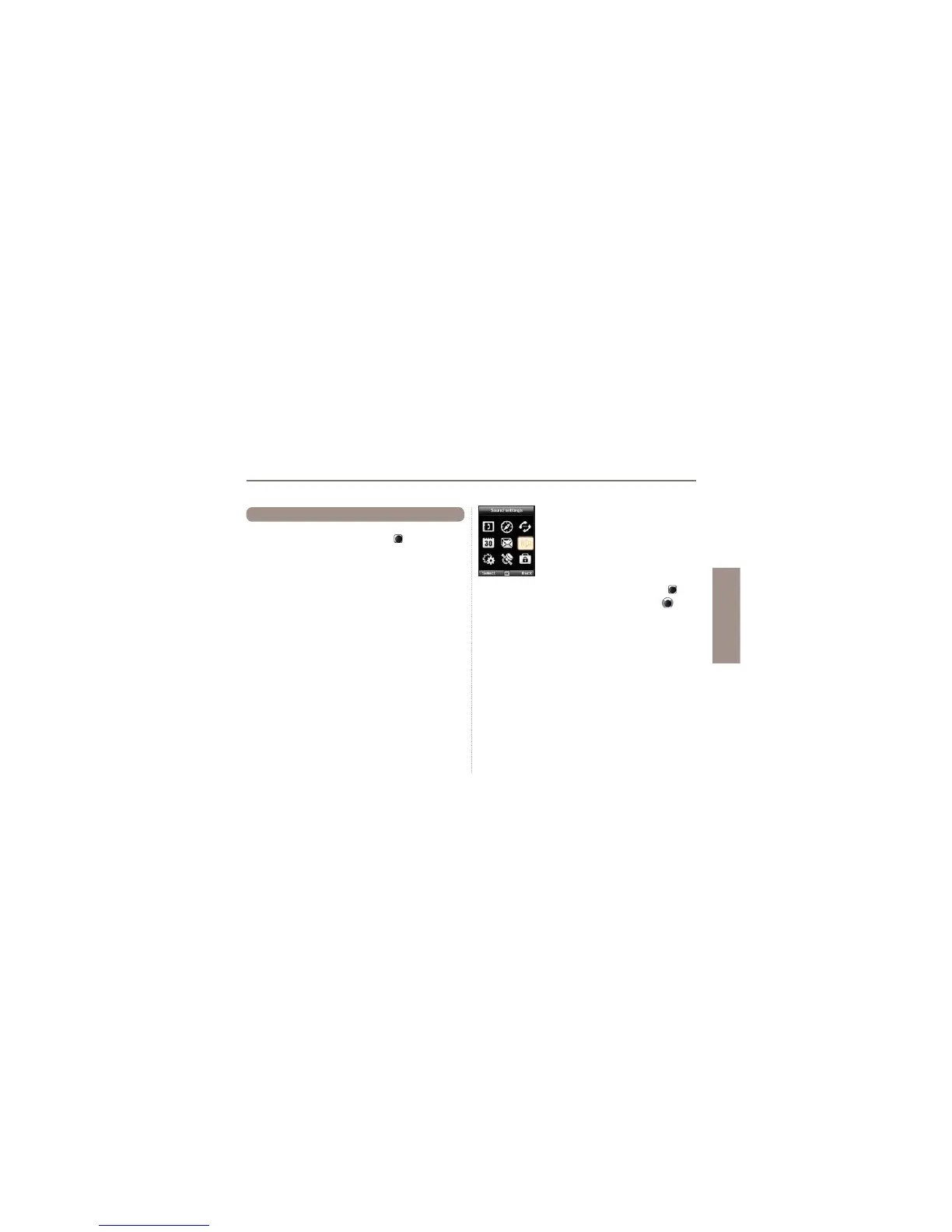
6. Sound settings
&RQ¿JXUDWLRQRIDOOVRXQGVHWWLQJVLQ\RXU
Thuraya XT.
1. Choose your Ringtone and select it with the center key
.
2. Adjust the volume with the left of right navigation key
.
3. Choose the ringing type of your Ringtone.
4. Set the keypad tone.
5. Set the keypad volume.



 To Next Page