64
03 Using the menu
To set the time and date, you can either choose to use the Auto
Update function or you can set the time and date manually.
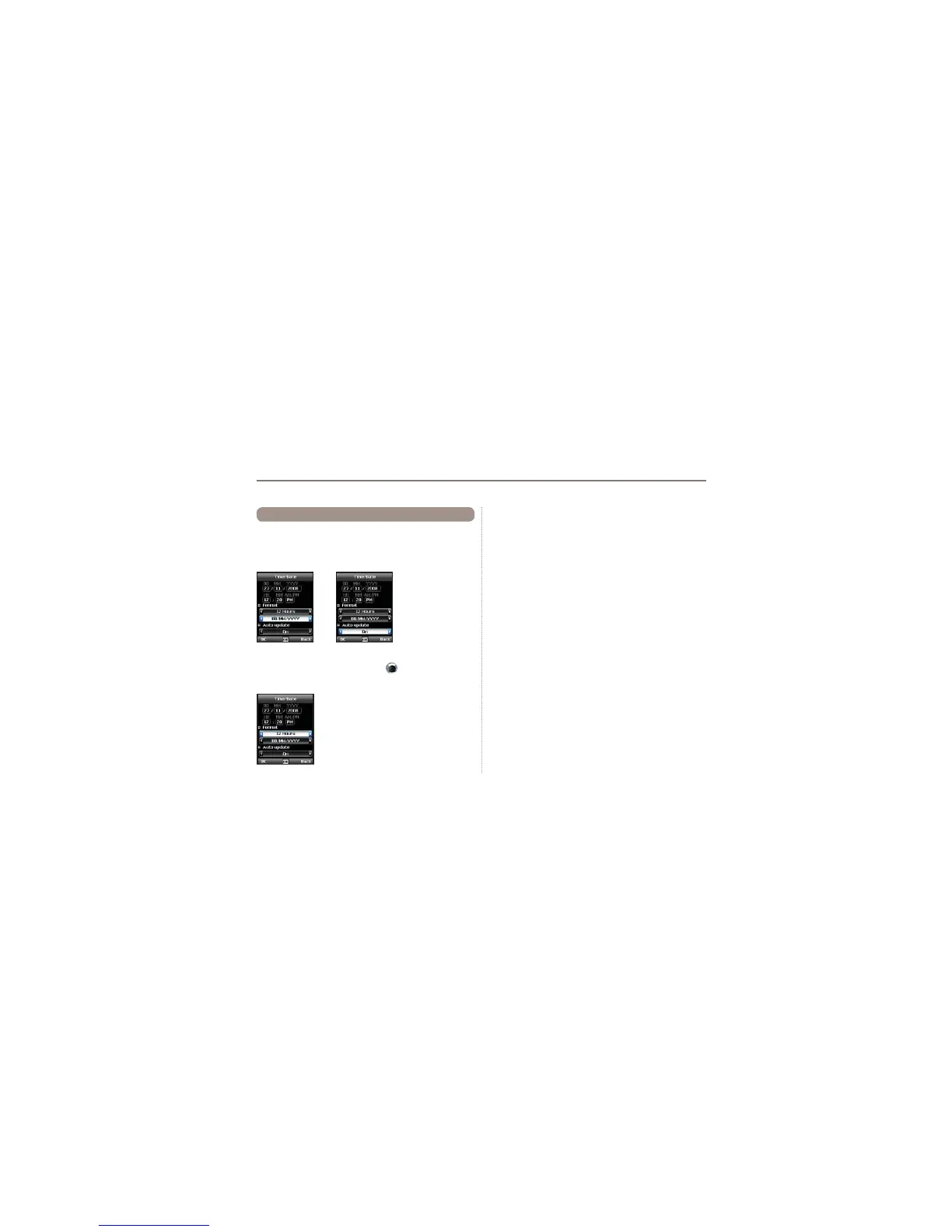
Menu > 7. Settings > 5. Time/Date
Select your desired date and time format that shall be used in
your phone. Press the navigation keys
to navigate through
the menu.
7.5 Time/Date
Auto update
The Auto update service uses the GPS information of your
Thuraya XT. For some areas with deviating time zones, the
correct time cannot be determined. In this case please use the
manual time setting. Please note that you need to have
connection to GPS satellites to use the Auto update service.



 To Next Page