54
03 Using the menu
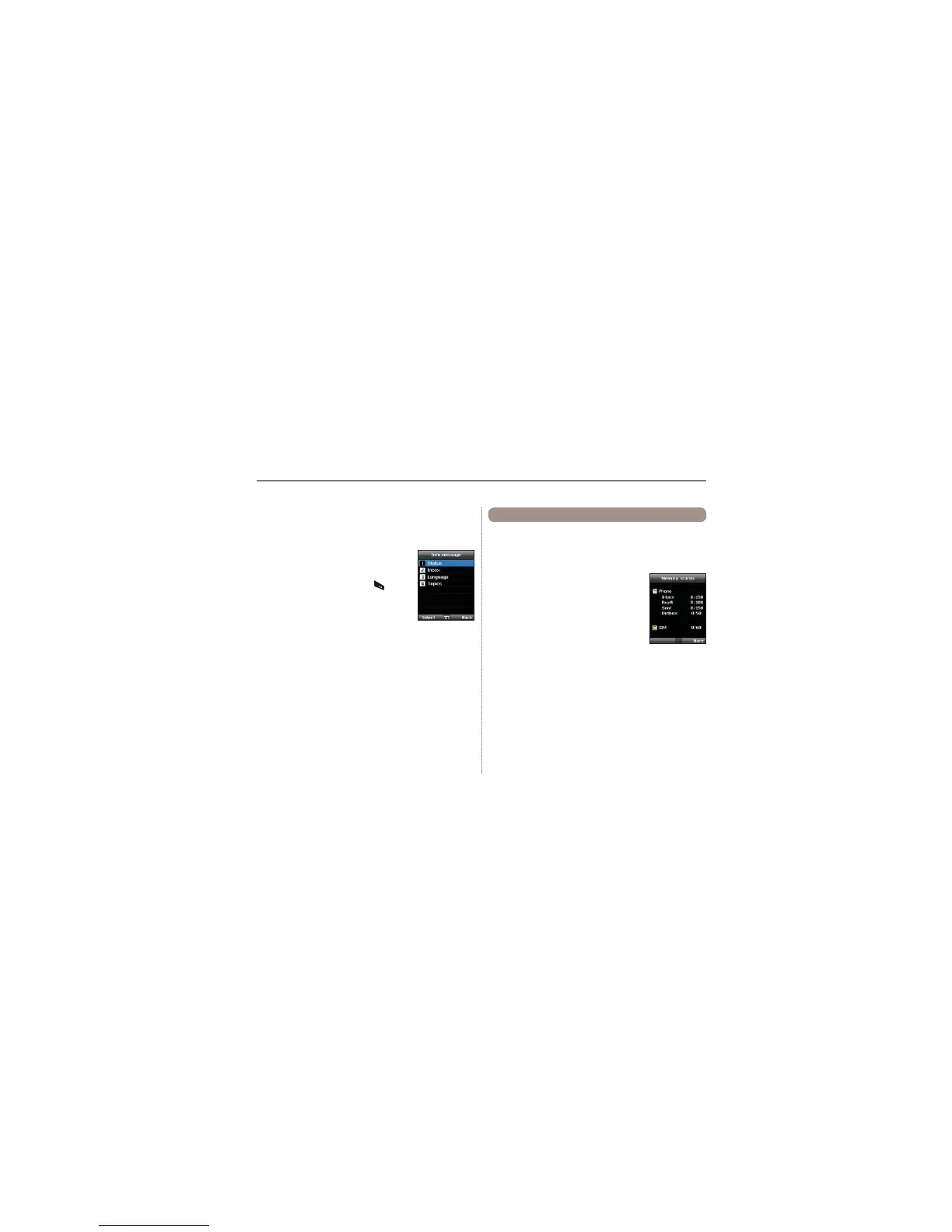
Shows the total and the used memory of the phone and the SIM
card.
- The maximum storage space available in the phone is 450
(Inbox: 150, Draft: 100, Sent: 150, Outbox: 50).
- The maximum number of messages on the
SIM card depends on your SIM type.
Menu > 5. Messaging > 9. Memory status
5.9 Memory status
To receive Info message
In Info message menu:
1.
Status is set to Off by default. Set the Status to On.
2. Select Language and move the cursor over
WKHODQJXDJHWRUHFHLYHIURPWKHFRQ¿JXUHG
Topic, and press the left soft key
to make
a selection.
3. Select
Topics, enter the channel ID and
title to receive, and save.
4. Select the list of generated list of Topics, and perform
Mark by
selecting Option > 5. Mark/unmark.



 To Next Page