40
03 Using the menu
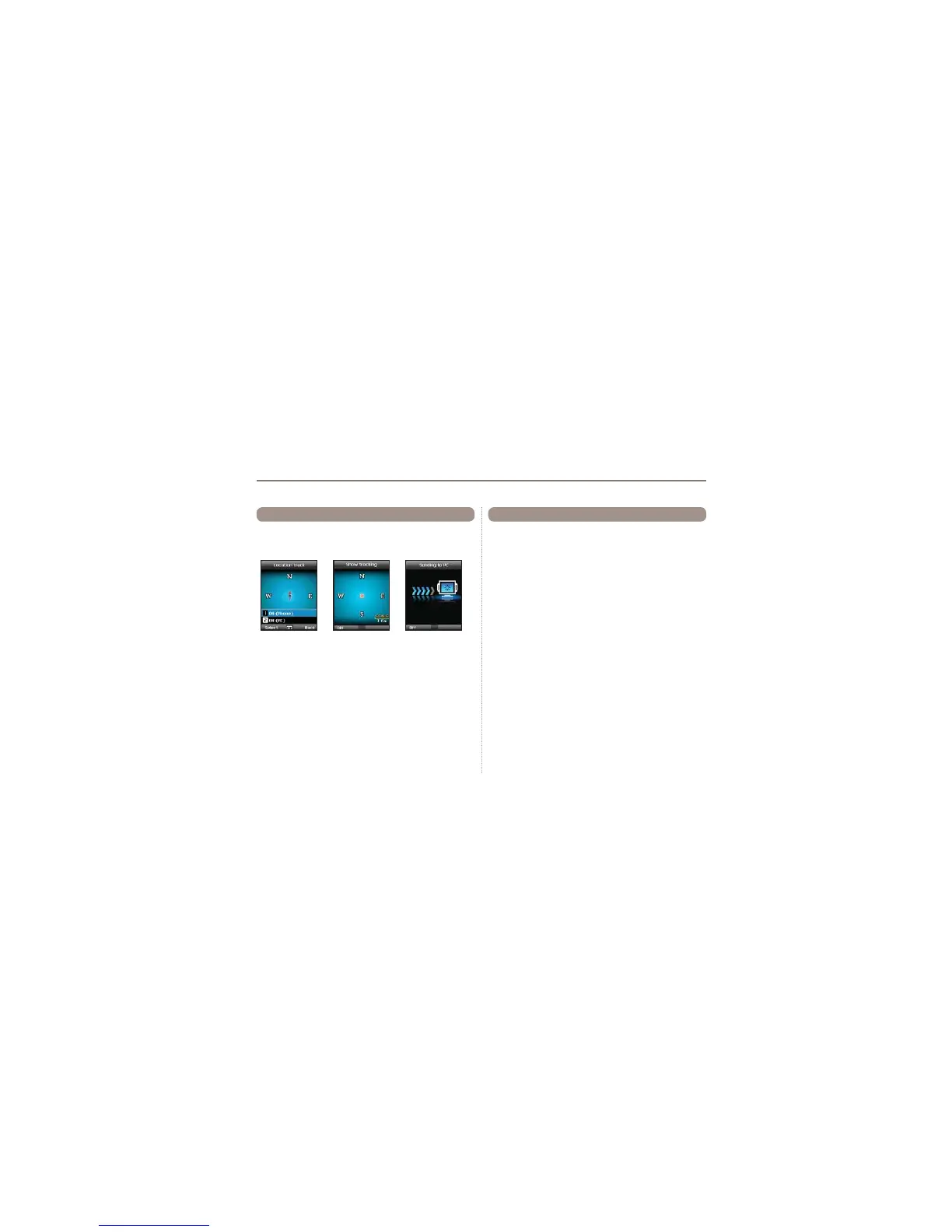
The function of location tracking shows waypoints in your phone
RUVHQGVWKHPWRD3&DWUHJXODULQWHUYDOVDVFRQ¿JXUHGLQ
Tracking time (2.5.2).
Functions supported in Location tracking:
1. To show the tracked waypoints in your phone
Start > ON (Phone)
1.1 Start
Starts tracking the location of the phone.
1.2 View
Shows the information of saved tracks (up to 10 tracks).
1.3 Delete
Deletes information of saved tracks.
2. To send the tracked way points to a PC
Start > ON (PC)
2.4 Location tracking 2.5 Setting
Ɣ
2.5.1 Format
The GPS information can be shown in six formats:
DD.ddddd,
DD/MM/SS.ss, DD/MM/SS, DD/MM.mm, MGRS, and UTM.
Ɣ
2.5.2 Tracking time
You can select tracking intervals from
1 Second to 1 Hour.
Please note that only 200 waypoints can be saved. (If you select 1
Second interval, the tracking will stop after 200 seconds.)



 To Next Page