36
03 Using the menu
Every time you save a contact you can choose whether to save the
number directly on the phone or on the SIM card. If you want to copy
entries from one location to the other use the Copy function.
Select if you want to use
Ɣ
SIM to Phone
Ɣ
Phone to SIM
After that you can choose if you want to copy
Ɣ
Only one contact
Ɣ
All contacts
1.5 Copy
Deletes contacts saved on the phone or the SIM card.
Choose whether to delete all contacts at once or individually.
Ɣ
Phone
Ɣ
SIM
Ɣ
Phone & SIM
1.6 Delete
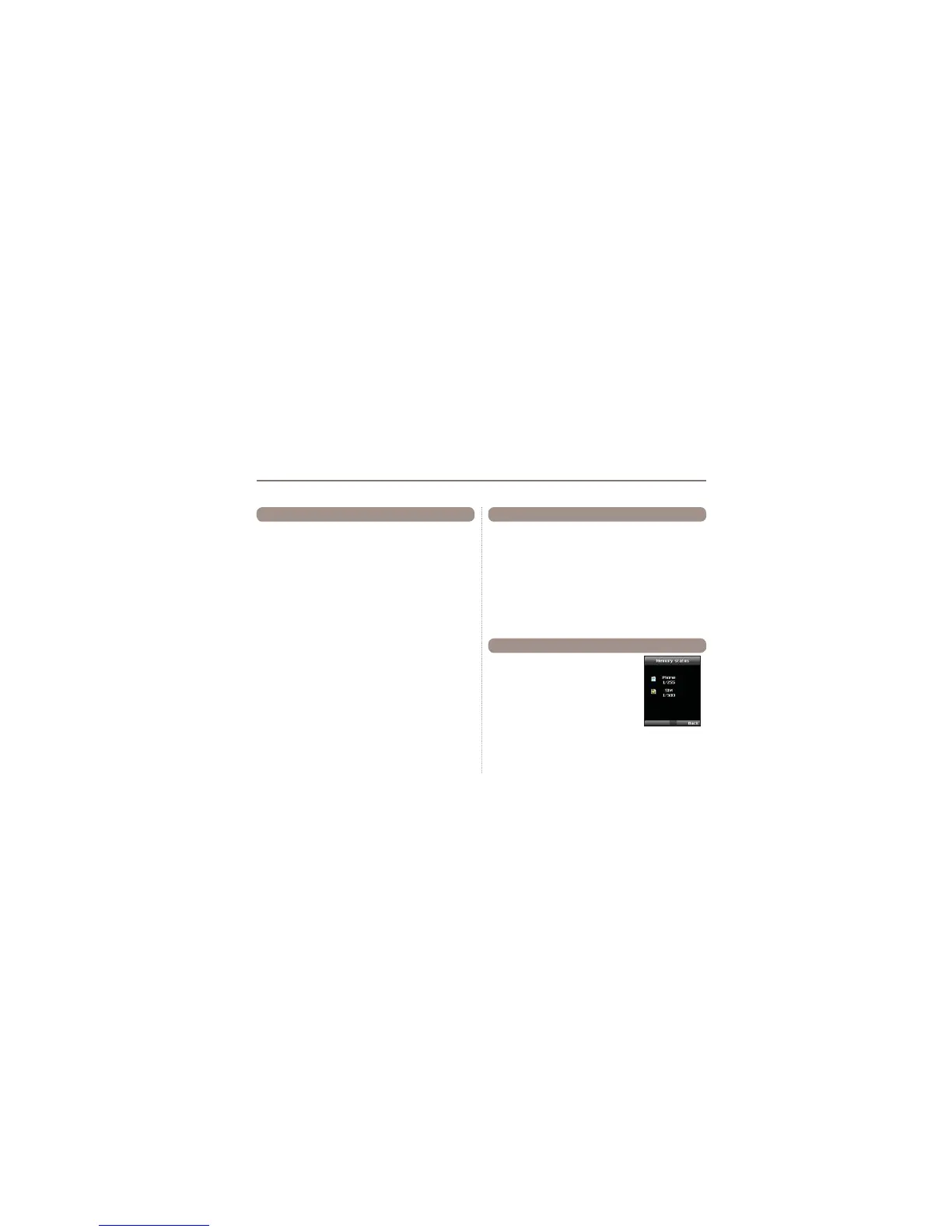
Shows the total space used and the number
of contacts saved in your phone and your SIM
card.
Up to 255 contacts can be saved in the
phone. The number of contacts that can be
saved in the SIM card varies depending on
the type of SIM card and the service provider.
1.7 Memory Status



 To Next Page