42
03 Using the menu
Ɣ
2.6.4 Emergency SMS
Activate or deactivate the Emergency SMS.
Ɣ
2.6.5 Message setup
:ULWH\RXUSUHGH¿QHGPHVVDJHWKDWZLOOEHVHQWLQ
case of an emergency.
Ɣ
2.6.6 Timer setup
Choose the frequency of outgoing messages in case of an emergency
(every 3 minutes to every 2 hours).
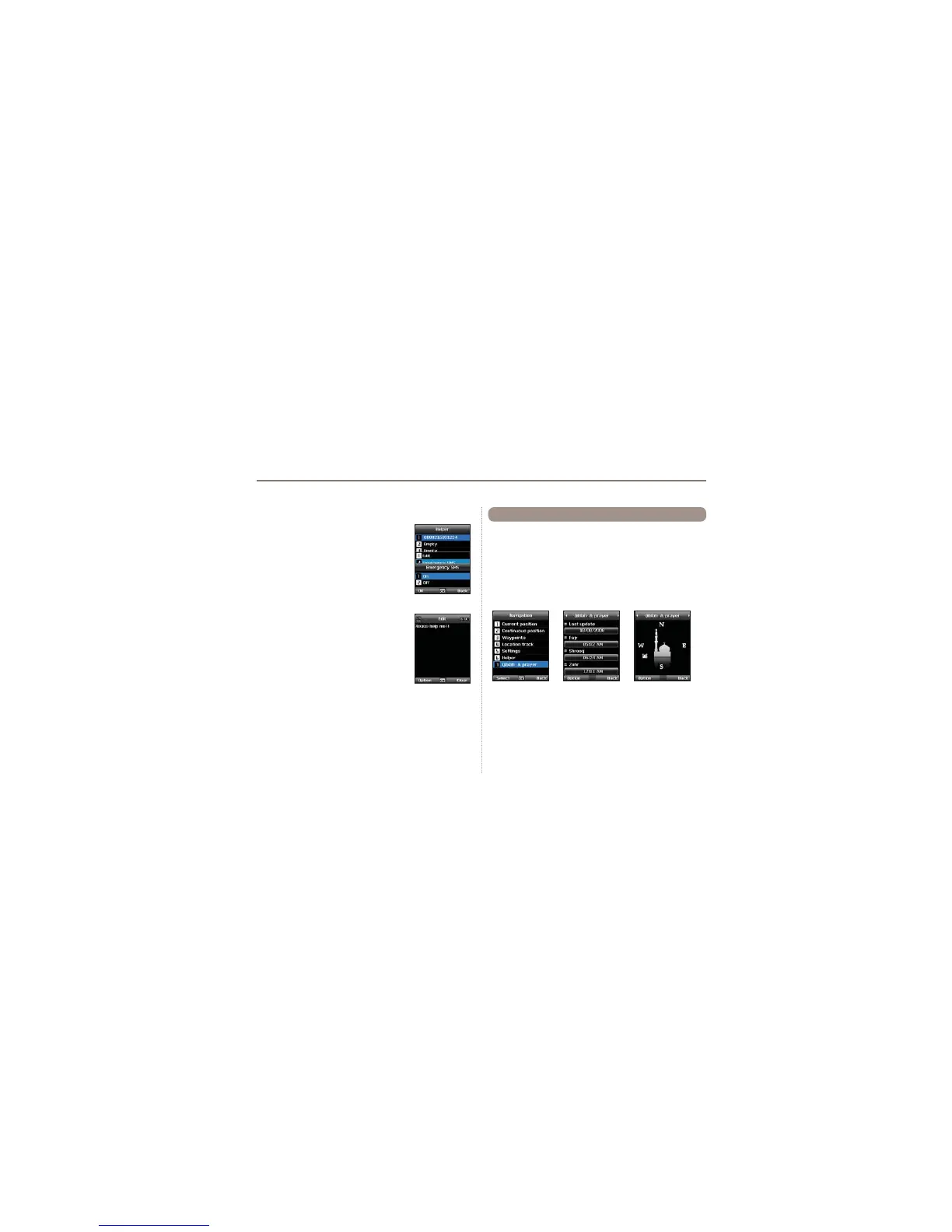
Provides information about the Islamic prayer direction (Qiblah)
and prayer timings.
1. Acquire GPS in SAT mode.
Menu > 2.Navigation > 1.Current position
2. Send the GPS position via SMS to 1400 or 1411.
3.You will get a Qiblah message.
4. Afterwards you will have a new menu item:
Menu > 2.Navigation > 7.Qiblah & prayer
Qiblah & Prayer supports the following sub-functions:
1. Receive prayer timings in your area.
Option > Update time
2. Receive prayer direction in your area.
Option > Muslim faith
3.Set Qiblah & Prayer alarm
Option > Prayer reminder
4. Get a new Qiblah position
Option > Find Qiblah
2.7 Qiblah & Prayer



 To Next Page