62
03 Using the menu
7.2.9.2 Cost limit
Allow you to set a maximum cost limit. Once this limit is reached no
further calls can be initiated.
Press the left soft key or the center key and enter your
four-digit SIM PIN2 code to use the corresponding function.
7.2.9.3 Display cost
Choose whether you want to display the cost information upon the
conclusion of calls.
Select On or Off, and press the left soft key
or the
center key
.
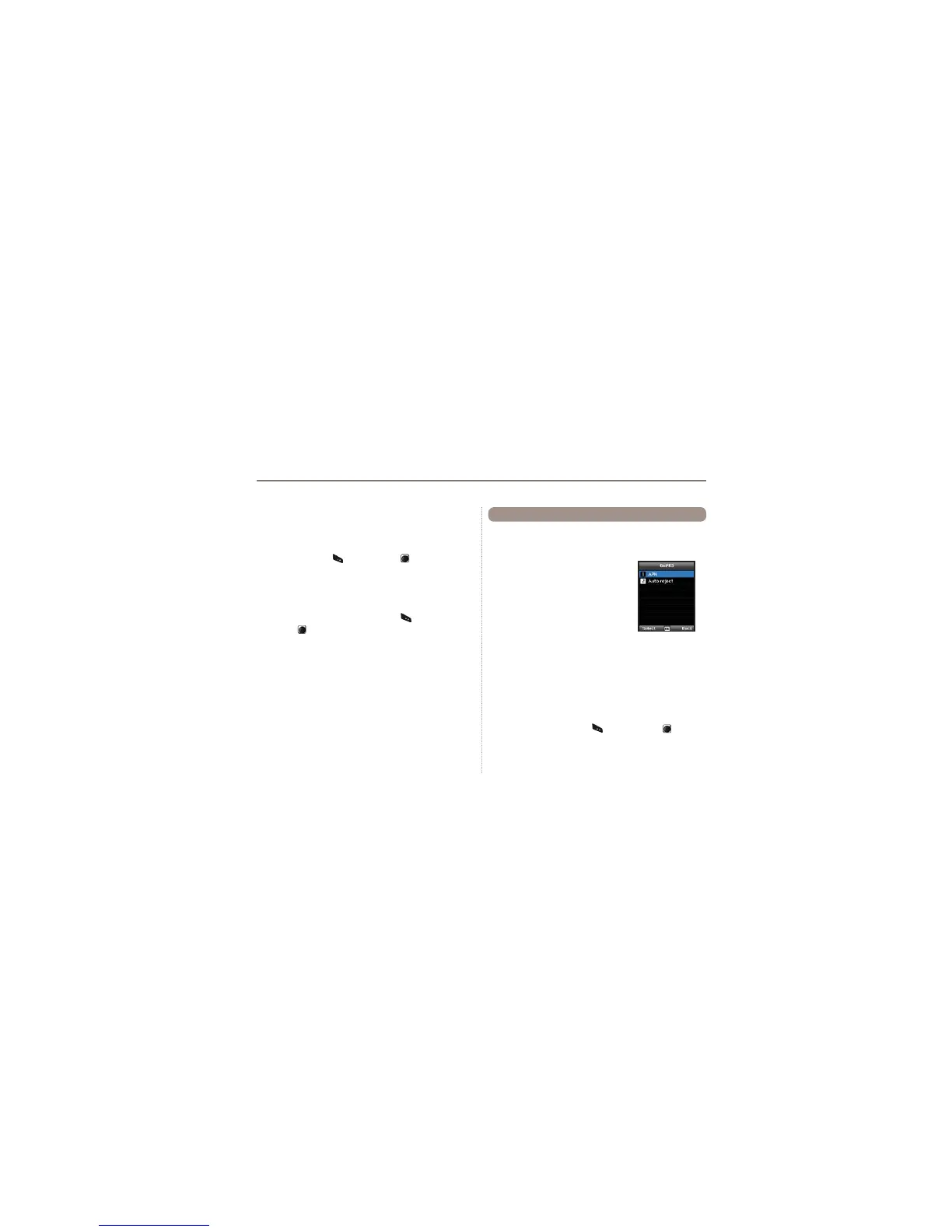
You can change the settings of your GmPRS connections.
Ɣ
7.3.1 APN
Access point name is required when you
connect to the network service provider.
Access point name can be changed, added,
or deleted.
The default setting is
get, and this access
point name can be changed.
Up to three access point name can be
FRQ¿JXUHG6HOHFWRQO\RQHWRXVHZKHQWKHUHDUHPRUHWKDQRQH
access point name.
Menu > 7. Settings > 3. GmPRS > 1. APN
Ɣ 7.3.2 Auto reject
This function determines whether to reject the incoming call when
GmPRS connection is active.
To activate this function, select the corresponding menu, select
On, and press the left soft key or the center key to
complete the setting.
7.3 GmPRS



 To Next Page