46
03 Using the menu
6. Press Save to apply the change
Ɣ
4.1.2 Alarm 1 and Alarm 2
To set Alarm 1 or Alarm 2 follow the same instructions.
Please note that for Alarm 1 and Alarm 2, the Auto power On/Off
function is not available.
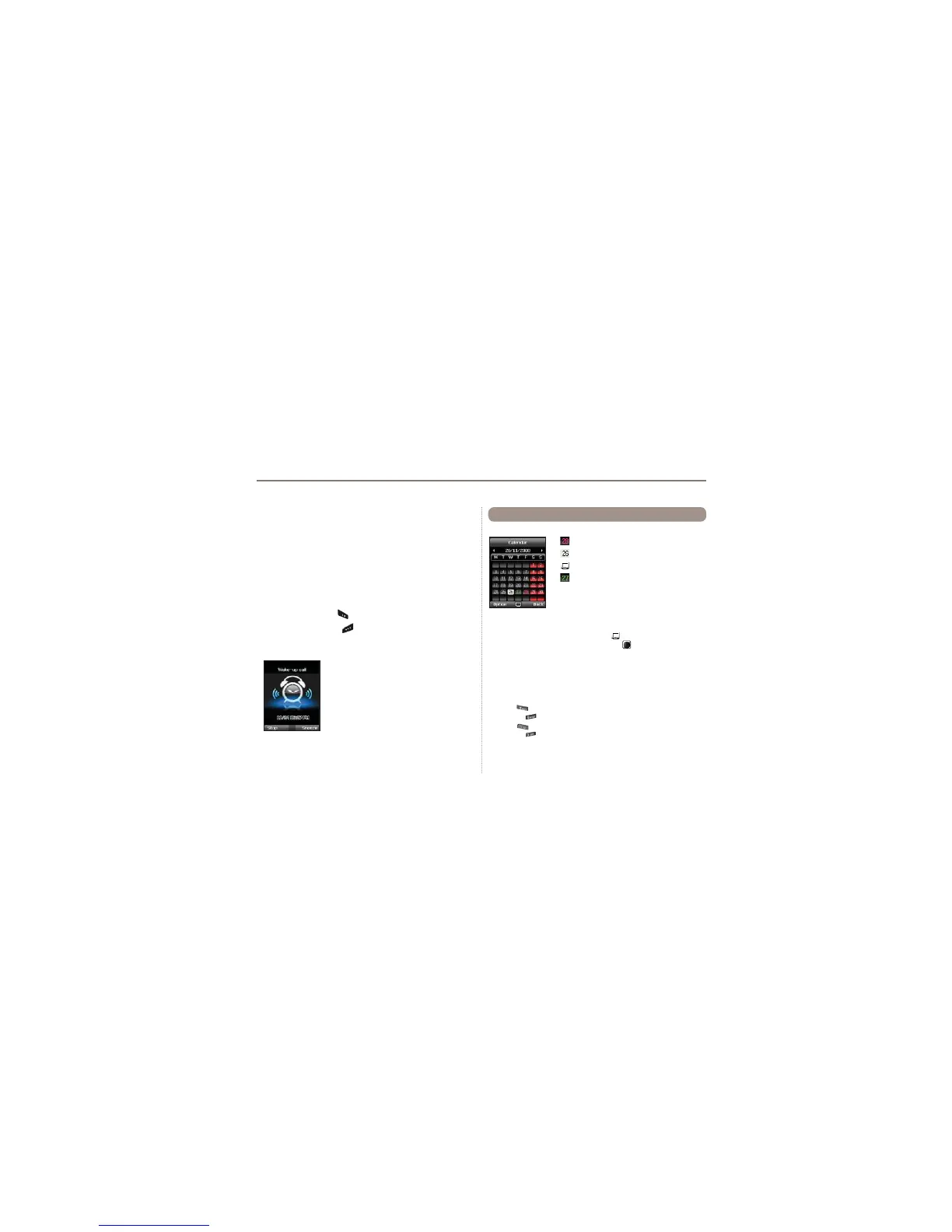
To switch off Alarm:
1. Press the left soft key
(Stop) to end the alarm.
2. Press the right soft key (Snooze) if you want the alarm
to repeat. The alarm repeat function remains as previously
FRQ¿JXUHG
1. Add an entry at the selected date
Option > Add
2. View the entry on a selected date
Option > View or press the center key
3. Delete all entries
Option > Delete All
To delete entries by date, please use the Delete in calendar view
*RWRDVSHFL¿FGDWH
Option > Go to date
Press to go back one month before today
or press
to jump to the next month.
Press
to go back one year before today
or press
to jump to the next year.
5.
6HWWKH¿UVWGD\RIWKHZHHNLQ\RXUUHJLRQ
Option > Settings Week starts on
4.2 Calendar
Day with an entry
Currently selected date
Currently selected date with content
Today



 To Next Page