37
03 Using the menu
01
02
03
04
You can determine your current position using
the GPS (Global Positioning System) of your
Thuraya XT.
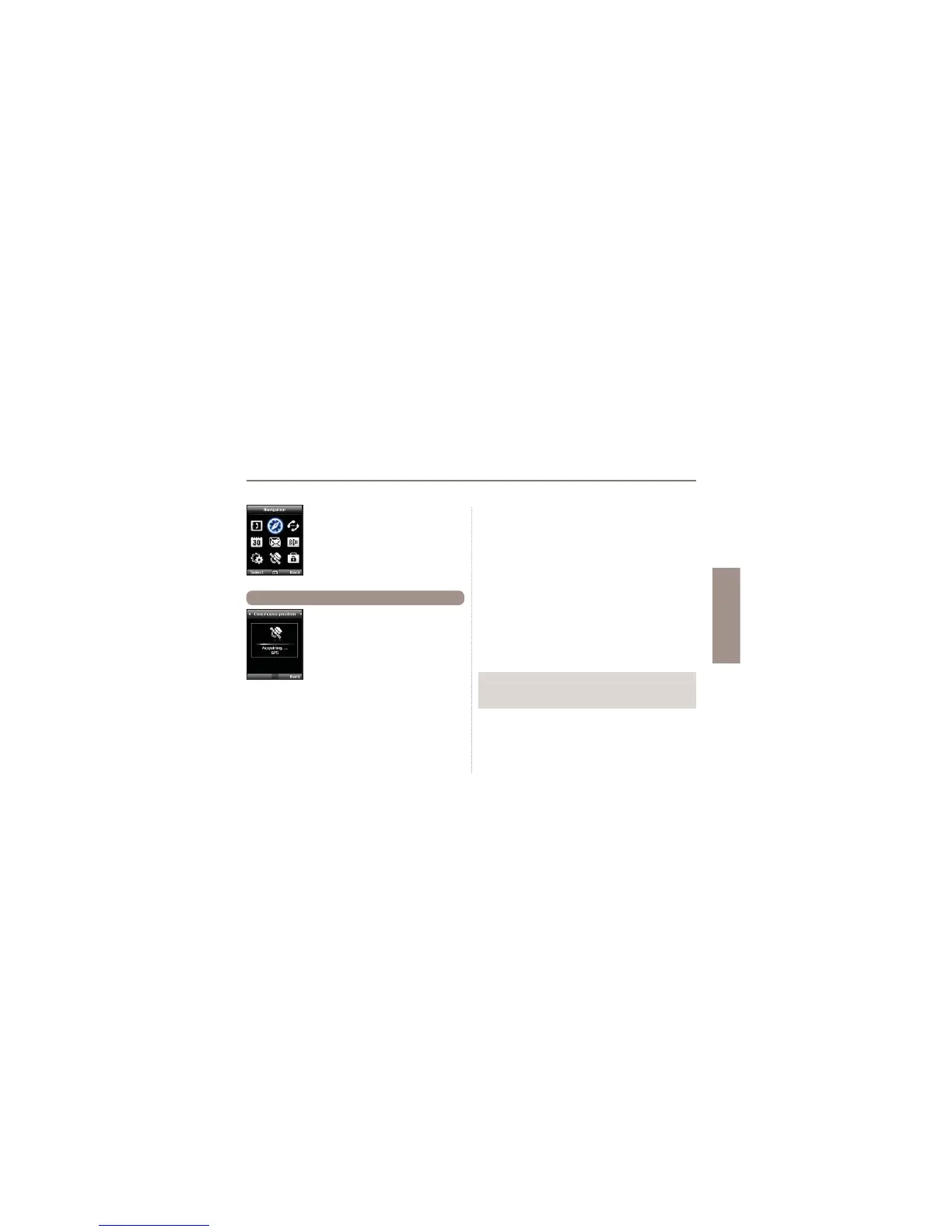
Menu >2. Navigation > 1. Current position
2.1 Current position
2. Navigation
Use the Navigation function to determine your
current position, the direction and distance to
a destination or track your position by sending
GPS data to a PC or laptop.
Note
Ɣ The correct connection settings should be selected and the data
cable should be connected before starting.
After receiving your current GPS data you can use the
following options:
1. To save your current position as a Waypoint (see page 39) use.
Option > Save
2. To compare your current position with a previously saved
Waypoint (which will give you the relative position) use
Option > Relative position
3. To transmit your current position via SMS use
Option > Send via SMS
4. To transmit your current position to a PC or laptop
(while being connected via data cable) use
Option > Connect to PC



 To Next Page