24
02 Getting started
2. Receiving a call
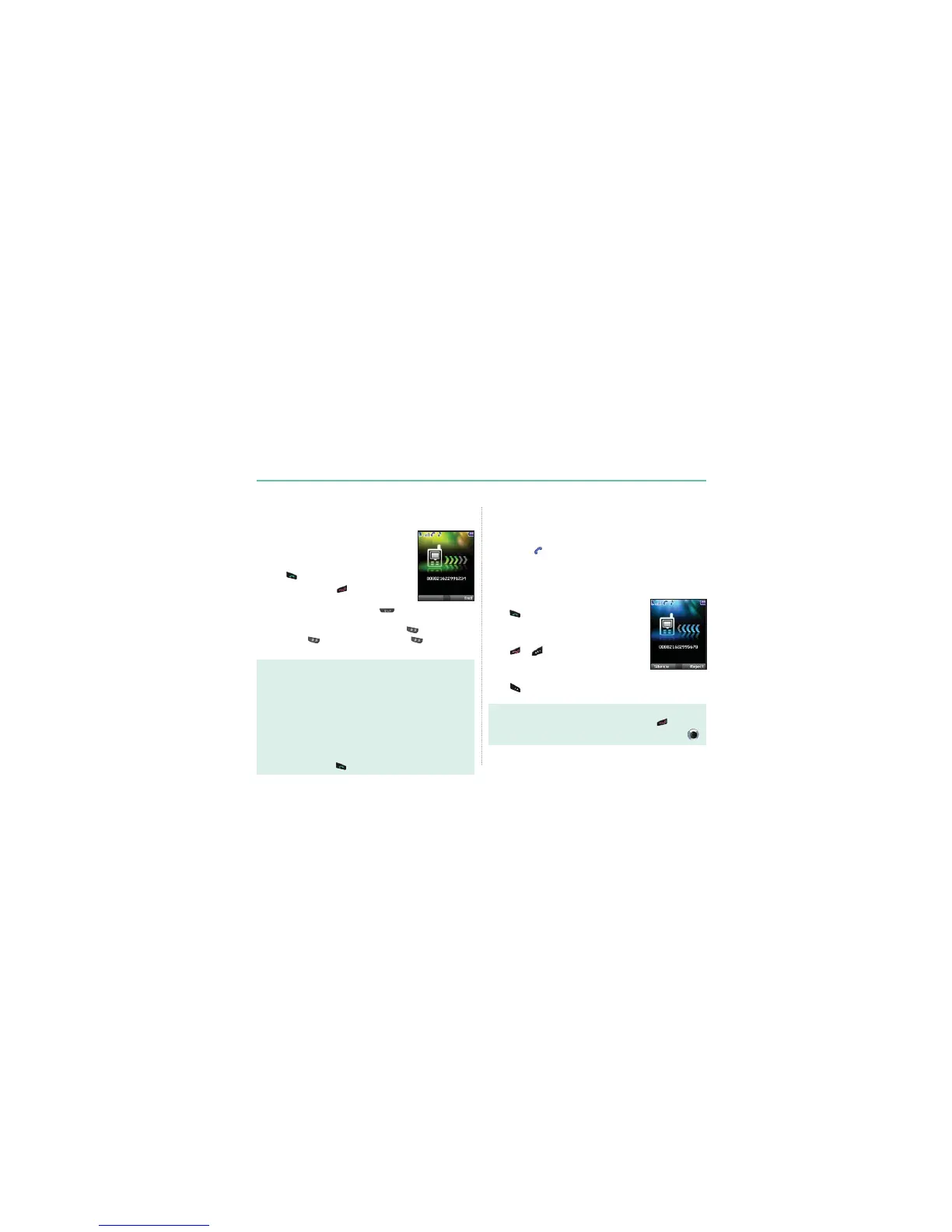
$QLQFRPLQJFDOOLVLQGLFDWHGDVIROORZV
Ɣ
You will hear the selected ringtone.
Ɣ
$ÀDVKLQJ is displayed.
Ɣ
The number of the caller will be displayed on the screen
(if the number is transmitted). If the number is stored in the
contact list the corresponding name will be displayed.
Accept a call
Press .
Reject a call
Press
or 5HMHFW
Mute the ringing
Press
(Silence).
Note
Ɣ
7RUHMHFWDQLQFRPLQJFDOOGXULQJDQRWKHUFDOOSUHVV .
Ɣ
Sound volume during a call can be increased/decreased by using .
Making and receiving calls
,QRUGHUWRPDNHDFDOO\RXPXVWEHFRQQHFWHGWRDQHWZRUNDQG
KDYHDQDGHTXDWH6$7VLJQDO
1. Making a call
1. Enter a phone number using the keypad.
2. Press
.
3. To end the call press
.
7RPDNHDQLQWHUQDWLRQDOFDOOSUHVV until the + symbol
DSSHDUV2QFHLWLVGLVSOD\HGHQWHUWKHFRXQWU\FRGHZLWKRXWWKH
OHDGLQJ¶V:KHQHQWHULQJDQXPEHUSUHVV once to input *
V\PEROSUHVV twice to input P and press three times to
input W.
Note
'H¿QLWLRQRIWKHIXQFWLRQ3DQG:
Ɣ
3SDXVHVHFRQGV
3IXQFWLRQDXWRPDWLFDOO\VHQGV'70)WRQHVZLWKRXWXVHULQWHUYHQWLRQDERXWWKUHH
VHFRQGVDIWHUFRQQHFWLQJWRWKH$56QXPEHUHQWHUHGE\WKHXVHUIRUWKHFRQYHQLHQFH
RIWKHXVHRI$56IUHTXHQWO\XVHGE\WKHXVHU([DPSOH'LDOLQJ3FRQQHFWV
WRWKHQXPEHUDQGVHOHFWVDQGRI$56RSWLRQVDXWRPDWLFDOO\
Ɣ
:ZDLW:DLWIRUVSHFL¿FXVHUHYHQWV
(Example) The key sequence “114w1 w 2 w 5 =>Send” will dial the number
DQGVHQGV'70)WRQHVFRUUHVSRQGLQJWRDQGVHTXHQWLDOO\
each time the user press
after connecting to number 114.



 To Next Page